EasyManua.ls Logo

Preproofer 770 - Page 103

Preproofer 770
126 pages
Print Icon
To Next Page IconTo Next Page
To Previous Page IconTo Previous Page
Loading...
Printer Panel Configuration
Parameter Setup TOP and BOTTOM printer
10
Preproofer x700 / x900 HW Installation Manual 10-39
PP x700/x900 v1.7
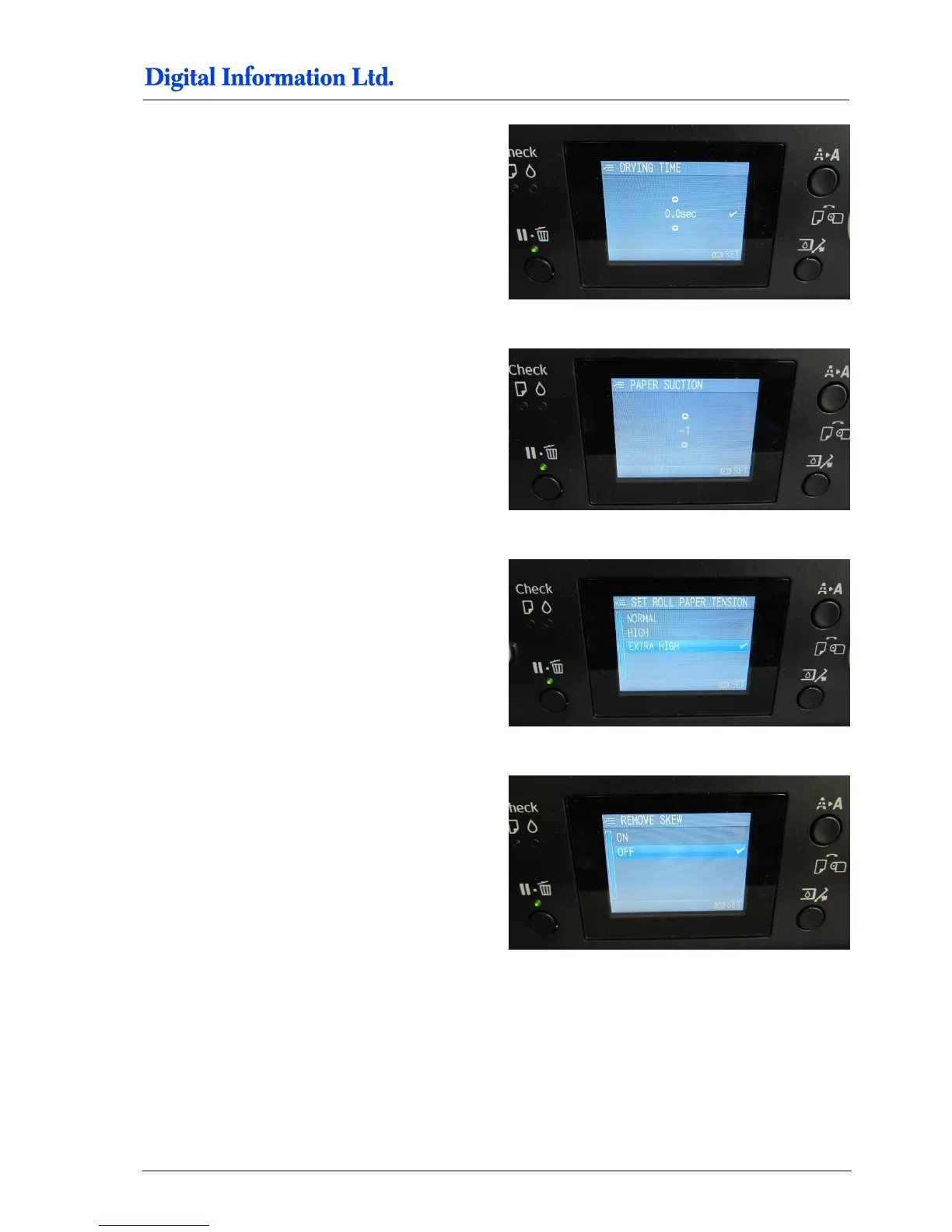
Stay in the “Paper NO.1” “, open the entry “Drying
Time” and select “0.0sec”.
Stay in the “Paper NO.1” “, open the entry “Paper
Suction” and select “-1”.
Stay in the “Paper NO.1” “, open the entry “Set Roll
Paper Tension” and select “Extra High”.
Stay in the “Paper NO.1” “, open the entry “Remove
Skew” and select “OFF”.


Table of Contents