6.6 CUT MOTOR Setup
6.6.1 Remove the CUT Motor Cable
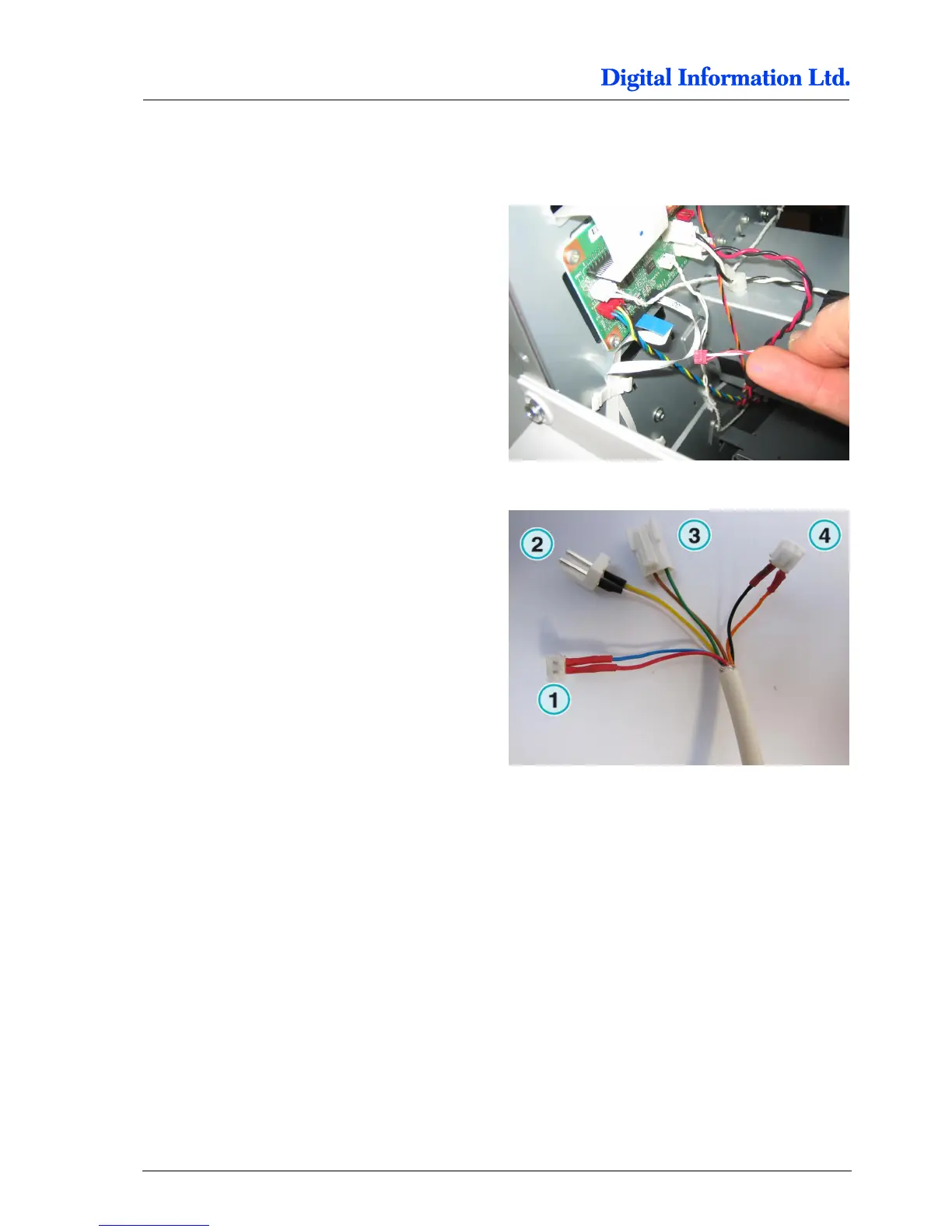
Take off the Cut Motor connector at the PCB board,
identified by WHITE / RED cable pair.
Plug the Cut Motor cable to the connector 1 from
the Electronic Box.
Plug the connector 4 from the Electronic Box into
the PCB board where previously the original Cut
Motor cable has been connected.



 To Next Page