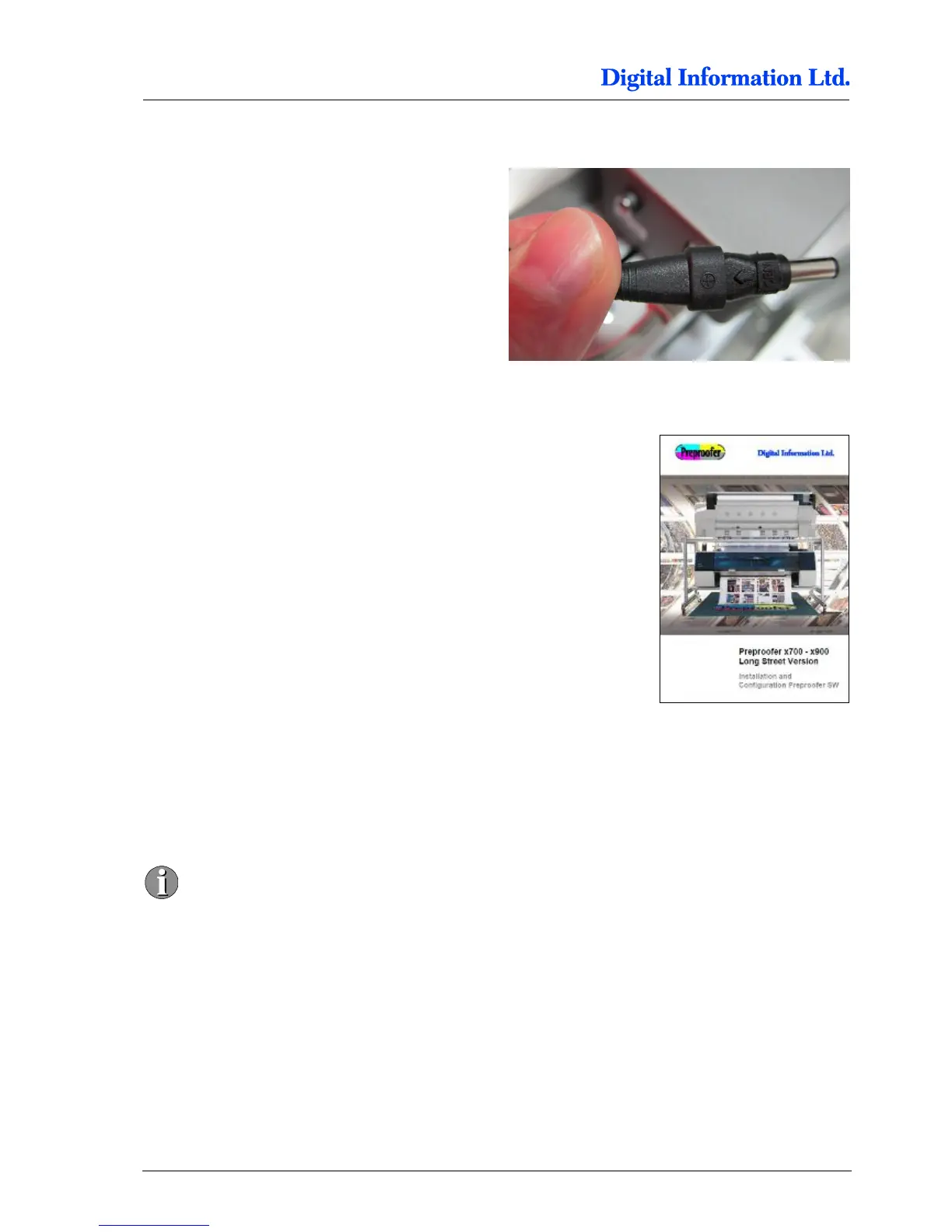
Setup the connector like shown.
12.3 Setup the Lantronix Device
To connect from the computer to the Electronic Box,
you need to install and configure the Lantronix
Device (built in Ethernet to Serial converter).
See the document “Quick Start SW for Preproofer
LONGSTREET x700 x900 english.pdf”, chapter
“Install the software for the Electronic box”
12.4 Run the Test Program
Install the DI-Pilot software which is available on the
delivered Preproofer CD.



 To Next Page