EasyManua.ls Logo

Preproofer 770 - Test Printer Panel Cable Connection; Test Paper Down BACK; Test Pause BACK

Preproofer 770
126 pages
Print Icon
To Next Page IconTo Next Page
To Previous Page IconTo Previous Page
Loading...
Test Printer Panel Cable Connection
Test „Paper Down BACK“
14
Preproofer x700 / x900 HW Installation Manual 14-1
PP x700/x900 v1.7
14 Test Printer Panel Cable Connection
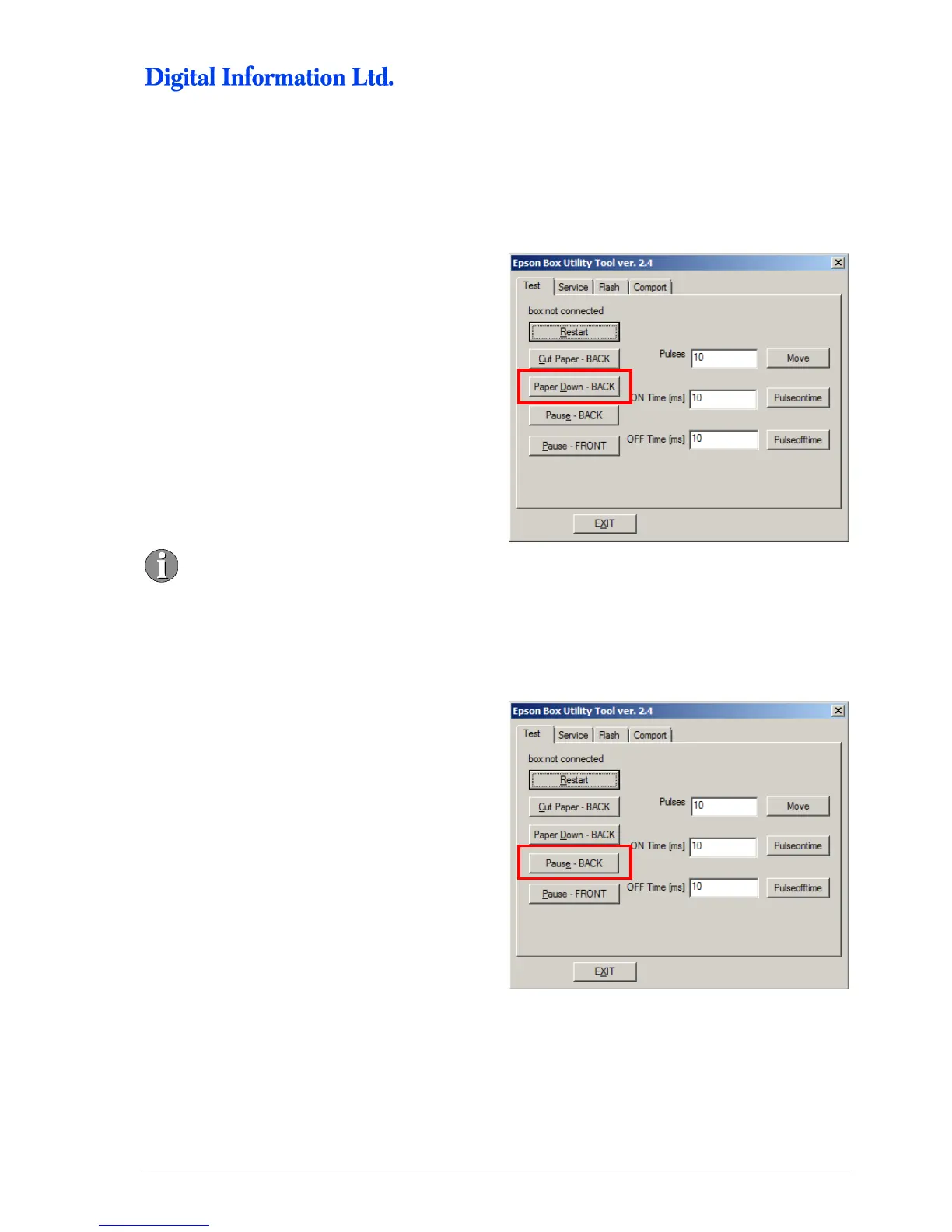
14.1 Test „Paper Down BACK“
Test the button:
- Paper Down BACK
Simulate like:
At the Bottom printer enter at the panel the “Menu”.
Now press “Paper Down BACK” on the software
GUI. Check the panel again; the next entry below is
selected.
The UI may vary from version to version.
14.2 Test „Pause BACK“
Test the button:
- “Pause BACK”
Simulate like:
At the Bottom printer the status of the printer toggles
between “Ready” and “Pause”. Check it on the
panel.

Table of Contents