Prepare the BACK Printer
Optional: Remove the Paper Roll Back Cover
6-2 Preproofer x700 / x900 – HW Installation Manual
6.2 Optional: Remove the Paper Roll Back Cover
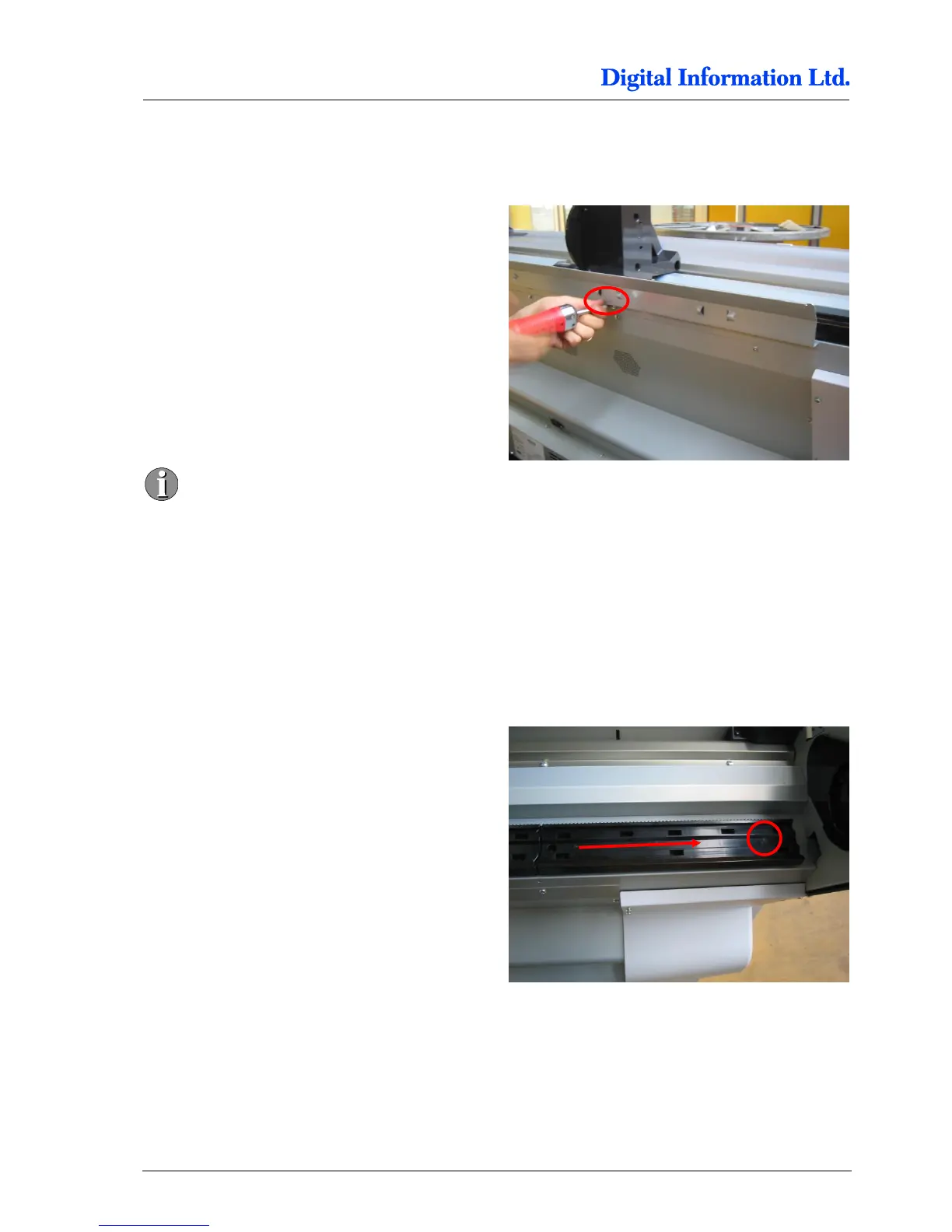
6.2.1 Take off the Screws
Take off the screws and remove the back metal
cover.
It might be a good idea to leave this angled
cover attached to the printer to use this area
to place the two rollers during the paper
load process.
6.3 Remove the Roll Adapter Holder and Guide
6.3.1 Take off the Guide
Start on the left hand side. For each guide, take off
one screw and push afterwards the guide to the left.



 To Next Page