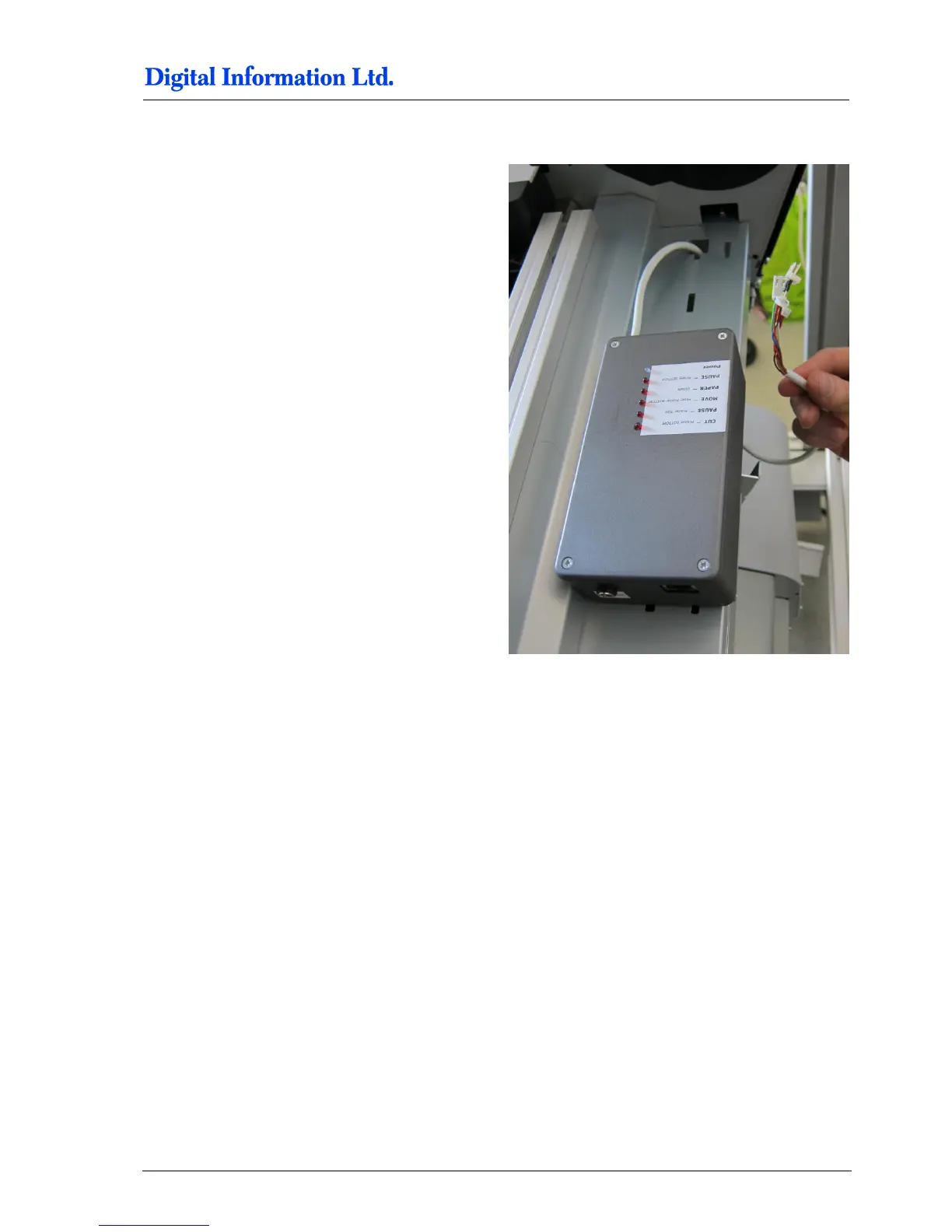
9.14 Mount the Electronic Box
Mount the box with the Velcro tape to the printer.
Pull the cables through the hole to the PCB board.
9.15 Align the Printers
9.15.1 Paper Path
To align the two printers for the paper path, print the
test job “Job for Printer Alignment FRONT-
BACK.PRN”.
Use the “Print File Sender” program to send the job
into the Front Printer Queue. The program is located
under Start, Program, DI, DI-Pilot, Utilities.



 To Next Page