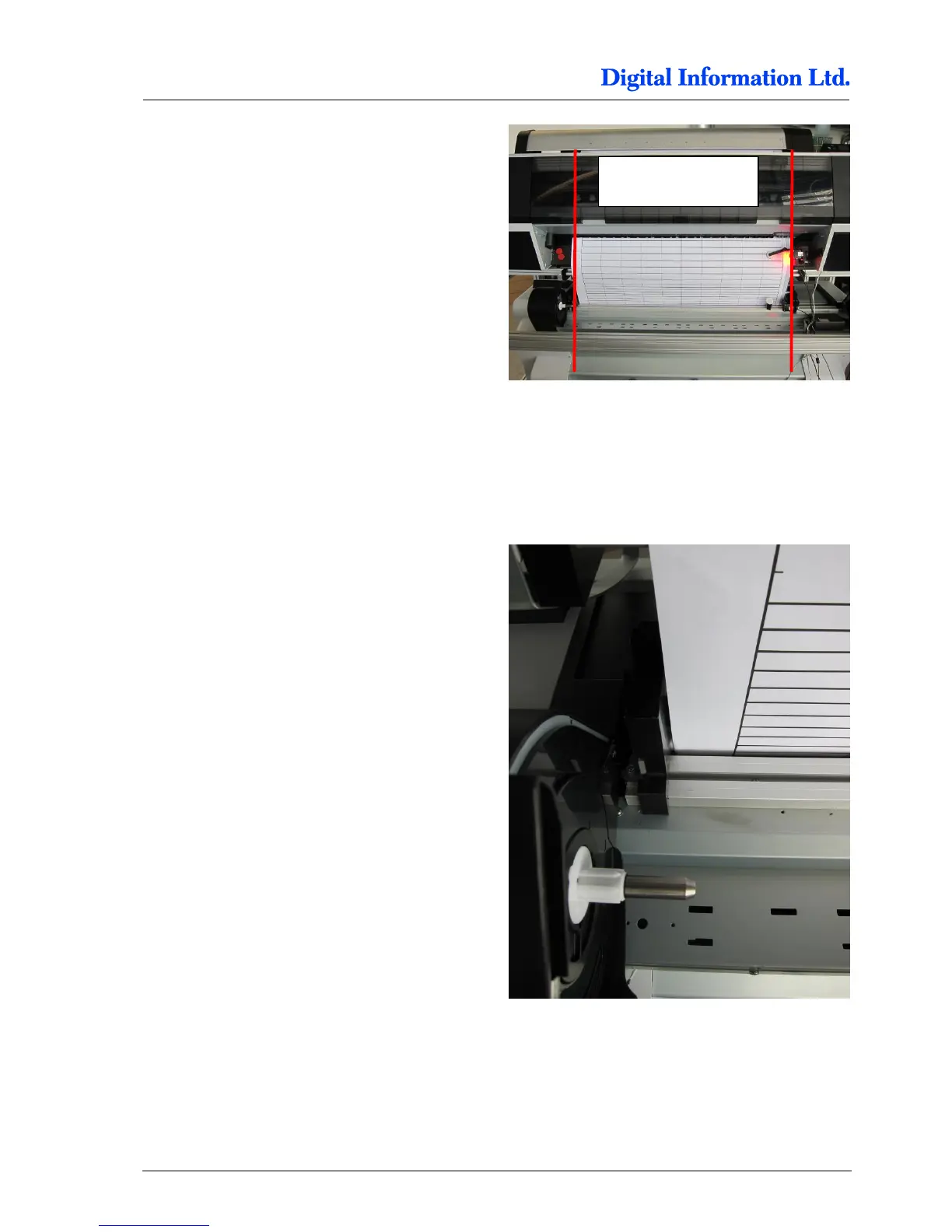
To align the two printers for the paper path, print the
test job “Job for Printer Alignment FRONT-
BACK.prn”. The print job, a prn file, is located in a
programs subfolder called “Testjob”.
Use the “Print File Sender” program to send the job
into the Front Printer Queue. The program is located
under Start, Program, DI, DI-Pilot, Utilities.
Feed the paper coming from the Front printer
through the Back printer.
Consult the “PaperLoading Guide” for feeding the
paper from Top Printer to the Back Printer. PDF is
available in the PDF manuals folder.
Check the Paper edge on the left side. It needs to
pass the mark on the Back printer a bit to the right
side, approx. 1mm.



 To Next Page