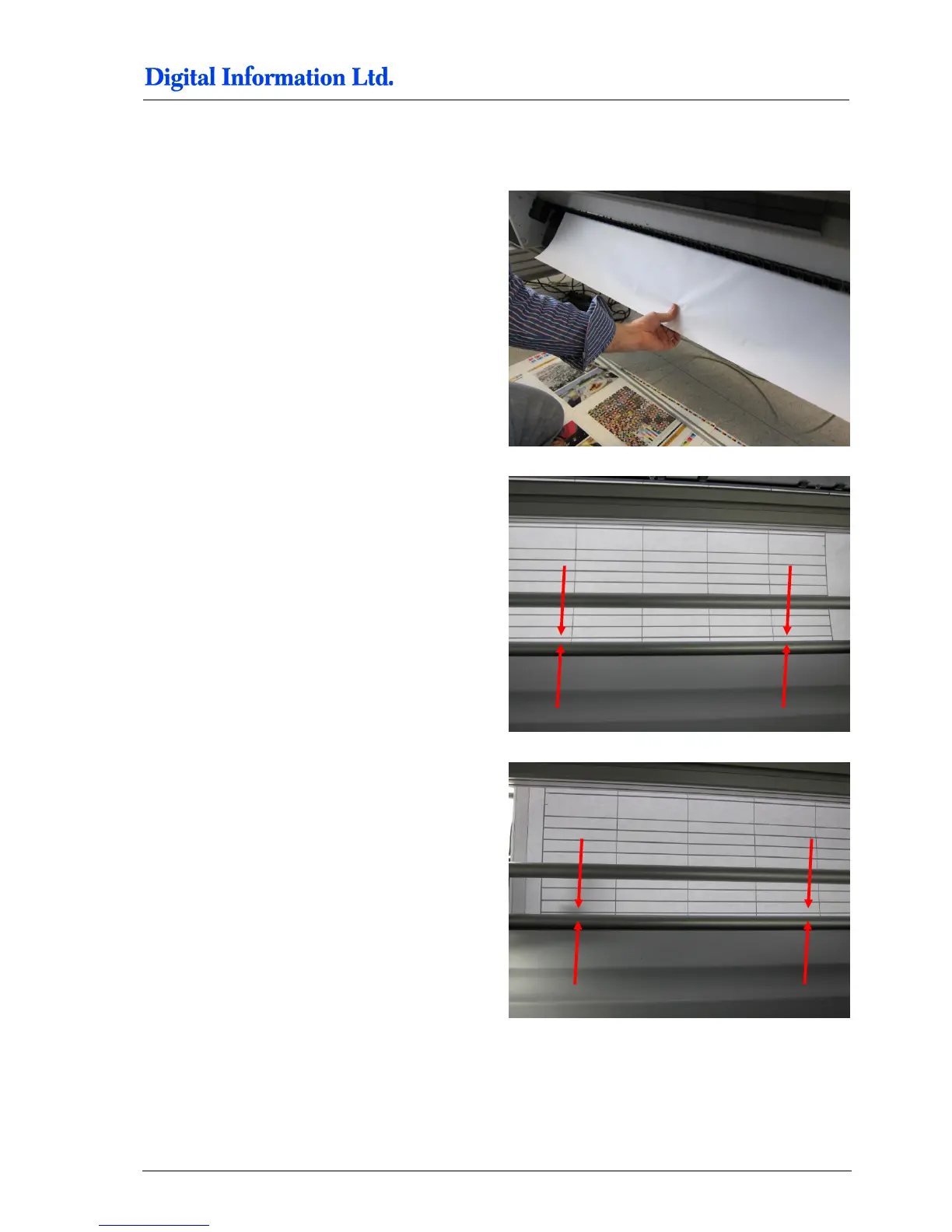
9.15.4 Horizontal Alignment
With the test job, it’s very simple to check the
horizontal alignment.
Pull the paper down
Look at the lines and the tubes. They need to be
perfectly parallel, from right to left and…
from left to right!
If corrections are needed, use the delivered 1,5mm
aluminum plates to put them below the printer stand.
For smaller changes use a washer instead.



 To Next Page