ProntoNetLC User Manual
19
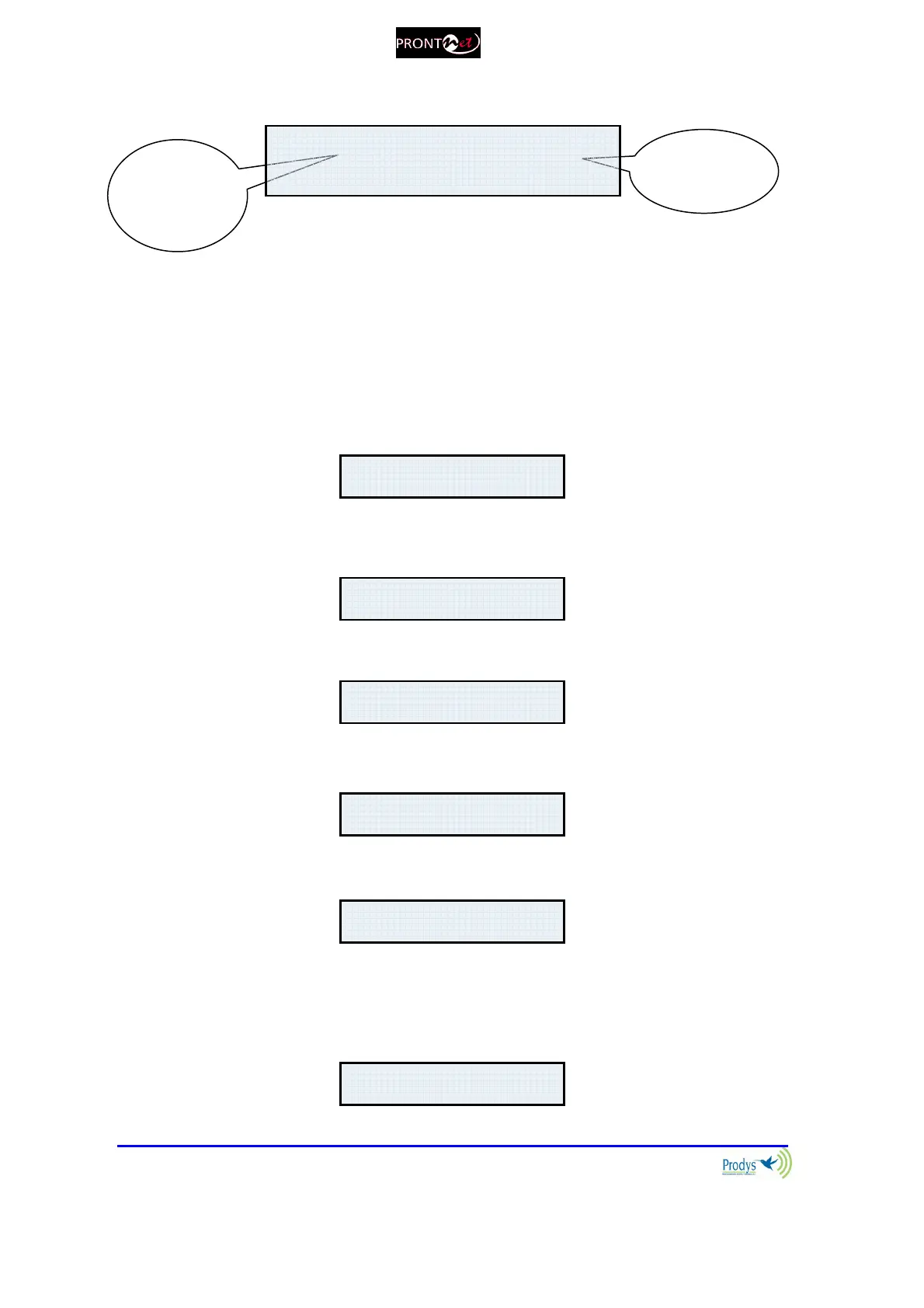
The display will show information in the following way:
The first line shows information about the status of communication Line 1 (Tx),
and the second line shows information about the status of communication Line 1
(Rx), followed by the status of the decoder of line 1.
The communication lines will be in one of the following states:
DOWN: The communication line is not physically detected. Most likely the
interface is not plugged in. The Display shows “DOWN”:
IDLE: The line is detected physically but no connection is being made. The
display shows IDLE and the disconnection code:
Tx CONNECTED: The Tx part of the line is connected. The display shows
“Connected.
Rx CONNECTED: The Rx part of the line is connected. The display shows
“Connected” and the Decoder status:
CALLING: In the process of making a connection. The display shows an
arrow indicating outgoing calling and the IP address:
The Decoder can be in one of the following states:
FRAMED: Audio Synchronised. The displays shows the word “FRAMED”:
and Rx
Line 1
Decoder 1
RX: CONNECTED FRAMED



 To Next Page