ProntoNetLC User Manual
60
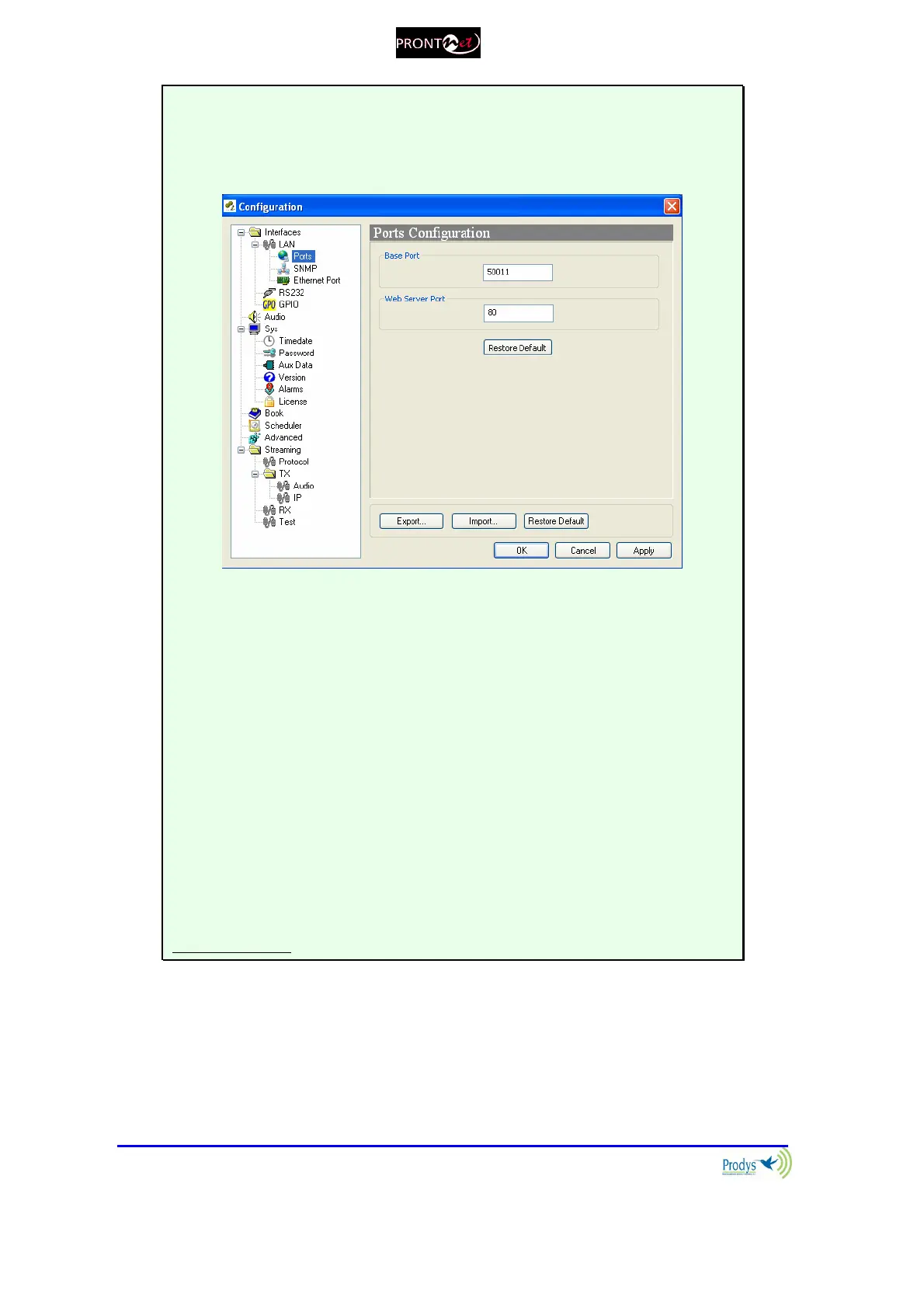
MORE ABOUT THE PRONTONETLC PORTS
Changing ProntoNetLC Ports: The ProntoNetLC configuration menu allows
the user to configure which ports the unit will use for its TCP/UDP/IP
communications from the web page.
There are two different groups:
Web Server Port: By default, it is TCP port 80. This is the internal web server
port.
Base Port: By default, it is 50011 for TCP and UDP ports. This is the first port
of the range of ports used by the unit. From this base port on, up to 30 ports
should opened/forwarded. That is, if the base port is set to 50011, the range of
ports goes from 50011 to 50041, both for UDP and TCP, should be
opened/forwarded in the corresponding router/firewall (when required).
IMPORTANT
The following should be taken into consideration when changing the web
port:
To access the web page of the unit, the new port has to be indicated in
the http address bar of the web browser after the IP address, separated
by a colon:
http://<IP>:<Port> Example: 192.168.0.10:8080



 To Next Page