ProntoNetLC User Manual
61
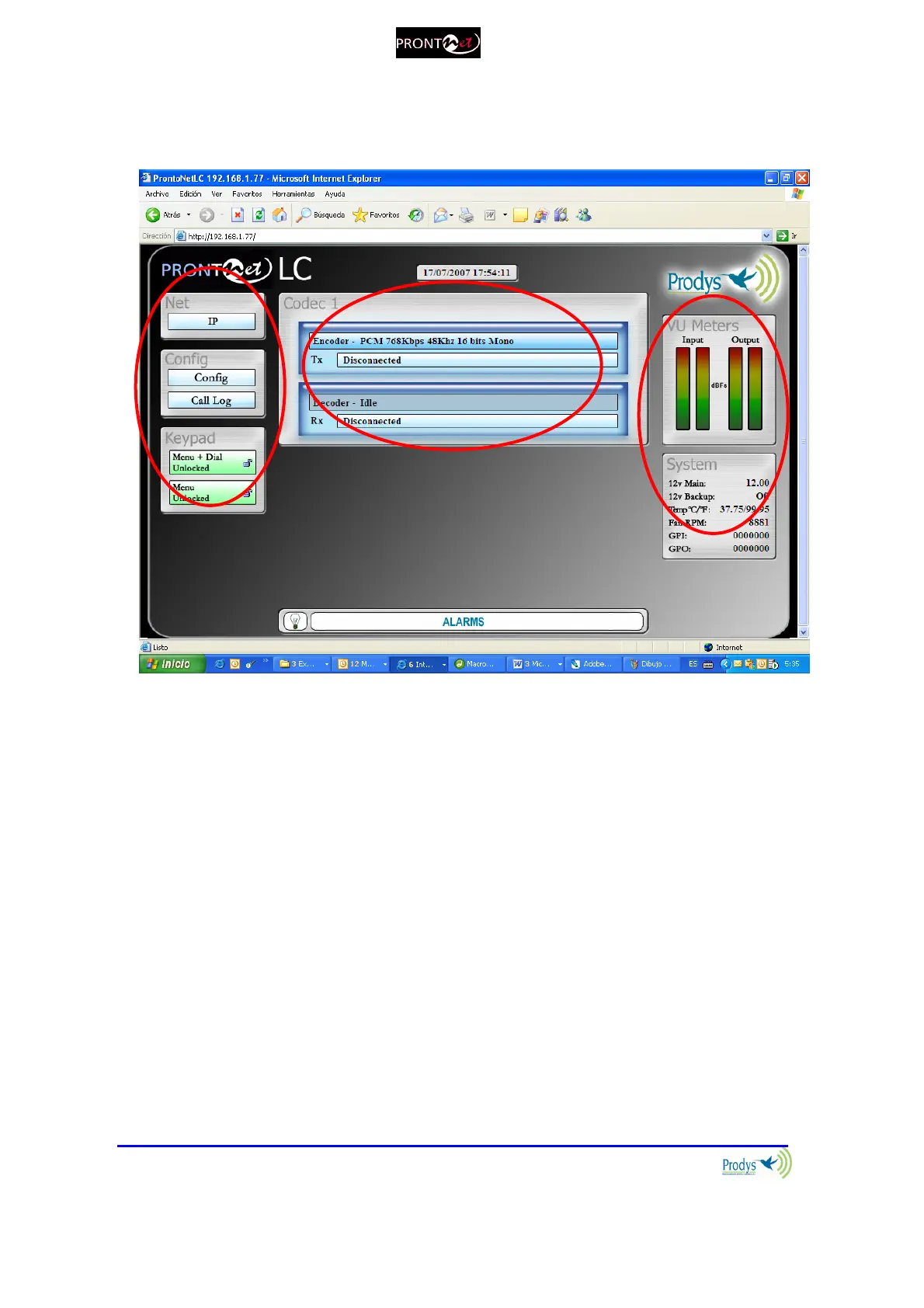
Once the page is entered correctly, the web browser will display the “Home
Page”:
The ProntoNetLC Web page is arranged in three main areas:
General Configuration area.
Control area.
Monitor area.
By clicking on any button on the menu bar or any highlighted zone, individual
configuration pages are displayed.
Clicking on the ‘Call Log’ button brings up the Call Log: A history report has
been included to record the input and output calls according to the following
information: IP address, audio modes, date and start/end time, length of each
call, etc…



 To Next Page