ProntoNetLC User Manual
65
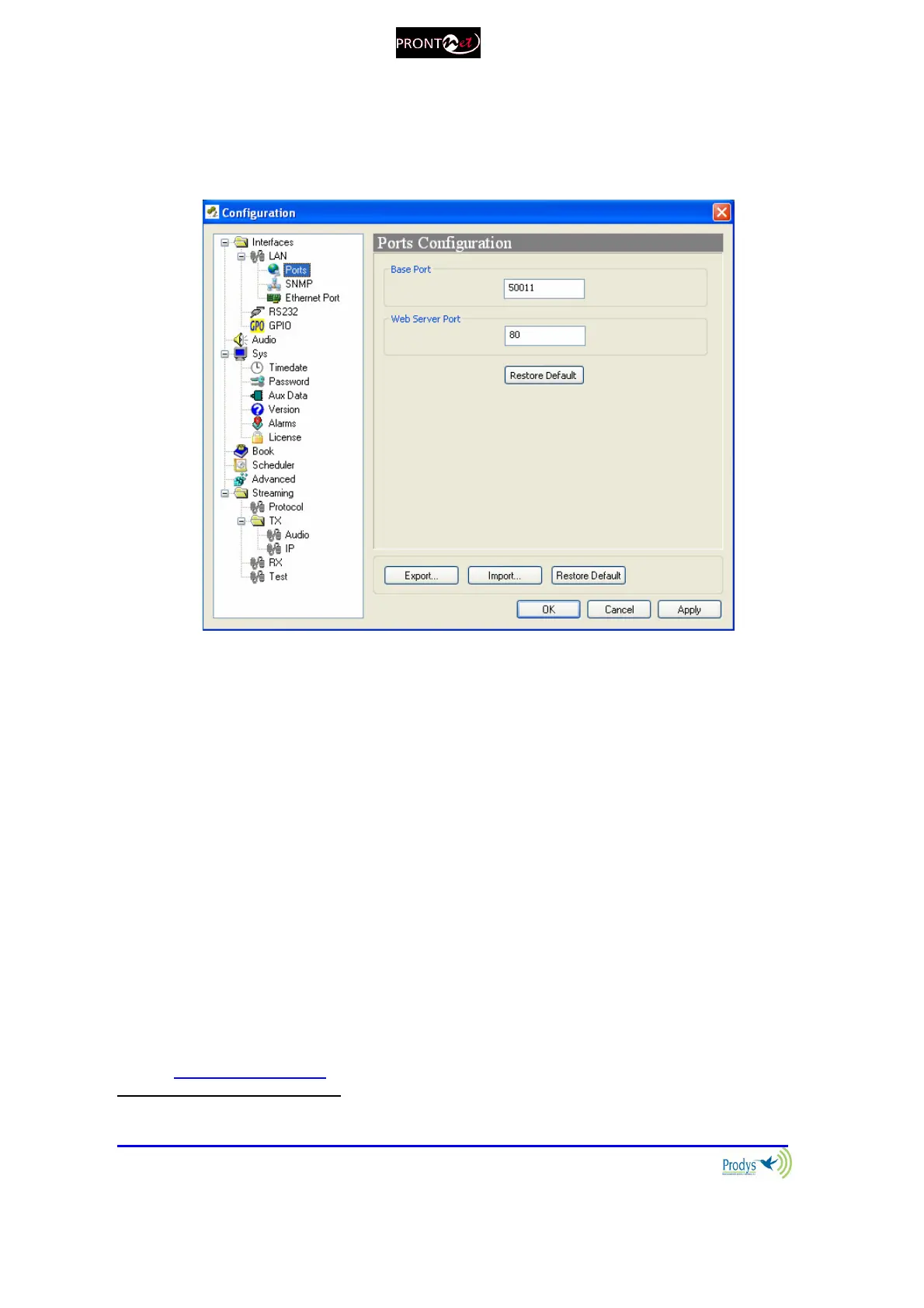
Ports
It is possible to configure which ports the unit will use when selecting
Prodys proprietary protocols for IP communications
22
.
There are two different groups:
1. Web Server Port: By default, it is TCP port 80. This is the internal web
server port.
2. Base Port: By default, it is 50011 for TCP and UDP ports. This is the first
port of the range of ports used by the unit. From this base port, up to 30
ports should opened/forwarded. That is, if the base port is set to 50011,
the range of ports goes from 50011 to 50041, both for UDP and TCP,
should be opened/forwarded in the corresponding router/firewall (when
required).
The following things should be taken into consideration when changing the base
port:
1. To access the web page of the unit, the new port has to be indicated in
the http address bar of the web browser after the IP address, separated
by a colon:
http://<IP>:<Port> Example: 192.168.0.10:8080
22
For more information, please read chapter VI.6.5 – Prodys Proprietary Protocols



 To Next Page