2.5 SOUND ALARMS
Pre-programmed Alarm Outputs may be sounded by pressing the ‘Sound alarms’ button (red).
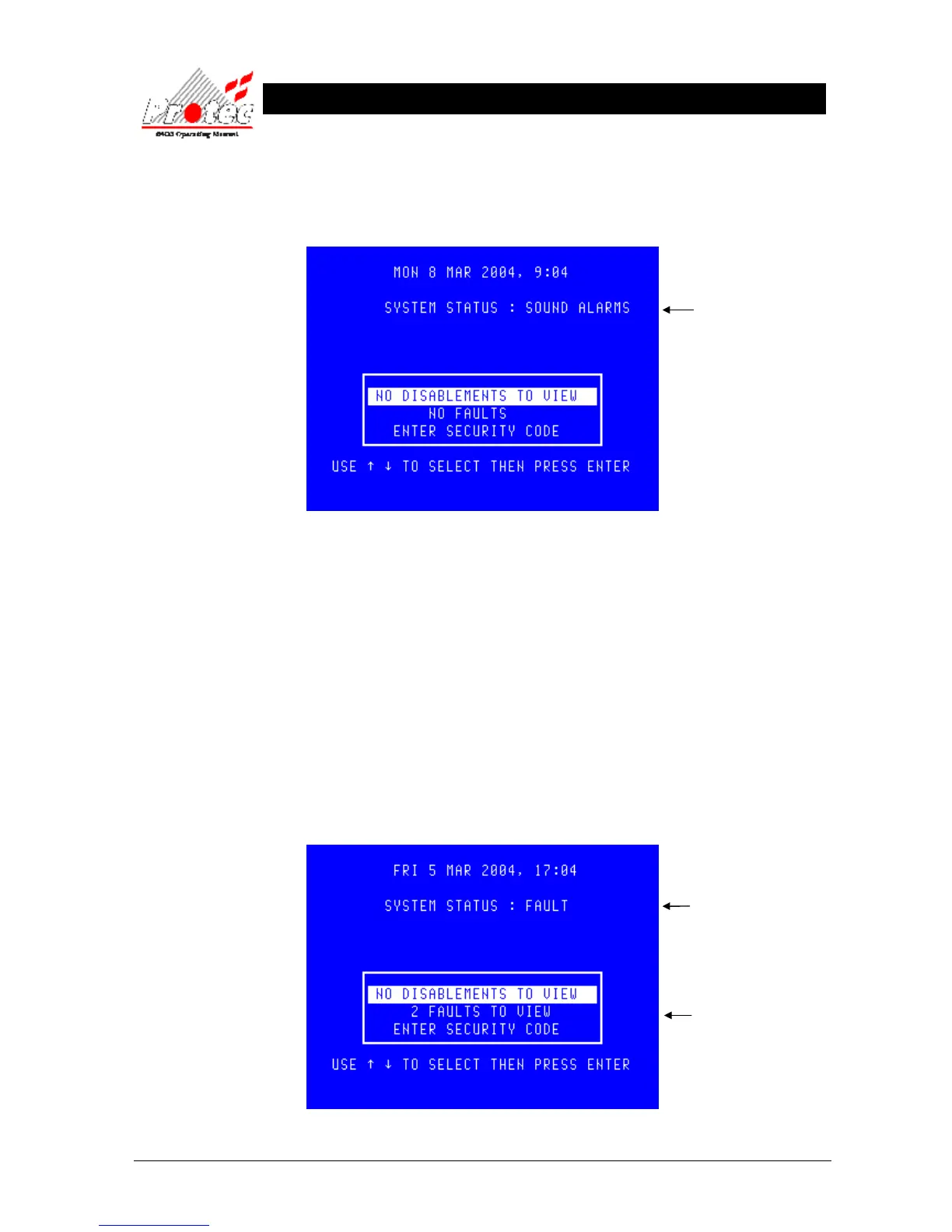
This will illuminate the ‘Alarms On’ LED, the buzzer will fast pip and the screen will display the following :.
To silence the alarms, press the ‘Silence’ control button. This will extinguish the ‘Alarms On’ LED , stop the sounders
and mute the panel buzzer. The display will also return to ‘System status : Normal’.
2.6 RESETTING FIRE EVENTS
After ‘silencing alarms’ (Section 2.4) and establishing the cause of the fire :-
a) Press the ‘RESET’ button.
Any fire indications will be extinguished.
Any plant equipment (control outputs) will be reset.
The fire condition will re-start if an automatic detector or manual call point remain active.
2.7 DISPLAY OF FAULT EVENTS
In the event of a fault appearing on the system the panel buzzer will sound intermittently, and the ‘FAULT’ LED will
illuminate. The LCD will also display the number of faults to view, as shown below :-
Indicates the system is in a
fault status
Displays the number of
faults currently on the
system.
Indicates alarms are on



 To Next Page