S
S
E
E
T
T
T
T
I
I
M
M
E
E
&
&
D
D
A
A
T
T
E
E
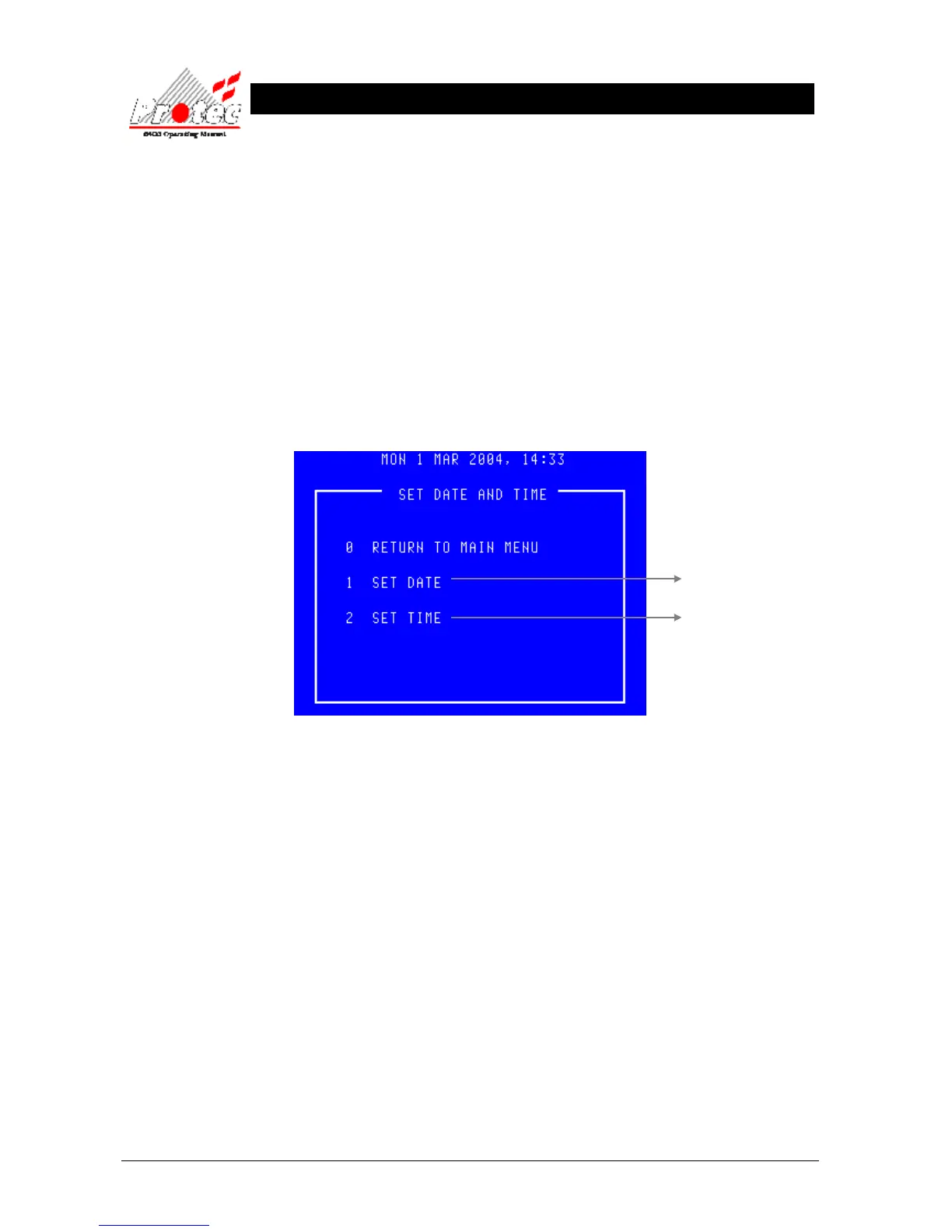
5.1 SET TIME & DATE.
• Function : This option allows the ‘Time and date’ of the network to be altered.
Note - setting the ‘Time and date’ on any DCN will automatically update the ‘Time and
date’ on ALL the ‘Nodes’ on the network.
Leap years - The network will automatically compensate for ‘Leap years’.
British summer time - The network will NOT compensate for the changes in
‘British summer time’ and will have to be altered manually as defined in section 5.3.
• Selecting option : To select this option, press the number ‘1’ key from the ‘Main menu’ options.
Once selected, the LCD will display the following options :-
• Exiting option : To EXIT the ‘Set time & date’ option and return to the ‘Main menu’ options, press the ‘0’
key
For further details



 To Next Page