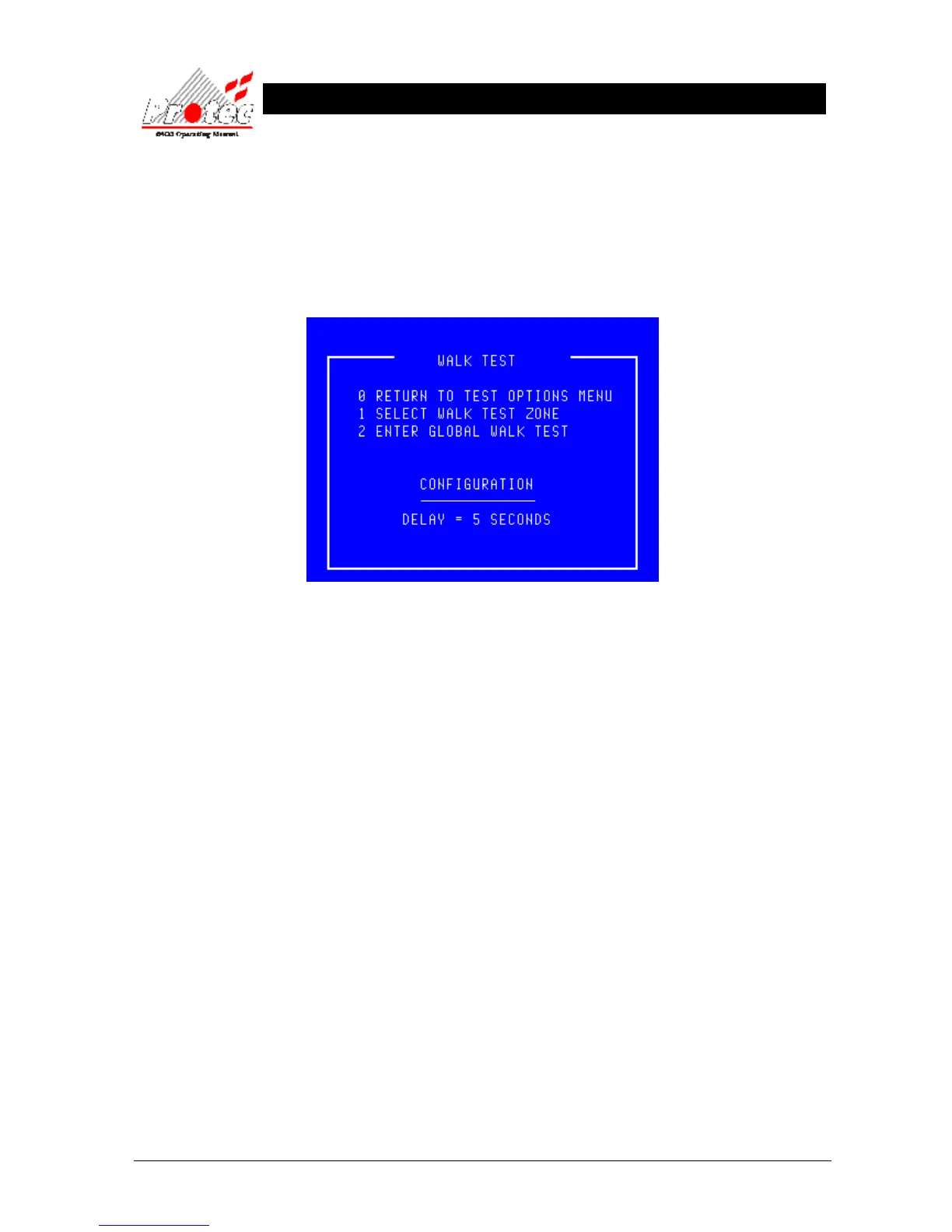
9.4 WALK TEST MENU
• Function : This option allows the operator to test ‘Loop devices’ without the need to return to the
control panel to silence and reset the fire event. When a device is tested the panel activates the
‘alarm outputs’ that are programmed for the device under test for a predetermined period (set by the
Protec engineer during commissioning), then the ‘alarm outputs’ are turned off.
• Selecting Option : To select this option press the ‘3’ key while in the ‘Test options’ menu.
• Global walk test : Global walk test is an optional item available if requested by the user when the system is
commissioned.
• Exiting option : To exit the ‘Walk test’ menu press the ‘0’ or ‘Esc’ key.



 To Next Page