7.4.3 PRINT PAST DISABLEMENTS
• Function : This option allows the user to print past disablement events from the
1000 event ‘Historic log’.
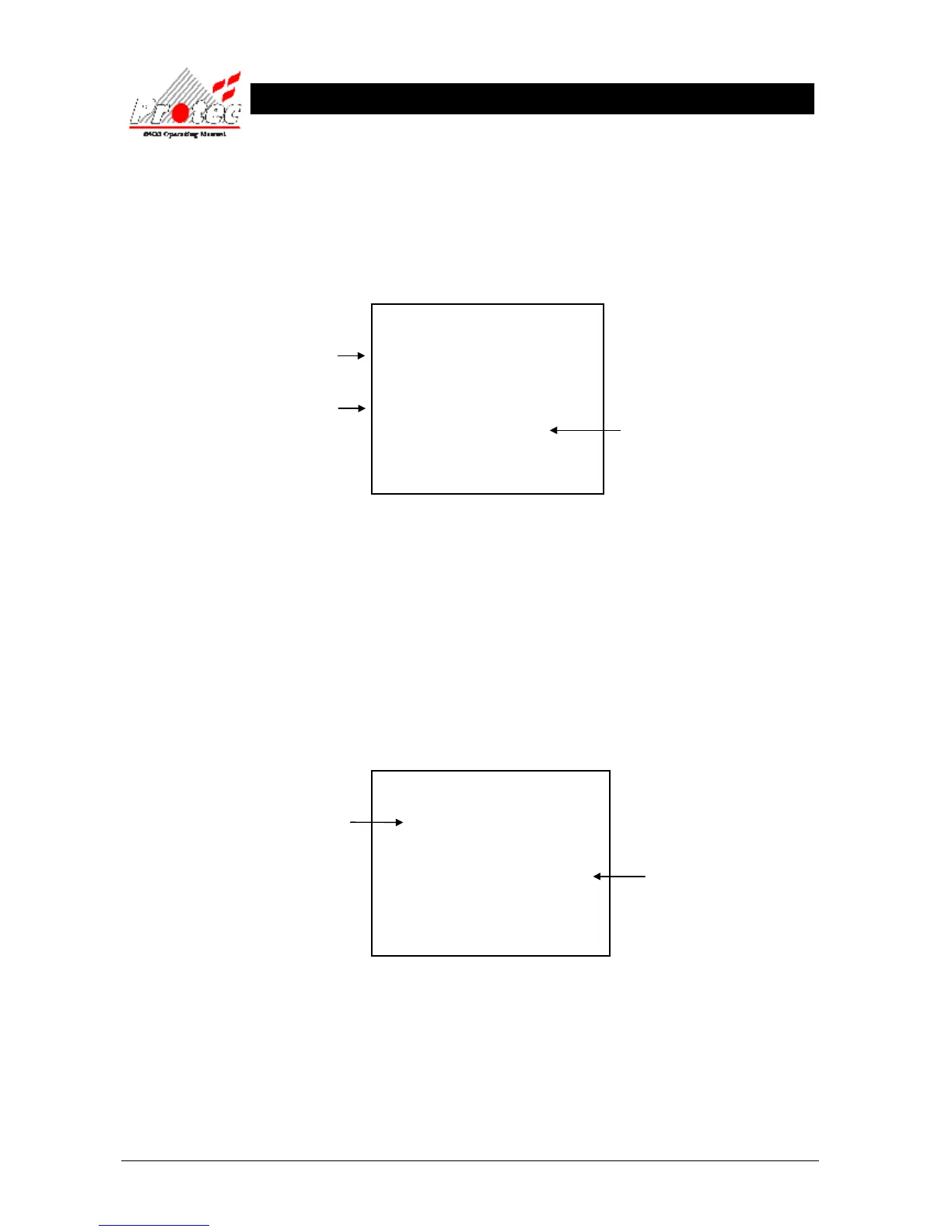
• Selecting option : To select this option press the ‘3’ key from the ‘Past events’ menu. On selecting this
option the Printer will print the ‘Past disablement events’ in the following format :-
***************************
List of Past Disablements
20 Aug 2006, 10:15:54
***************************
Location text
Time 19 Aug 2006, 23:59:59 Zone 1
Device disabled, Reception
Node X Loop X Address X
****************************
• Exiting Option : Selecting option ‘7’ Cancel printing’ from the ‘Printer menu’, will abort the print-out of
the ‘Past disablement events’.
7.4.4 PRINT PAST OTHER EVENTS
• Function : This option allows the user to print other past events from the 1000 event ‘Historic log’.
The events printed in this option, are all the events which do NOT come under Fire, Fault
or disablement events. ie when a security code was entered etc….
• Selecting option : To select this option press the ‘4’ key from the ‘Past events’ menu.
On selecting this option the Printer will print the ‘Other events’ in the following format :-
***************************
List of Past other events
20 Aug 2006, 10:15:54
***************************
Time 20 Aug 2006, 09:49:31
NEW SECURITY CODE from Node 1
****************************
• Exiting Option : Selecting option ‘7’ Cancel printing’ from the ‘Printer menu’ , will abort the print-out of
the ‘Past other events’.
Time & date the device
was disabled.
The date & time when the
list of past disablements
was printed.
Time & date the event
occurred.
The date & time when the
list of other events was
printed.



 To Next Page