8.4 ZONE DISABLE / NORMALISE
• Function : This option allows any zone on the system to be disabled and subsequently normalised.
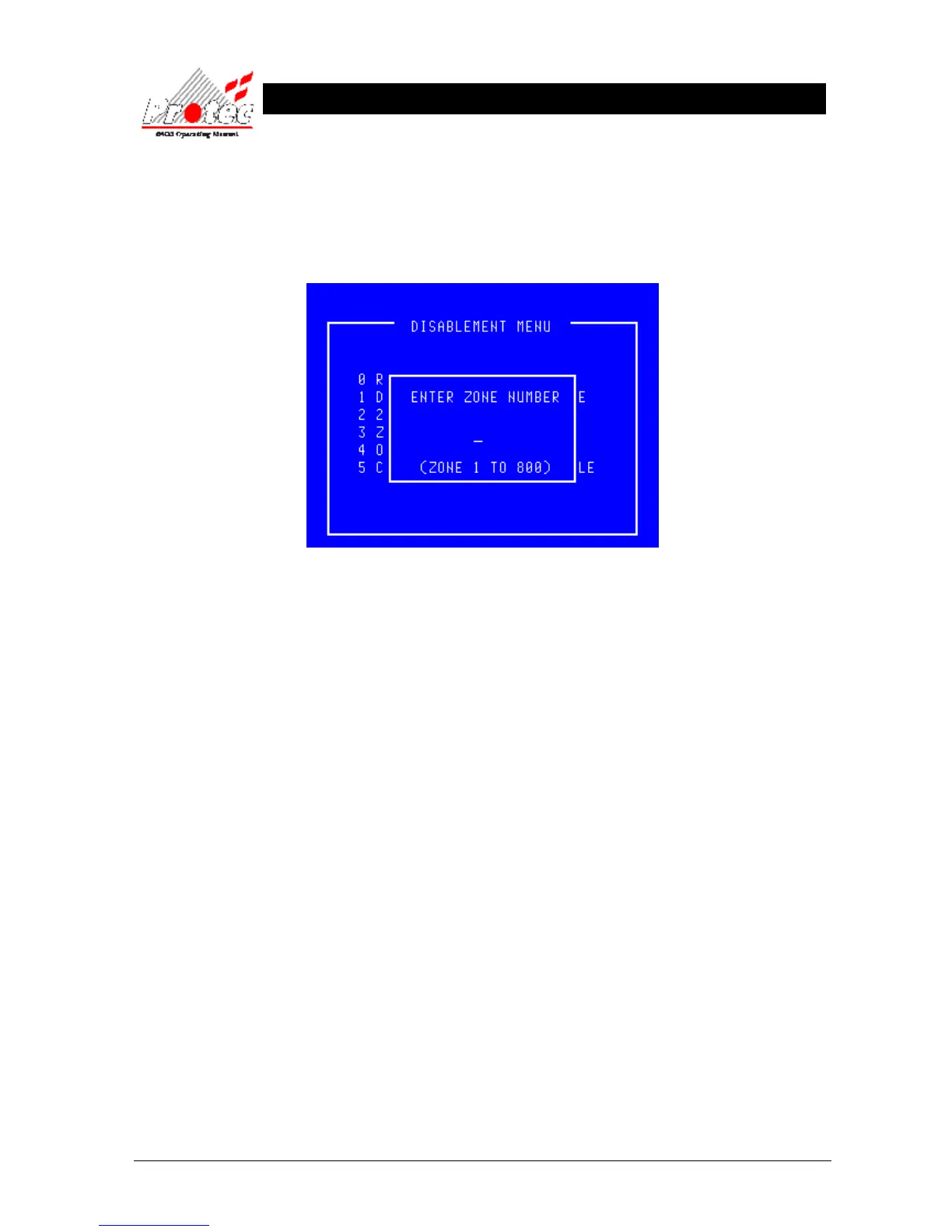
• Selecting option : To select this option press the number ‘3’ key while in the ‘Disablement Menu’ .
The ‘Zone disable / normalise’ option will be displayed as shown below :-
• Exiting Option : To EXIT the ‘Zone disable / normalise’ menu and return to the ‘Disablement Menu’,
press the ‘Esc’ Key.
• Manual class : When the system was installed, the engineer can define certain loop devices as
‘Manual Class’. These devices are typically manual call points and when defined as
‘Manual Class’ will ignore a zone disablement and remain active. For example this option
permits sensors that could false alarm due to dust during building work to be disabled
whilst maintaining the operation of manual call points should an employee see a fire.



 To Next Page