D
D
I
I
S
S
P
P
L
L
A
A
Y
Y
E
E
V
V
E
E
N
N
T
T
S
S
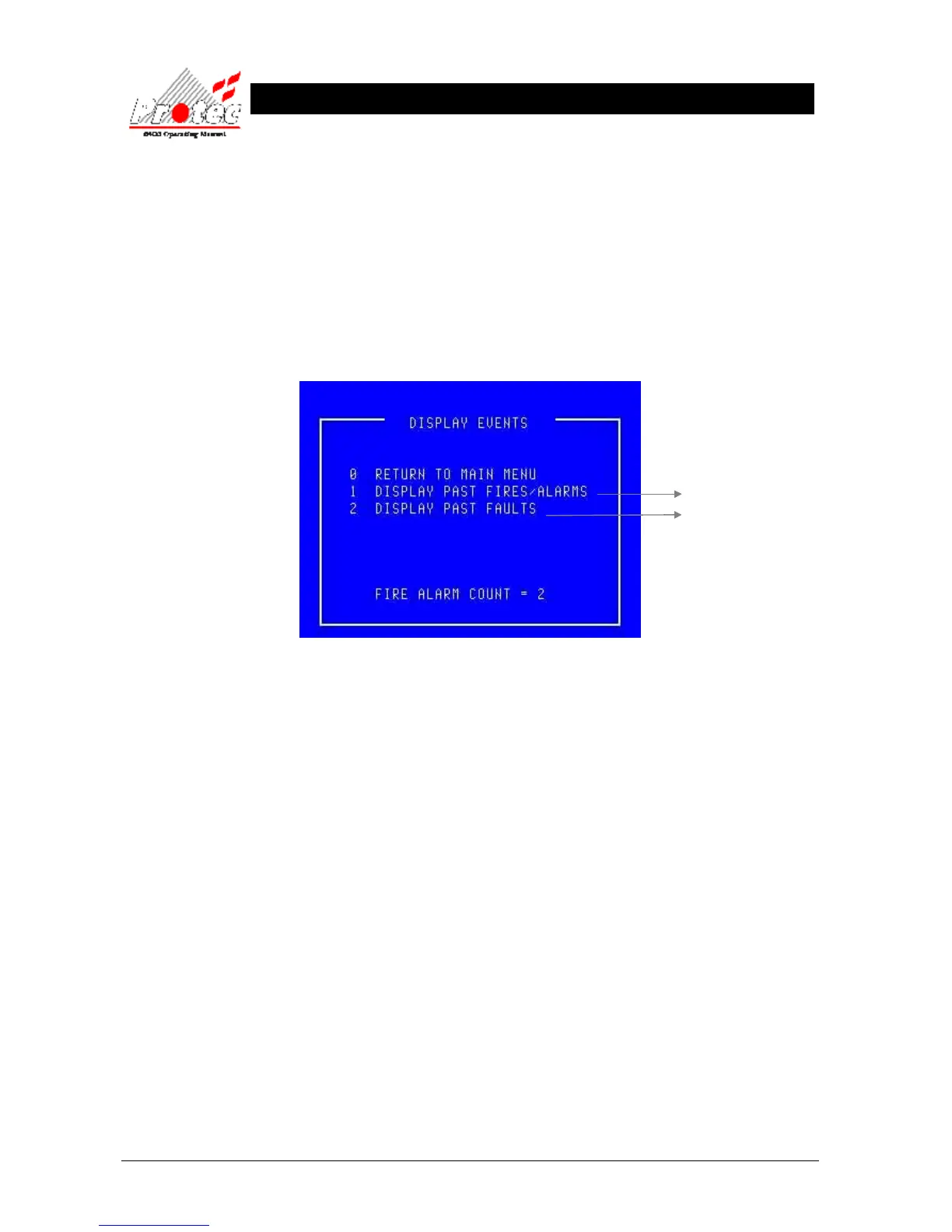
6.1 DISPLAY EVENTS.
• Function : This option allows the ‘Historic log’ of the network to be viewed.
This ‘Historic log’ will hold the last 1000 fire events and the last 1000 non-fire events.
• Selecting option : To select this option, press the number ‘2’ key from the ‘Main menu’ options.
Once selected, the LCD will display the following sub-menu options :-
• Exiting option : To EXIT the ‘Display’ options and return to the ‘Main menu’ options, press the ‘0’ key.
• Fire Alarm Count: The Fire Alarm Count is a record of the number of occasions that the panel has entered a
fire alarm condition. It is provided to comply with En54-2 : 1997 and assists the
responsible user to ensure that the system log book is up to date (refer to section 3.1).
For further details



 To Next Page