93-310-10 Issue 4 Rev 5 Page 84 of 88 Copyright Protec Fire Detection PLC
6400 OPERATING MANUAL
V
V
I
I
E
E
W
W
C
C
U
U
R
R
R
R
E
E
N
N
T
T
D
D
I
I
S
S
A
A
B
B
L
L
E
E
M
M
E
E
N
N
T
T
S
S
22.1 VIEW CURRENT DISABLEMENTS
Note – Disablements can only be viewed if the repeat panel is configured to show disablements.
In the event of a disablement occurring, the ‘Disablement‘ lamp will illuminate.
To view the disablements, press the ‘MENU’ button and then using the ‘MUTE’ button scroll through the ‘Menu
options’ until the upper LCD displays: -
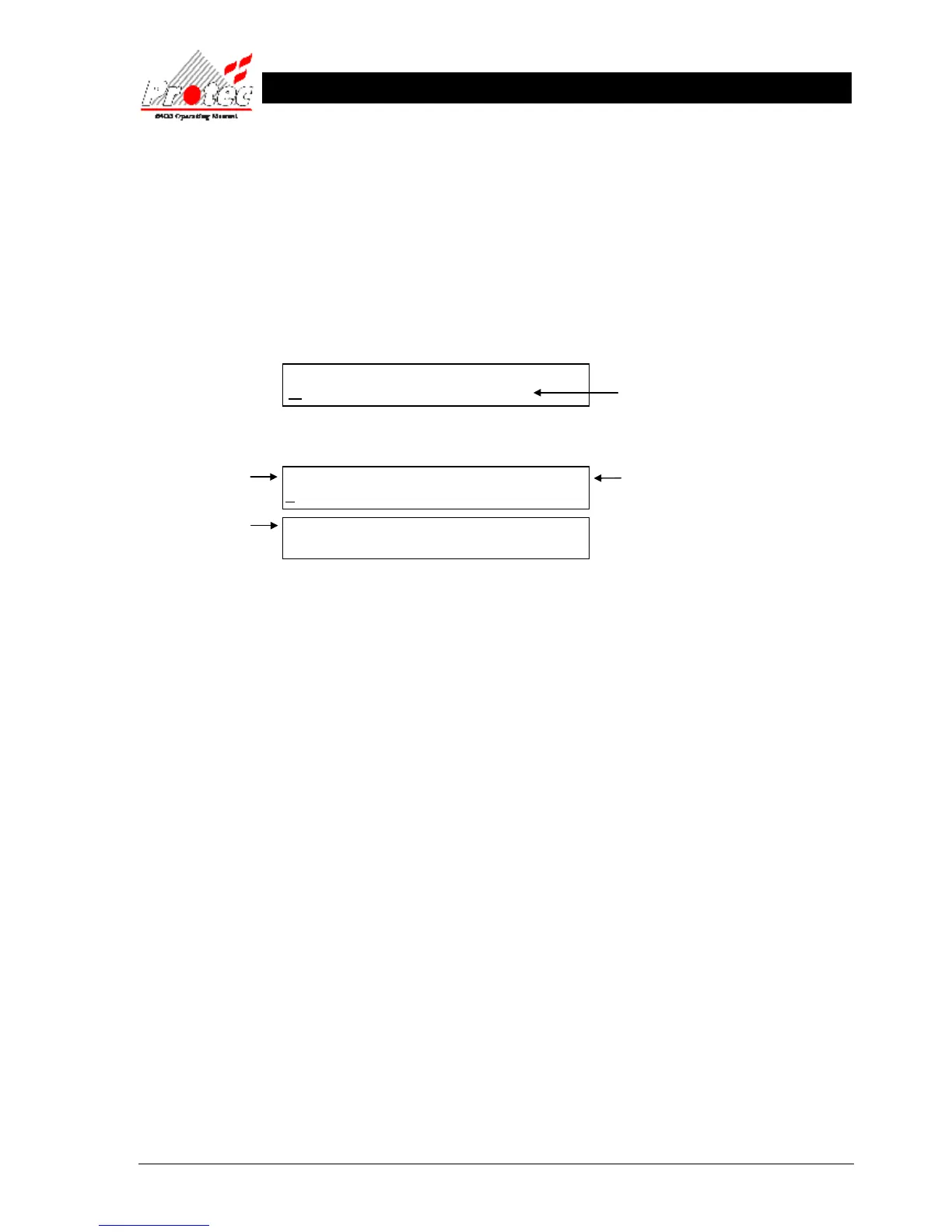
When ‘View current disablements’ is shown, press the ‘SELECT’ button and the following will be displayed: -
• Viewing
Disablements : To scroll through the disablements, press the ‘SELECT’ button while the cursor is flashing
on ‘View next Disablement’. Once pressed the ‘Disablement Number’ will increment and the
lower LCD will display the new event details. Pressing the ‘Mute’ button will cycle through
the options described below :-
• Location text : The location text for the disablement events can be displayed (if available), by selecting the
‘View location text’ option when viewing the correct disablement event number.
• Show details : The disablement details can be displayed by selecting the ‘Show details’ option when
viewing the required disablement event number.
• 30 Disablements : The repeat panels can each store a maximum of 30 disablement events.
• Exiting option : To return to the previous menu level, press the ‘MENU’ button.
N.B. Refer to Section 17.2 for instructions on how to select menu options.
MENU OPTIONS :-
VIEW CURRENT DISABLEMENTS
XX Disablements : Disablement Number XX
VIEW NEXT DISABLEMENT



 To Next Page