7.4 PRINT PAST EVENTS
• Function : This option allows the user to print events from the 1000 event ‘Historic log’.
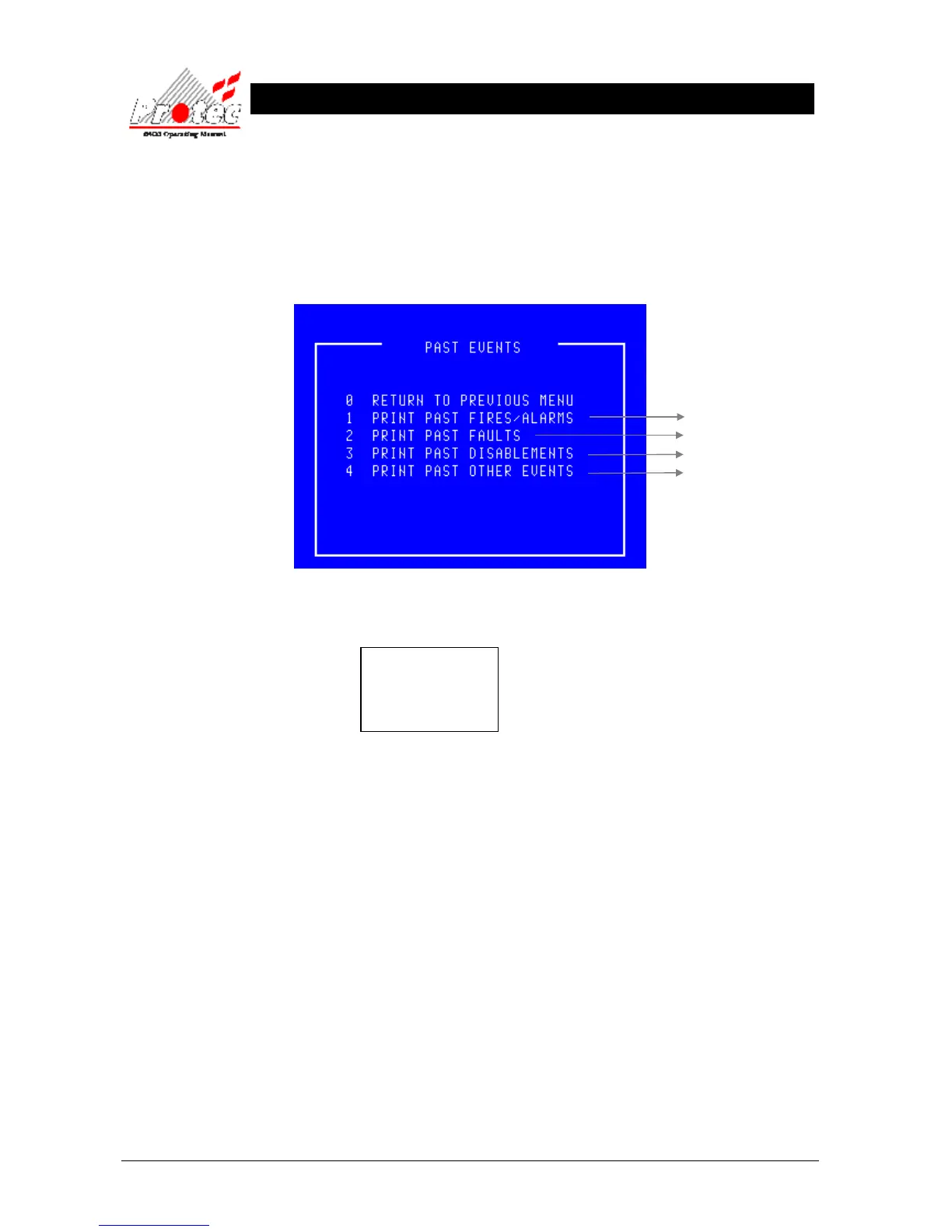
• Selecting option : To select this option press the ‘3’ key from the ‘Printer’ menu. On selecting this option
the LCD will display the following sub-menu :-
• Selecting 2 options : Selecting an option while the DCN is already printing an event will
display the following message :-
Press any key to return to the ‘Printer’ menu. Once the printer has completed
printing, a new option can then be selected.
• Exiting Option : Pressing the ‘0’ or ‘ESC’ key , will EXIT ‘Past events’ menu and return to the
‘Printer menu’ options.
For further details



 To Next Page