93-310-10 Issue 4 Rev 5 Page 79 of 88 Copyright Protec Fire Detection PLC
6400 OPERATING MANUAL
V
V
I
I
E
E
W
W
I
I
N
N
G
G
F
F
I
I
R
R
E
E
E
E
V
V
E
E
N
N
T
T
S
S
18.1 VIEWING FIRES / ALARMS
FIRE SIGNAL
On hearing the ‘FIRE ALARM’ signal :-
a) Evacuate the premises IMMEDIATELY.
b) Alert the fire brigade.
c) DO NOT re-enter the premises until authorised by the fire brigade.
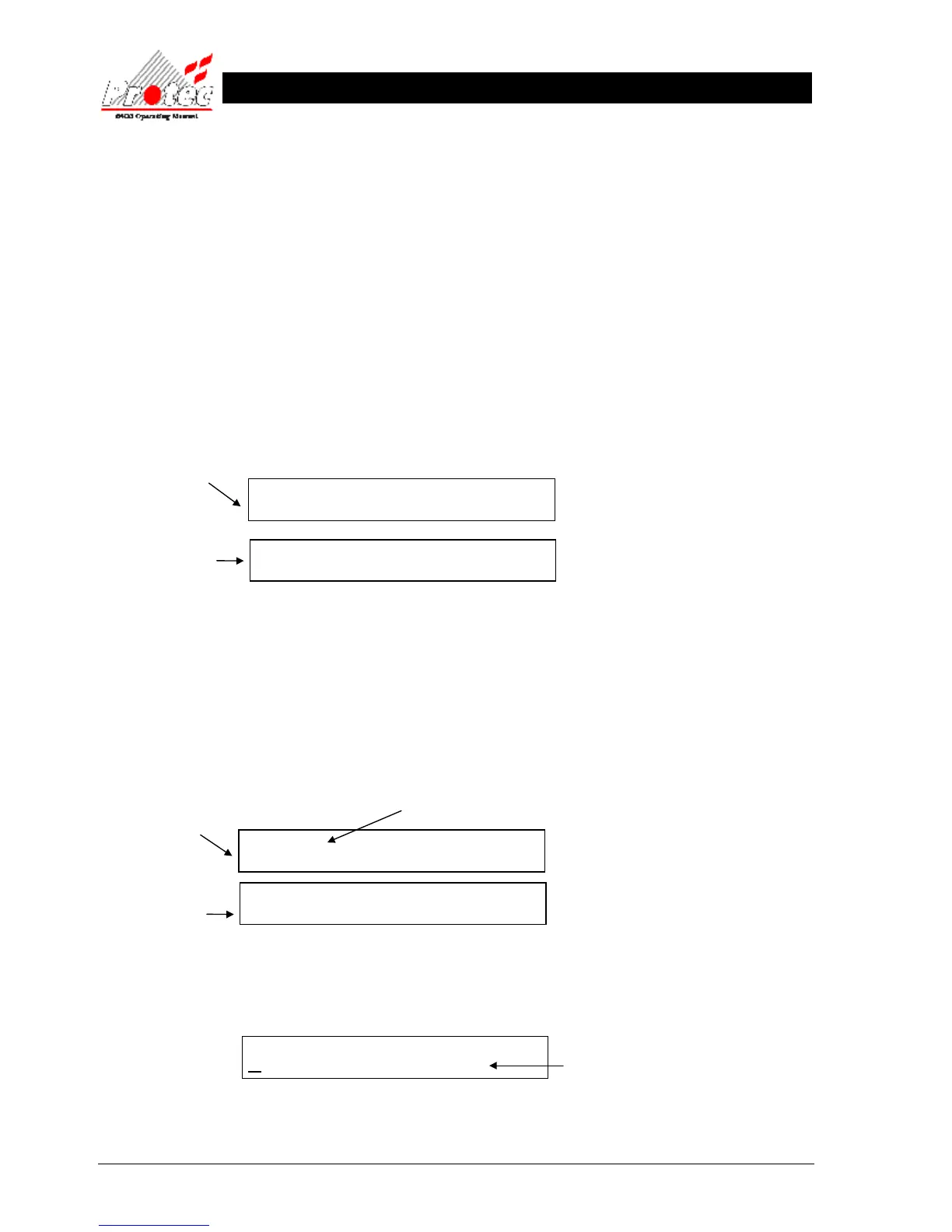
In the event of a fire activation occurring, the repeat panel’s buzzer will fast pip and the ‘FIRE’ lamp will illuminate. The
fire details will be displayed as follows: -
Location & alarm text
(When available)
The lower display will fluctuate between the ‘Location text’ and the ‘Alarm text’ approximately every three seconds
18.2 VIEWING MULTIPLE FIRE / ALARMS
In the case of more than one fire event occurring on the system, the repeat panel will show the number of activations as
follows :-
Location & alarm text
(When available)
The first activation will remain displayed. To view other fire events press the ‘MENU’ button and then using the
‘MUTE’ button scroll through the ‘Menu options’ until the upper LCD displays: -
FIRE
Node xx Lp x Add xx Zone xx
FIRE 1 of X
Node xx Lp x Add xx Zone xx
MENU OPTIONS :-
VIEW CURRENT FIRES / ALARMS
Office area adjacent to mains
switch room, ground floor.
Displays the number of fire
activations currently on the
system.
Text will be shown for
the Node / Loop when
available.
Text will be shown for
the Node / Loop when
available.
Displays the menu
option for selection
Office area adjacent to mains
switch room, ground floor.



 To Next Page