12.2 EXCHANGE DEVICES
• Function : This option permits the swapping of up to eight devices (addresses) per loop, typically for
cleaning. No device must be exchanged prior to selecting this menu otherwise a fire signal
may be generated.
• Device type : Each device must be swapped for one of the same type.
• 16 Way Board : The 16 Way Board occupies 16 addresses therefore this has to be exchanged in stages i.e.
no more than 8 addresses at a time. Before exchanging a 16 Way Board make a note of all
16 device serial numbers for the old and the new boards to ensure that the address numbers
are exchanged correctly.
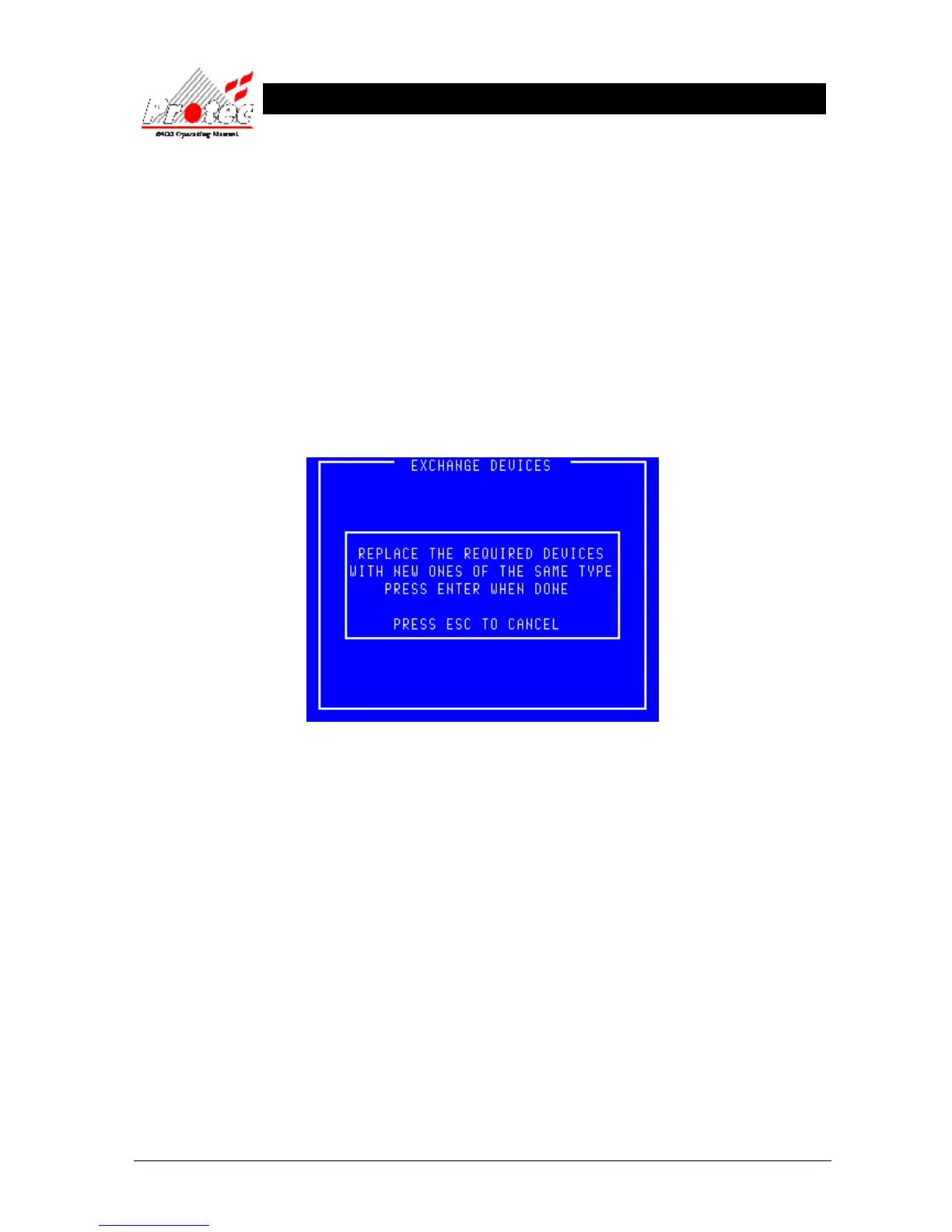
• Selecting Option : To select this option press the ‘1’ key while in the ‘Advanced Options’ menu’.
Once selected, the LCD will display the exchange devices screen as shown below :-
• Exiting option : To exit the ‘Exchange devices’ menu and return to the ‘Advanced options’ menu press the
‘Esc’ key.
• Exchange rules : Once the exchange screen is displayed the user may then swap devices.
1) It is important to record the node, loop, address and serial number of the
device(s) being removed and those of the device(s) being fitted because this
information will need to be referred to later.
2) A disabled device cannot be exchanged because although it will have been
removed it will not have recorded by the system as missing.
3) The newly exchanged device will turn its fire led on to signify that the 6400
system has found it.
Do not proceed beyond this point until the device(s) have been exchanged.



 To Next Page