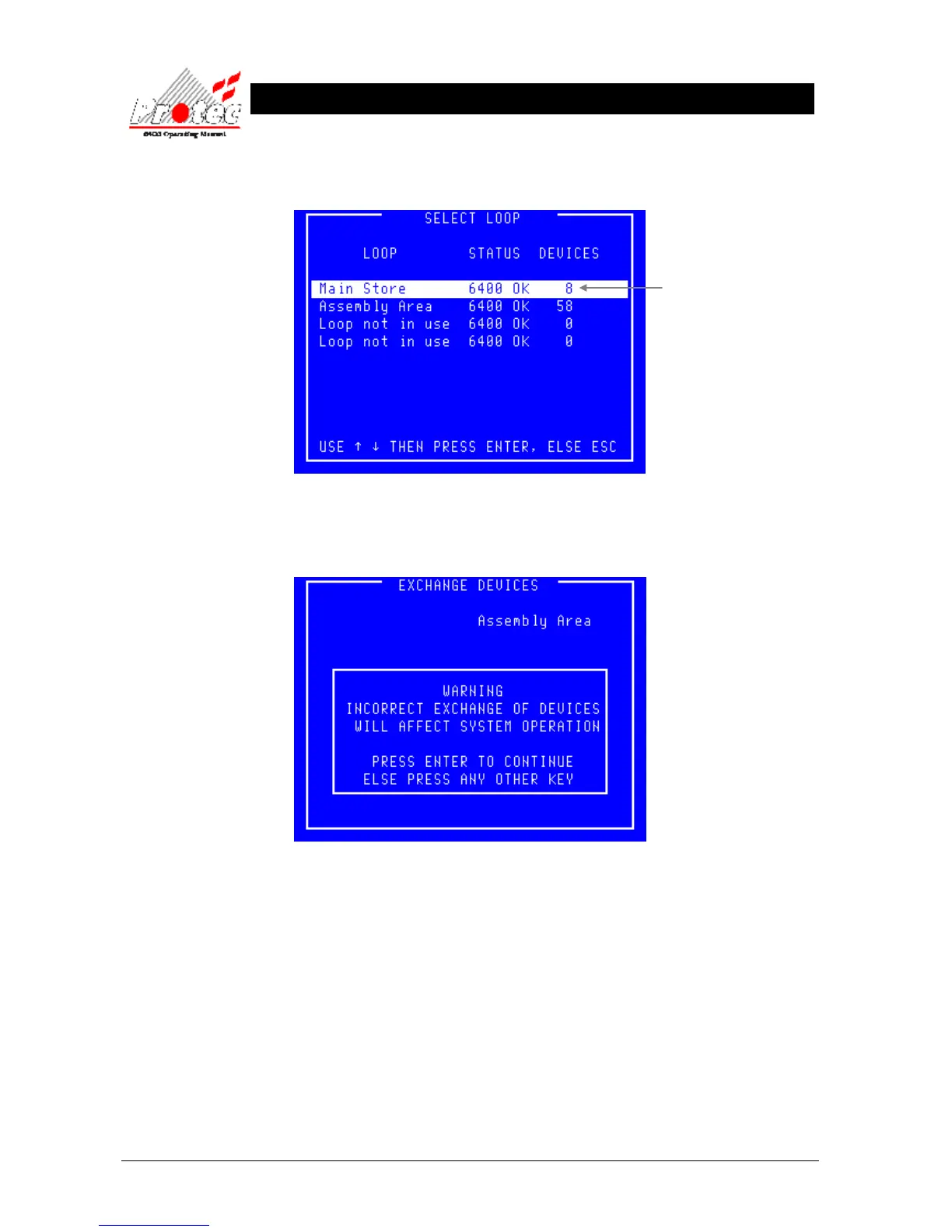
• Selecting Option : To select this option press the ‘Enter’ key while the display shows the exchange screen.
Once selected, the LCD will display the ‘Select Loop’ menu :-
• Select Loop : Use the High-light bar to select the Node & Loop number of the device(s) that have been
exchanged, then press the ‘Enter’ key. Once selected the display will show the following
warning message :-
• Warning : It is important users appreciate that mistakes made when exchanging could lead to
serious problems such as the incorrect location being reported for a fire alarm.



 To Next Page