10.2 EDIT LOOP DEVICE TEXT
• Function : This option allows the user to view or edit the ‘Location text’ for any loop device on the
system.
• Selecting Option : To select this option press ‘1’ key while in the above text editor menu.
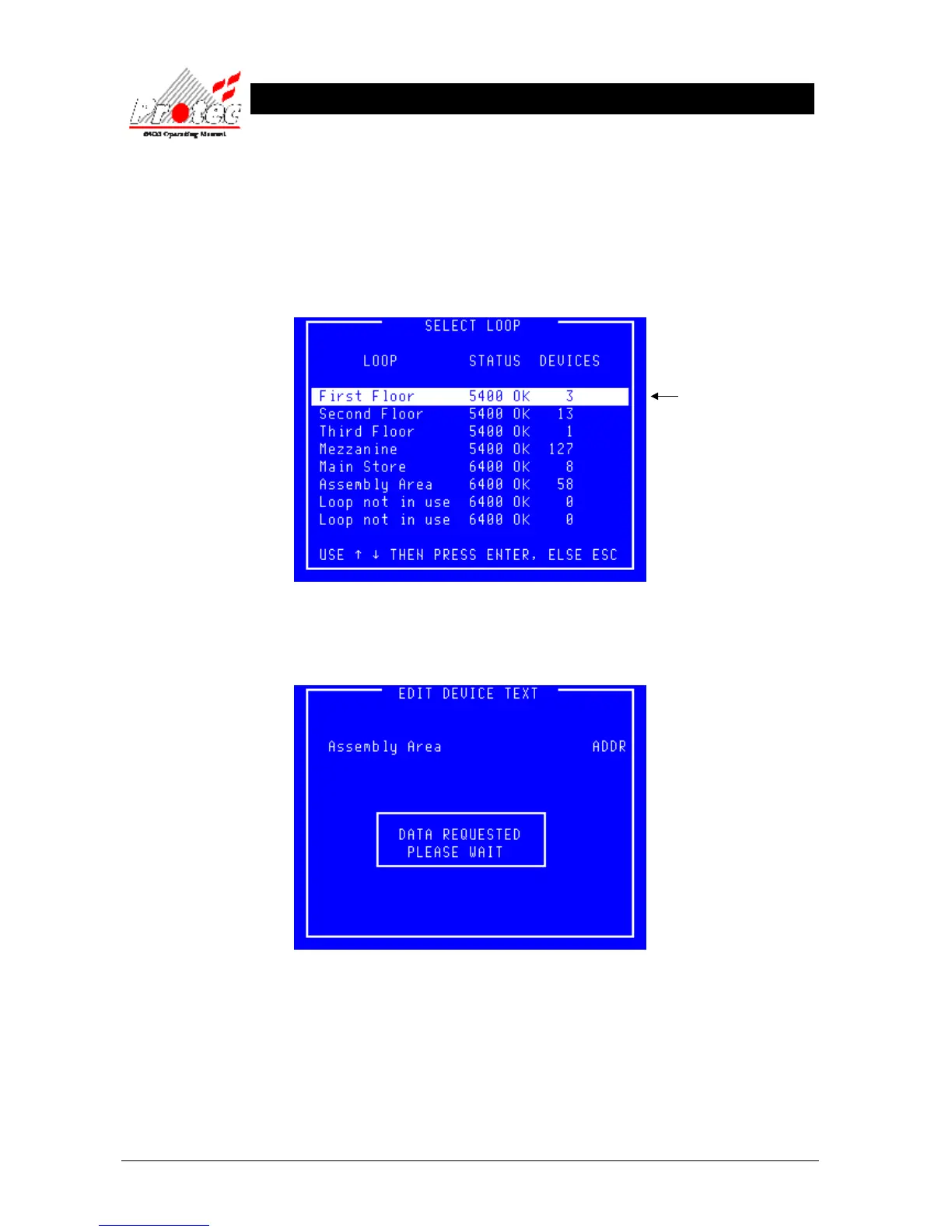
Once selected, the LCD will display ‘Select Loop’ menu :-
• Select Loop : Use the High-light bar to select the Node & Loop number of the device to be edited
and then press the ENTER key. Once selected the panel will request data from the Node,
while the data is being requested , the display will show the following message :-



 To Next Page