M
M
E
E
N
N
U
U
O
O
P
P
T
T
I
I
O
O
N
N
S
S
17.1 MENU OPTIONS
The Repeat Panel has a number of ‘Menu options’ available to the user. To access these menu options, press the
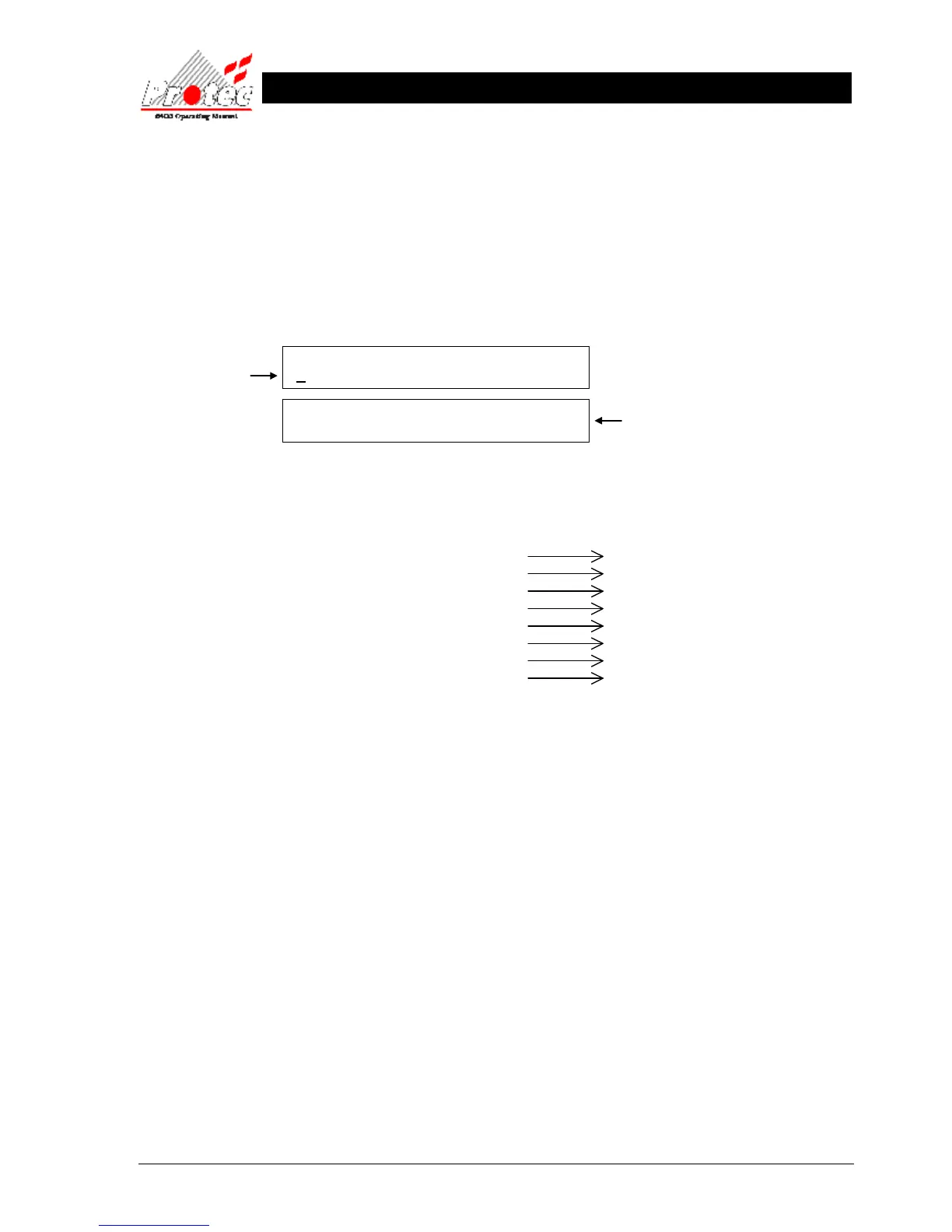
‘MENU’ button on the front of the panel. Once selected, the panel will show the following on the displays: -
• Viewing options : Pressing the ‘MUTE’ button will increment through the menu options as listed:-
For further details refer to
View current fires / alarms Section 18
View current faults* Section 21
View current disablements* Section 22
Print current fires / alarms* Section 23
Print current faults* Section 23
Print current disablements* Section 23
Lamptest Section 24
Abort Printout Section 25
* Only available if the repeat panel is configured accordingly.
• Selecting option : When the option required is shown on the upper LCD, press the ‘SELECT’ button to
choose the option.
• Exiting option : To exit the ‘Menu options’ and return to a normal screen, press the ‘MENU’ button.
17.2 MENU VIEWING INSTRUCTIONS
Menu Button : This button is used to enter the menus from the normal display. Once within the menu structure
pressing this button moves the user back one level.
Select Button : When in menus, this button will select the option currently shown on the upper LCD by a
flashing cursor.
Mute Button : In menus, pressing this button will cycle through the available menu options.
MENU OPTIONS :-
VIEW CURRENT FIRES / ALARMS
SW:V3.37 Node : 8 Pnl-type : 7
Srl : B0000001 FG : 0 Lnk : N=0 L=0 Net : 1



 To Next Page