5.2 SETTING THE DATE
• Function : Allows the network ‘DATE’ to be altered.
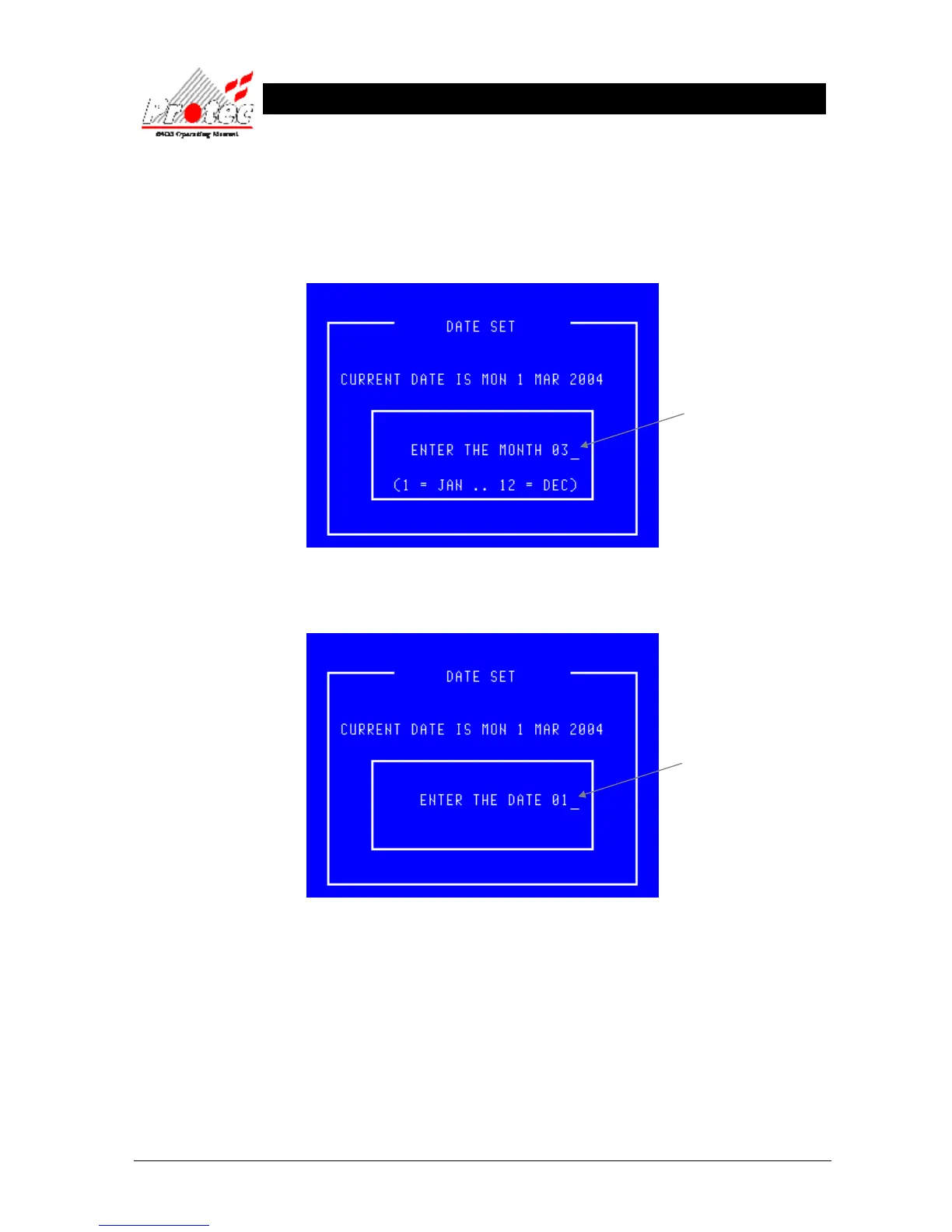
• Selecting option : To alter the ‘MONTH’, press the number ‘1’ key from the ‘Set date and time’ option.
Once selected, the LCD will display the following :-
Once the correct ‘Month’ has been entered, press the ‘ENTER’ key. This will then prompt for the
correct ‘Date’ to be entered as follows :-
Use the ← key to delete the old Month.
Then type the new Month ( 1 ….. 12)
Use the ← key to delete the old date.
Then type the new date ( 1 ….. 31)



 To Next Page