D
D
I
I
S
S
A
A
B
B
L
L
E
E
M
M
E
E
N
N
T
T
M
M
E
E
N
N
U
U
8.1 DISABLEMENT MENU
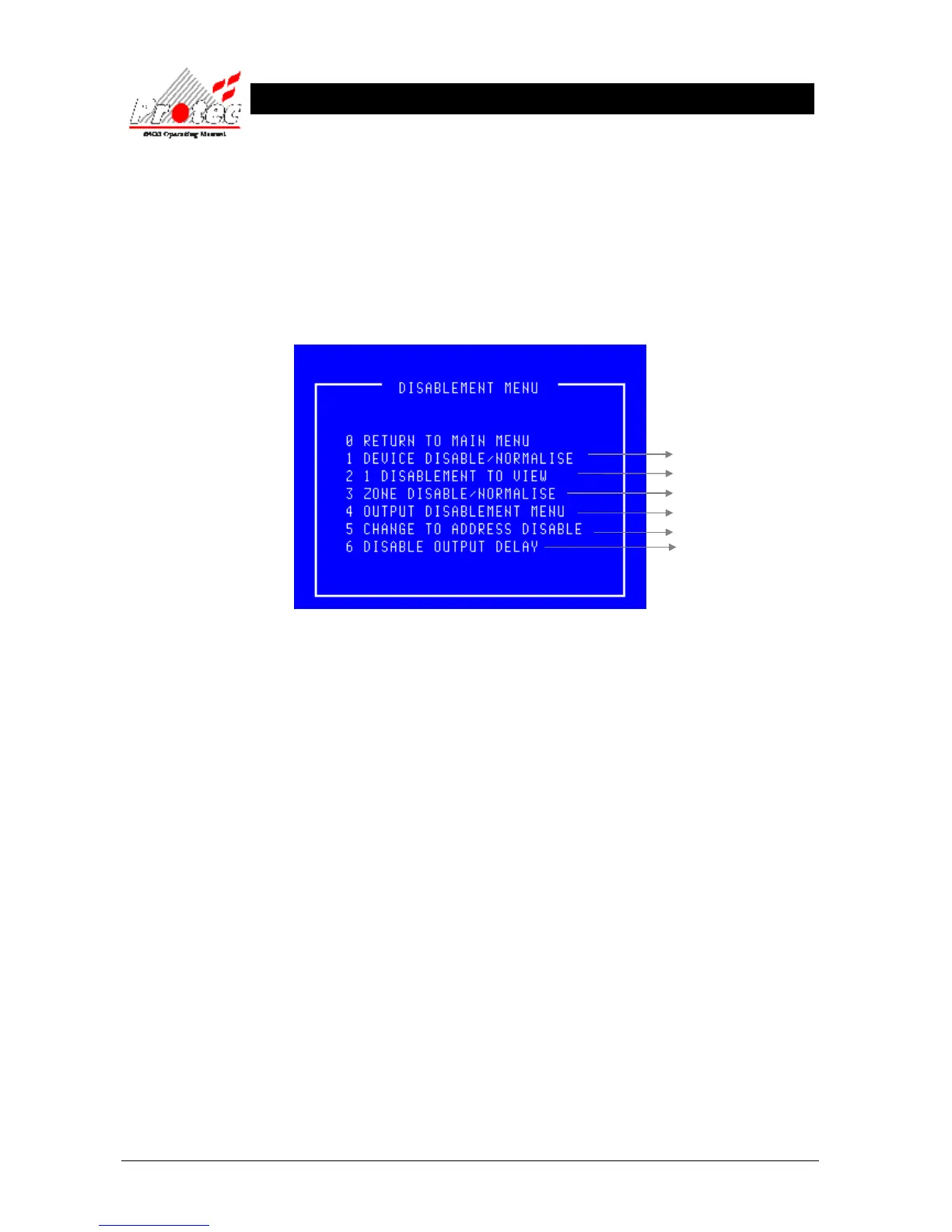
• Function : This option allows the operator to disable devices, zones and outputs.
• Selecting option : To select the ‘Disablement menu’ , select the number ‘4’ key from the ‘Main menu’
options. Once selected the LCD will display the following disablement options :-
• Exiting Option : To EXIT the ‘Disablement menu’ and return to the ‘Main Menu’, press the ‘0’ Key.
• Option 6 : Option 6 is only available if the Output Delay Disablement feature has been enabled.
For further details



 To Next Page