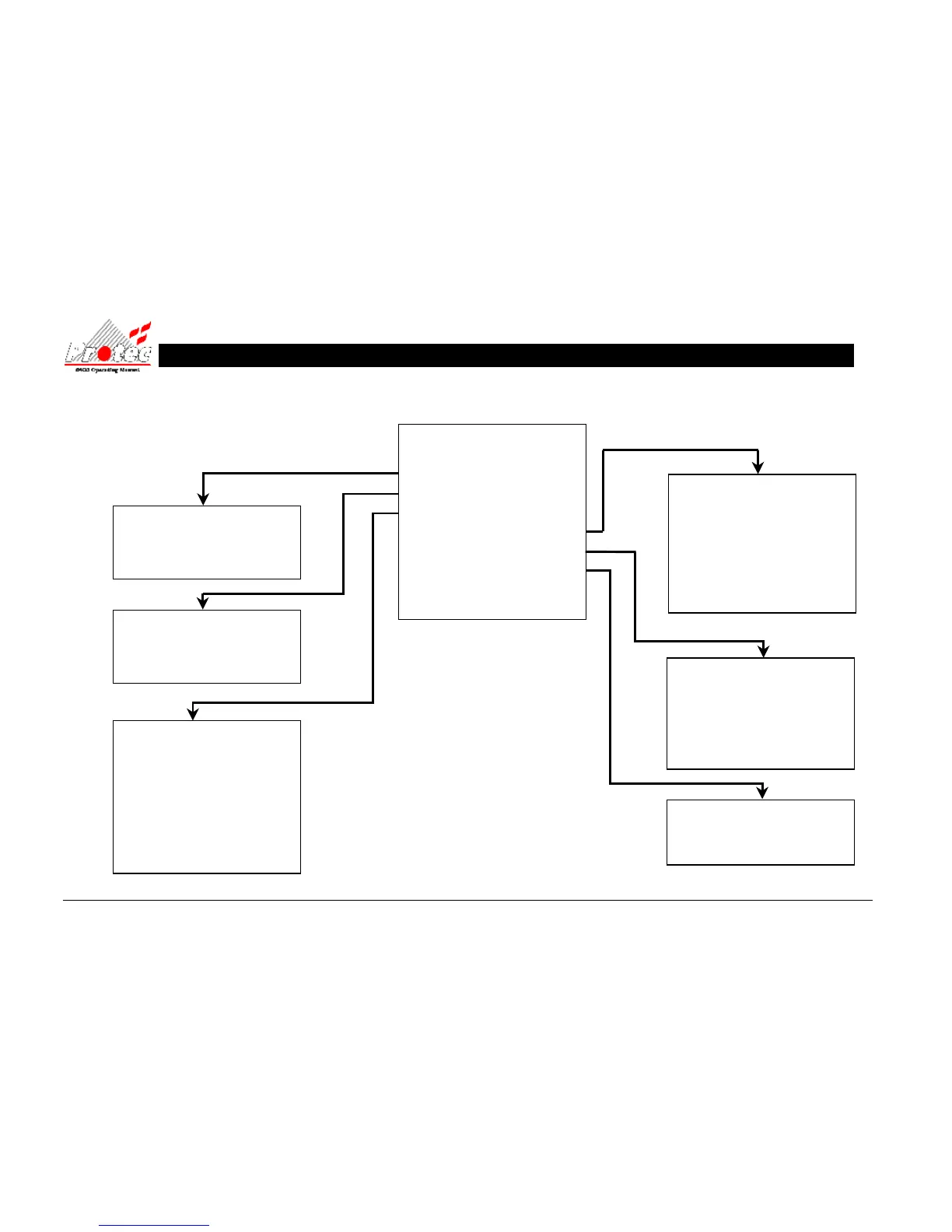
MAIN MENU
0 Exit from main menu
1 Set time / date
2 Display events
3 Printer menu
4 Disablement menu
5 Test options
6 Text editor menu
7 Clear system fault
13.5 OPERATING MENU FLOWCHART
(1) SET TIME / DATE
0 Return to main menu
1 Set date
2 Set time
(3) PRINTER MENU
0 Return to main menu
1 Current faults
2 Current disablements
3 Print past events
4 Print Analogue values
5 Print address S/N
6 Print high analogue values
7 Cancel printing
(2) DISPLAY EVENTS
0 Return to main menu
1 Display Past Fires
2 Display Past Faults
(4) DISABLEMENT MENU
0 Return to main menu
1 Device disable / normalise
2 No disablements to view
3 Zone disable / normalise
4 Output disablement menu
5 Change to address disable
6 Disable Output Delay
(6) TEXT EDITOR
0 Return to main menu
1 View loop device text
(5) TEST OPTIONS
0 Return to main menu
1 Lamp test
2 View analogue values
3 Walk Test Menu
4 RVAV



 To Next Page