T
T
E
E
X
X
T
T
E
E
D
D
I
I
T
T
O
O
R
R
10.1 TEXT EDITOR
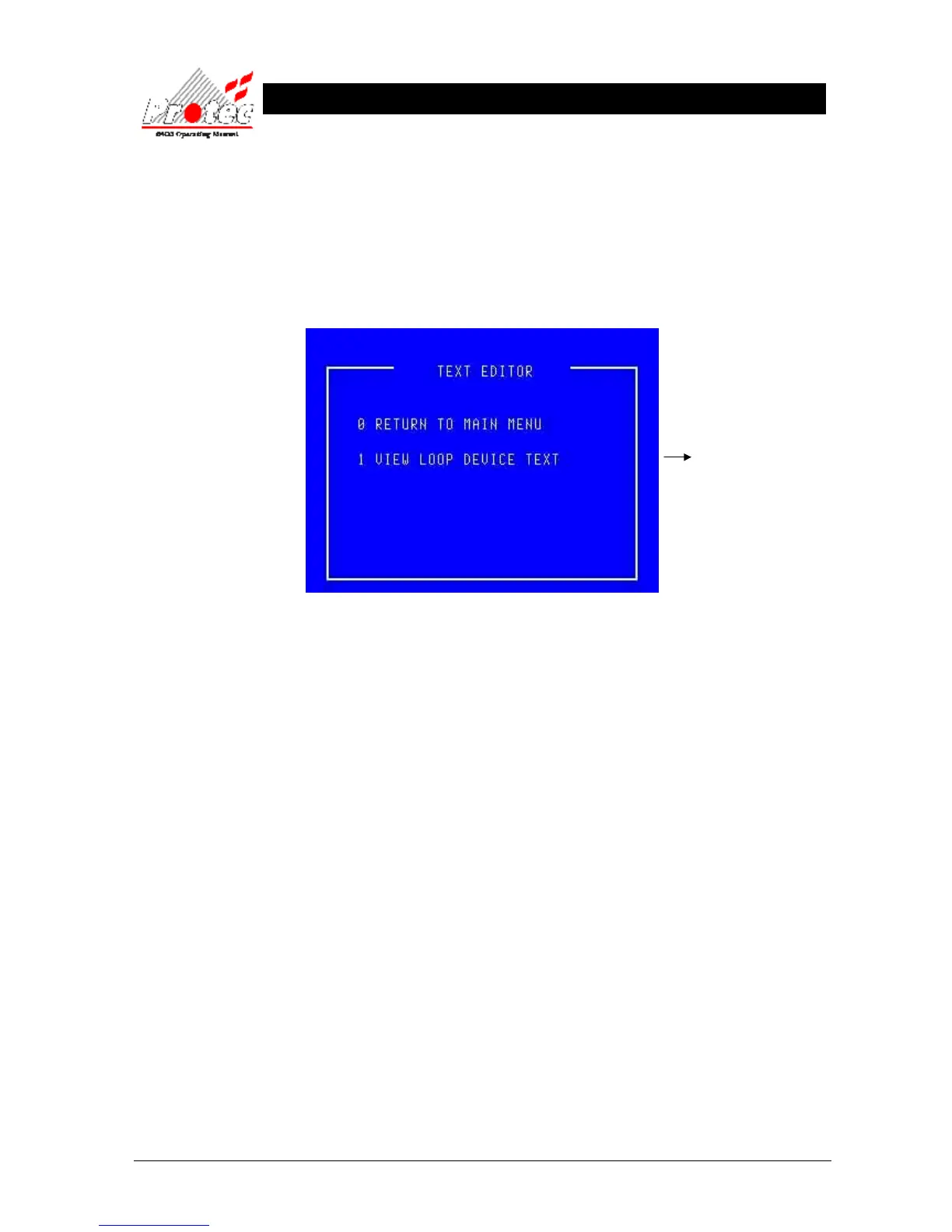
To select the ‘Text Editor ’ Menu, select ‘6’ from the ‘Main Menu’ options.
Once selected, the display will show the following :-
Note
The standard user access permits viewing of the loop device text but does not permit editing. Users trained and
authorised to make changes to the system configuration are supplied with an alternative ‘Exchange’ code. Use of this
alternative code modifies option ‘1’ to read ‘EDIT LOOP DEVICE TEXT’.
The following menus assume that the user can edit the text. Users who are not permitted to edit the text will find that
the option to make and save changes is not available.
For further details



 To Next Page