8.5.3 DISABLE / ENABLE ALARM OUTPUTS
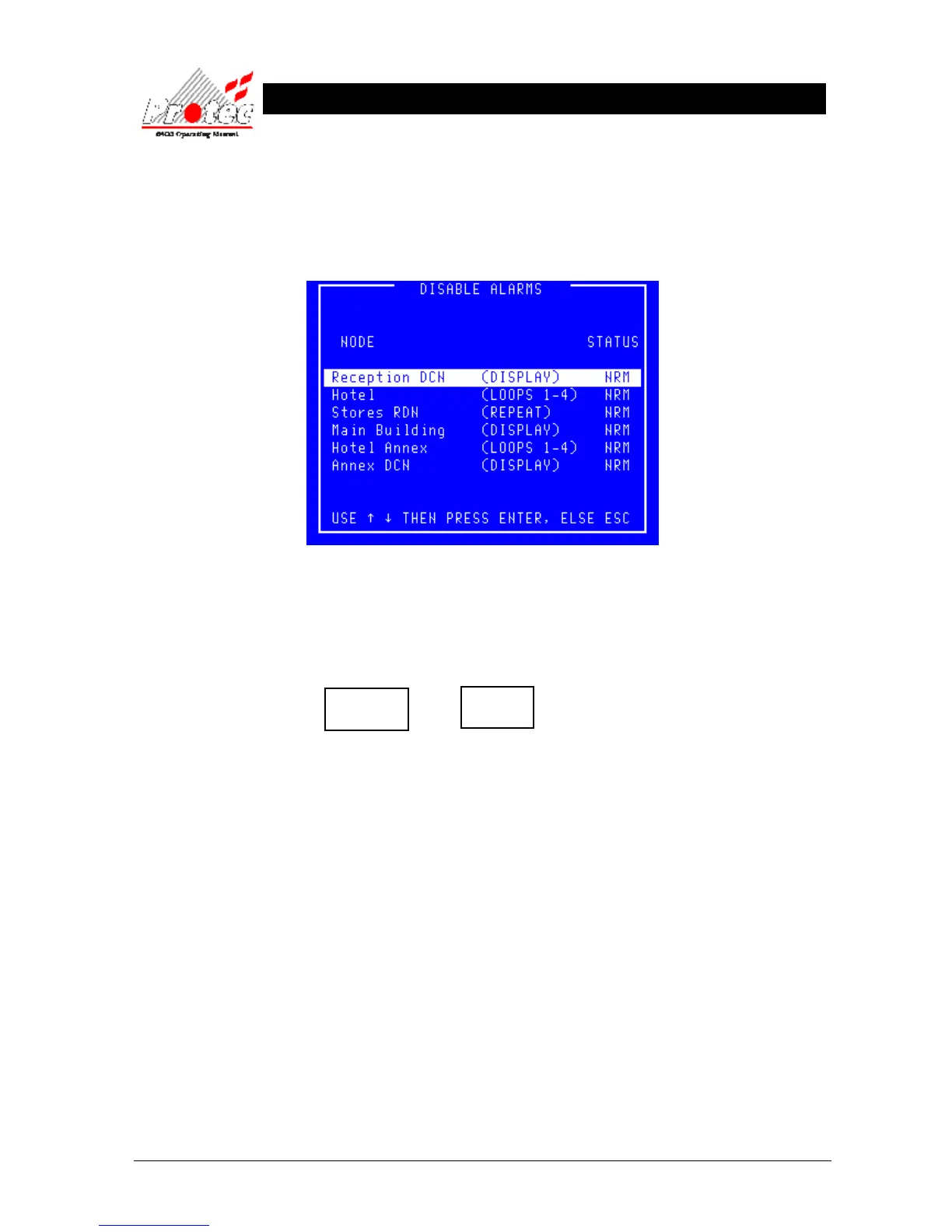
• Function : This option allows the disablement & enablement of the alarm outputs at specific nodes
on the network.
• Selecting Option : To select this option press the ‘3’ key while in the ‘Output Disablement menu’ .
• Disable Alarm O/Ps : To disable the alarm outputs on a node, use the arrow keys to select a node then press the
‘Enter’ key while the status for the selected node is showing ‘NRM’.
The status for the selected node will change to ‘DIS’, the panel buzzer will sound
intermittently and the following disablement LEDs will illuminate :-
• Buzzer mute : The panel buzzer can be muted by pressing ‘Accept’.
• Enable Alarm O/Ps : To enable the ‘Alarm Outputs’ on a node, use the arrow keys to select a node then press
the ‘Enter’ key while the status for the selected node is showing ‘DIS’.
The status for the selected node will change to ‘NRM’. The ‘Outputs disabled’ LED will
be extinguished if there are no longer any alarm outputs disabled on the system and the
‘Disablement’ LED extinguished if there are no longer any disablements on the system.
• Exiting the option : To exit the ‘Disable / Enable Alarm outputs’ option and return to the ‘Output Disablement
menu’ press the ‘ESC’ key.
Outputs
Disabled
Disablement



 To Next Page