A
A
D
D
V
V
A
A
N
N
C
C
E
E
D
D
O
O
P
P
T
T
I
I
O
O
N
N
S
S
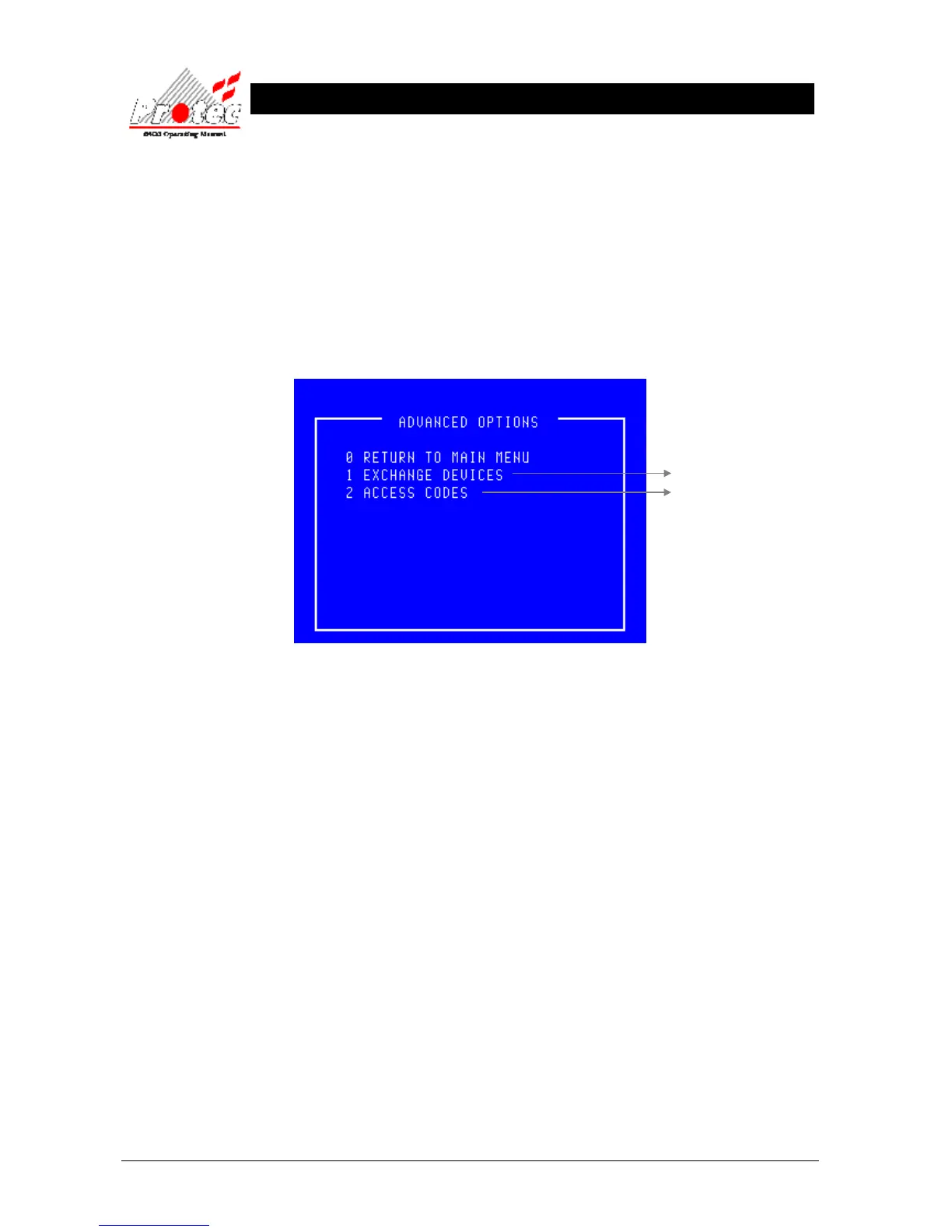
12.1 ADVANCED OPTIONS
• Function : This menu permits the ability to swap loop devices for cleaning and also allows the
‘master’ user to set up individual codes for other users.
• Selecting Option : To select this option press the ‘8’ key while in the ‘Main menu’.
Once selected, the LCD will display the advanced options menu shown below :-
• Exiting option : To exit the advanced options menu press the ‘0’ or ‘Esc’ key.
• Access Codes : This option is only available when the ‘master’ user code has been entered.
• Exchange Devices : This option is available when the ‘Exchange’ user code’ has been entered. It is only
applicable to ‘6000’ series loops. On 6400 systems driving other loop devices ‘Access
Codes’ becomes option ‘1’.
For further details



 To Next Page