7.4.1 PRINT PAST FIRES / ALARMS
• Function : This option allows the user to print fire events from the 1000 event ‘Historic log’.
• Selecting option : To select this option press the ‘1’ key from the ‘ Past events’ menu. On selecting this
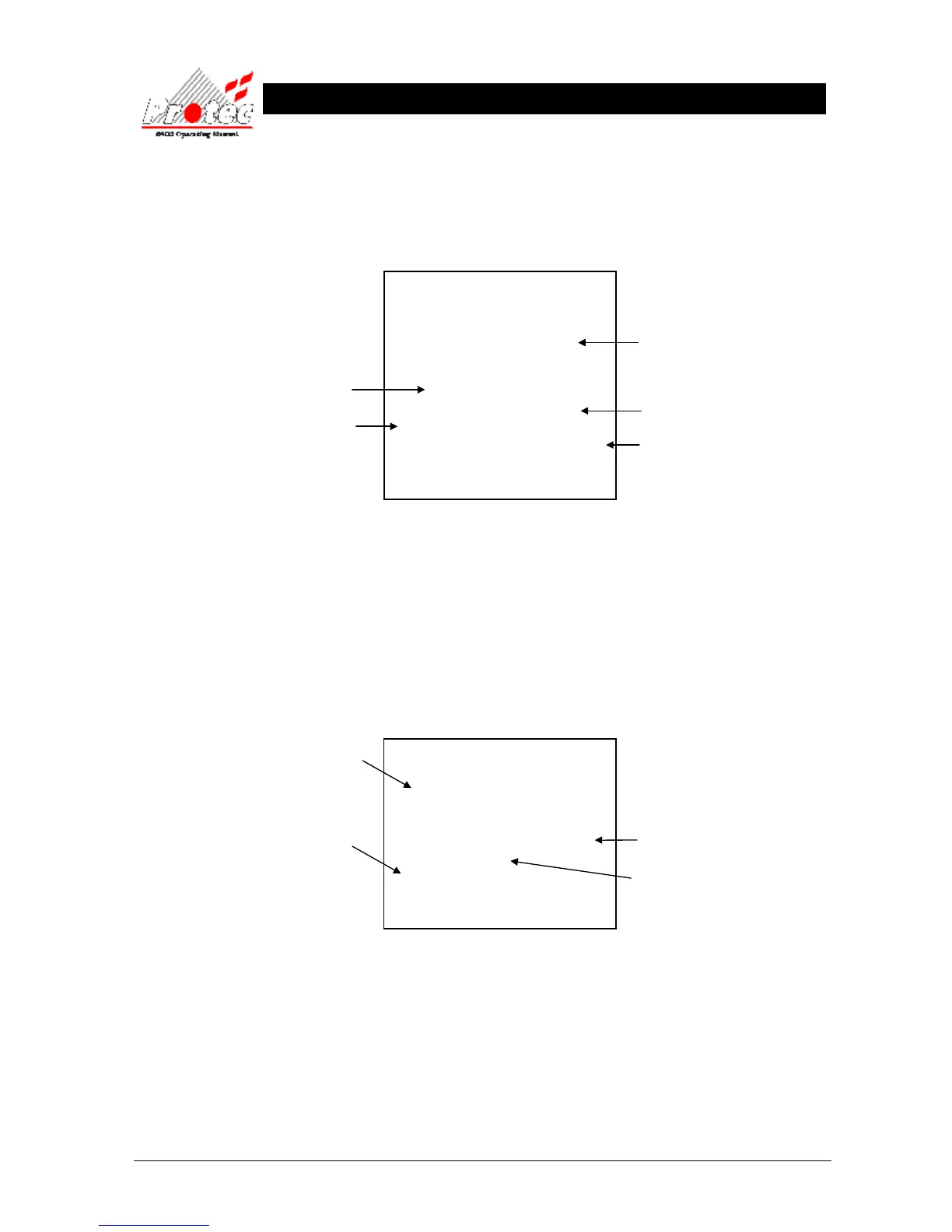
option, the Printer will print the ‘Past fire events’ in the following format :-
***************************
List of past fire / alarm events
20 Aug 2006, 10:15:54
***************************
Location Text
Alarm text
Time 20 Aug 2006, 10:13:35
FIRE in ZONE X
Node X Loop X Address X Type
***************************
• Exiting Option : Selecting option ‘7 Cancel printing’ from the ‘Printer menu’ , will abort the print-out of
the ‘Past fire / alarms’.
7.4.2 PRINT PAST FAULTS
• Function : This option allows the user to print past fault events from the 1000 event ‘Historic log’.
• Selecting option : To select this option press the ‘2’ key from the ‘Past events’ menu. On selecting this
option the Printer will print the ‘Past fault events’ in the following format :-
***************************
List of Past Fault events
20 Aug 2006, 10:15:54
***************************
Time 19 Aug 2006, 23:59:59
LOOP FAULT
Node X Loop X
****************************
• Exiting Option : Selecting option ‘7’ Cancel printing’ from the ‘Printer menu’ , will abort the print-out of
the ‘Past fault events’.
Time & date the fault
occurred.
The date & time when the
list of past faults was
printed.
Displays the Node /
Loop & location of the
fault
Note - If text has been
assigned to the node, then
the text will be displayed
rather than the node & loop
Fault description
Location of device
The Date & time the
‘List of past fires’ was printed
The fire ZONE where the device
was activated
Up to 60 characters of location text &
up to 60 characters of alarm text
(optional)
The time & date the fire
event occurred



 To Next Page