• Exiting option : To exit from this menu press the ‘Esc’ key.
• Proceed : Press ‘Enter’ to accept the warning and proceed with the exchange. The display will list all
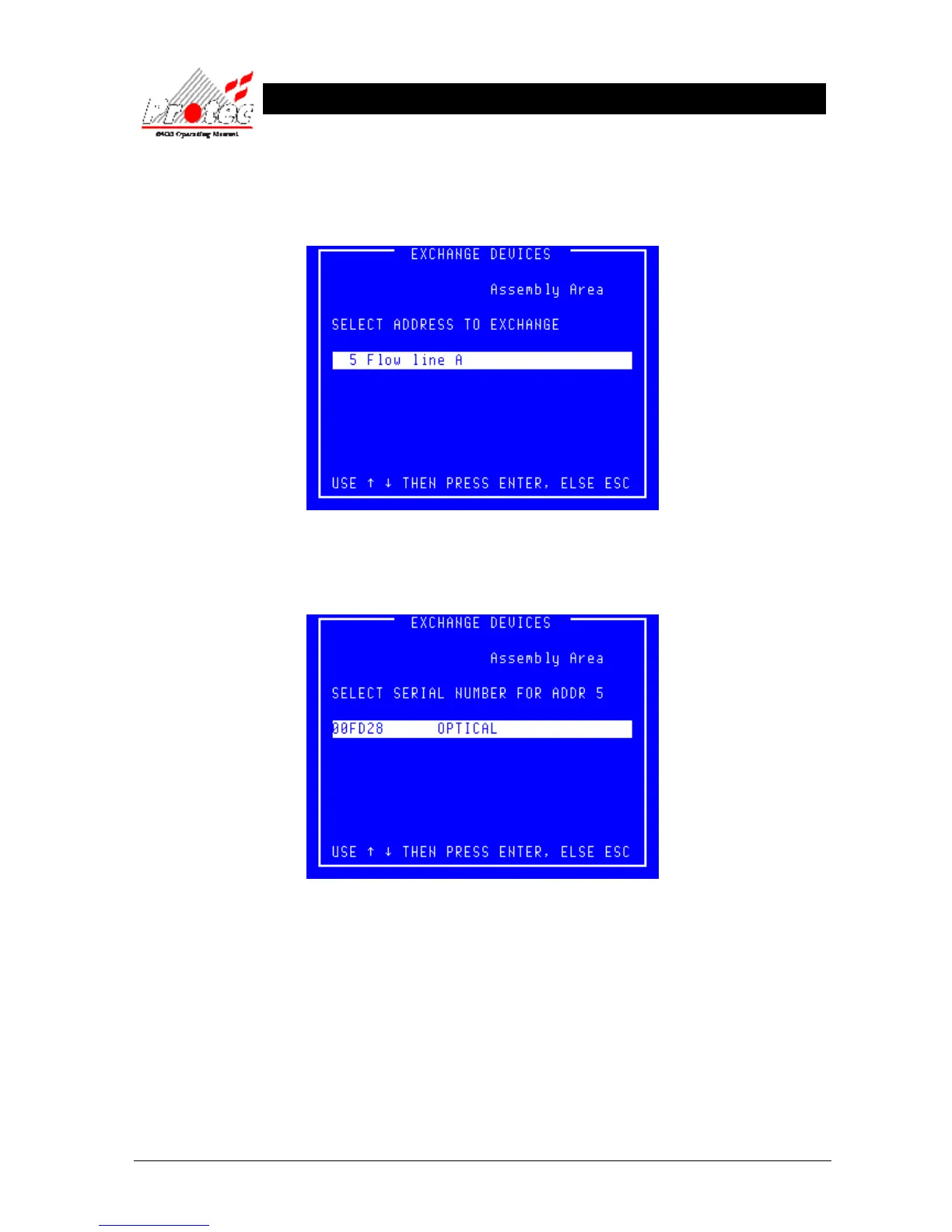
the addresses from which a device is missing as shown below :-
• Exiting option : To exit from this menu press the ‘Esc’ key.
• Address select : Use the highlight bar to select one of the addresses then press ‘Enter’.
• Exiting option : To exit from this menu press the ‘Esc’ key.
• Device select : Use the highlight bar to select the serial number of the device that was exchanged at the
selected address then press ‘Enter’.



 To Next Page