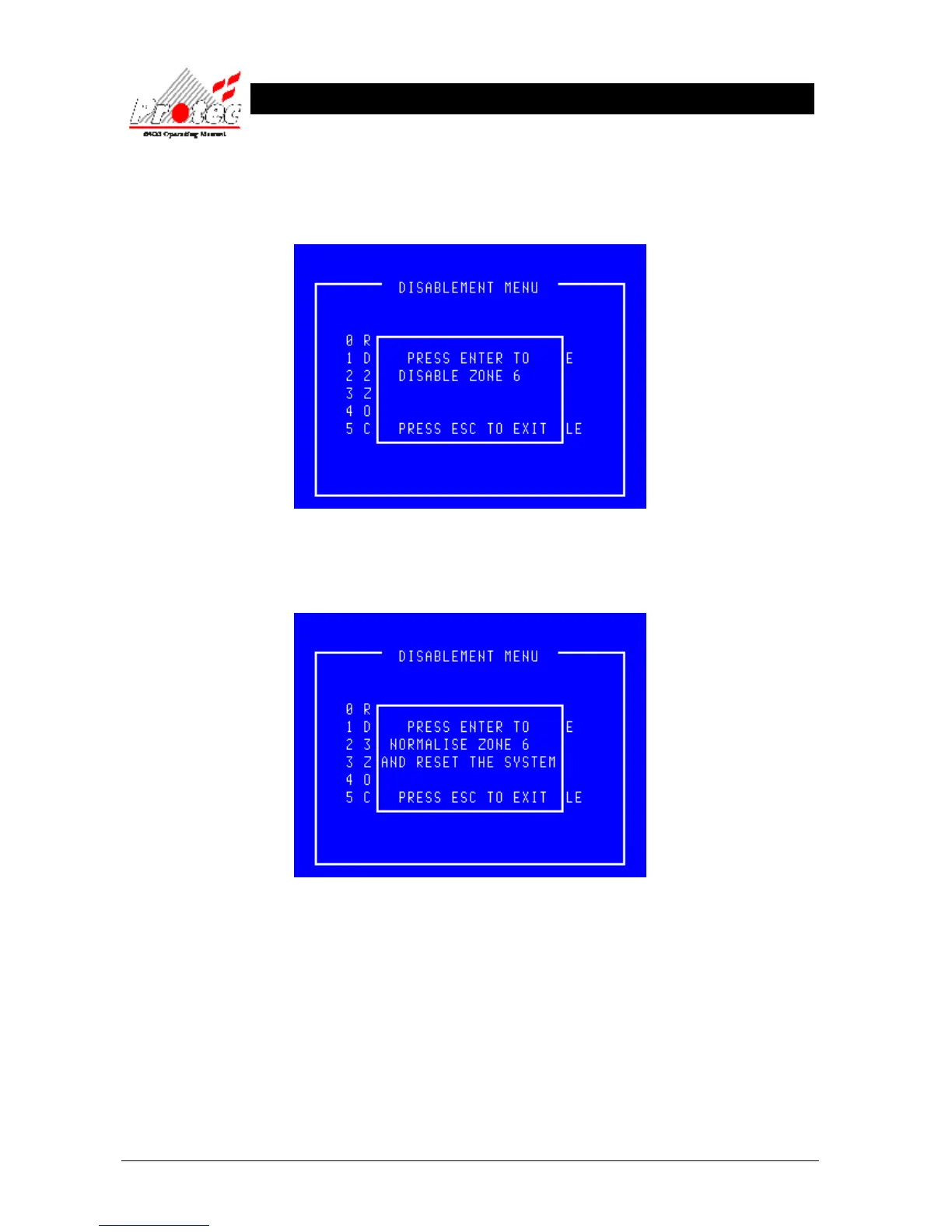
• Select a Zone : The menu will accept a zone number between 1 and 800 inclusive. Zones greater than 100
are only used on an expanded system. Once a zone has been selected the system checks
whether this zone is already disabled and either offers the opportunity to disable (or
normalise) the selected zone as shown below :-
• Zone disable : To confirm the disablement press the ‘Enter’ key.
• Exiting Option : To cancel the zone disablement press the ‘Esc’ key.
• Zone normalise : Prior to the normalisation the user should visually inspect for broken glass in any
disabled breakglass. The menu asks for confirmation of the normalisation. To confirm the
zone normalisation, press the ‘Enter’ key.
Note that the loop devices will be reset upon the normalisation. However if a device had
activated during the disablement period eg broken glass on a manual call point then if that
glass has not been replaced prior to the normalisation that device will generate an alarm as
soon as it is normalised.
• Exiting Option : To cancel the zone normalisation and leave the selected zone disabled, press the ‘Esc’ key.



 To Next Page