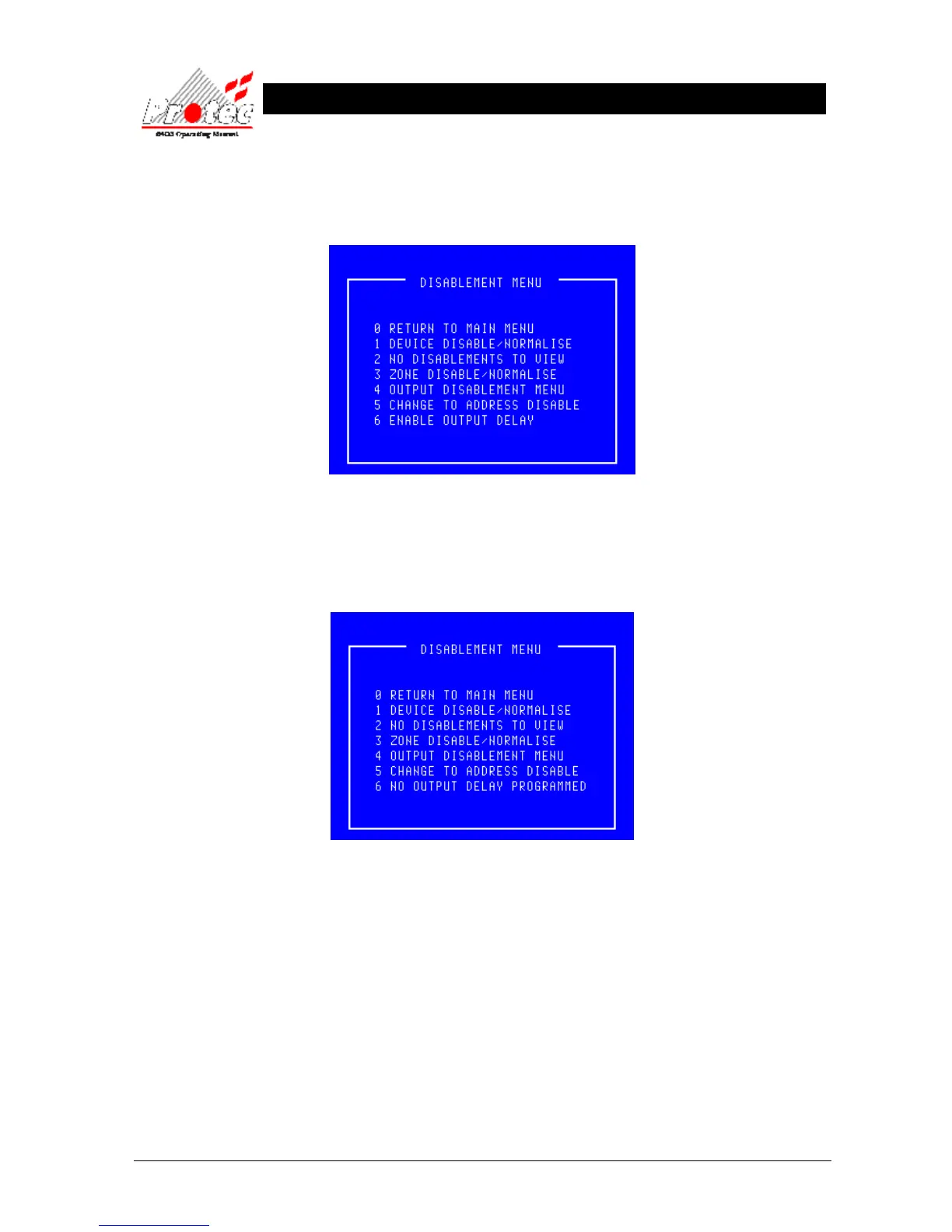
• Enable Output Delay (ie disable the outputs for the delay period):
If the programmed delays have been overridden then pressing option ‘6’ when offered the option
to ‘Enable Output Delay’ will reinstate the delays.
The ‘Output Delay’ and the ‘Disablement’ LEDs will now be lit. This is the state of the panel as it
was commissioned.
• No Delays Programmed : If there are no delays programmed within the system then pressing option ‘6’ will
not achieve anything.



 To Next Page