• Loop Selection : Use the highlight bar to select the ‘Node & Loop’ number for which a device is to
be visually checked and then press the ‘ENTER’ key. Note that only ‘6000’ series loops
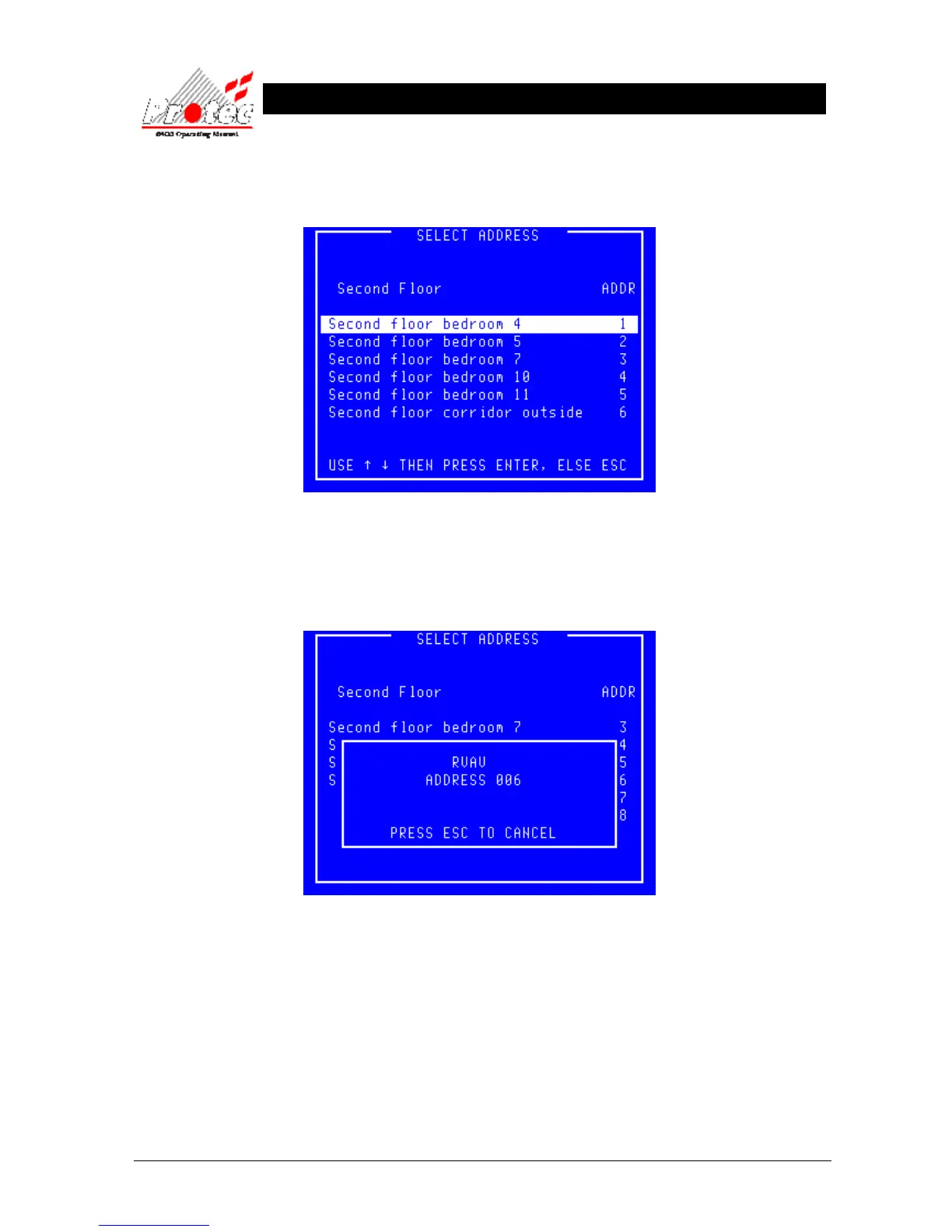
support RVAV. Once selected the panel will display the following menu :-
• Exiting Option : To EXIT the ‘RVAV Single’ menu and return to the ‘RVAV’ menu press the ‘0’ or
‘Esc’ key.
• Select Address : Use the highlight bar to select the address to test then press the ‘Enter’ key. A box will appear
on the display as shown below :-
• Exiting Option : To stop the ‘RVAV’ and return to the ‘Select address’ menu press the ‘Esc’ key.
• Warning : During RVAV a device cannot generate a fire signal.
• Timeout : The RVAV will timeout after 10 minutes if ‘Esc’ has not been pressed.



 To Next Page