• Exiting option : To exit from this menu press the ‘Esc’ key.
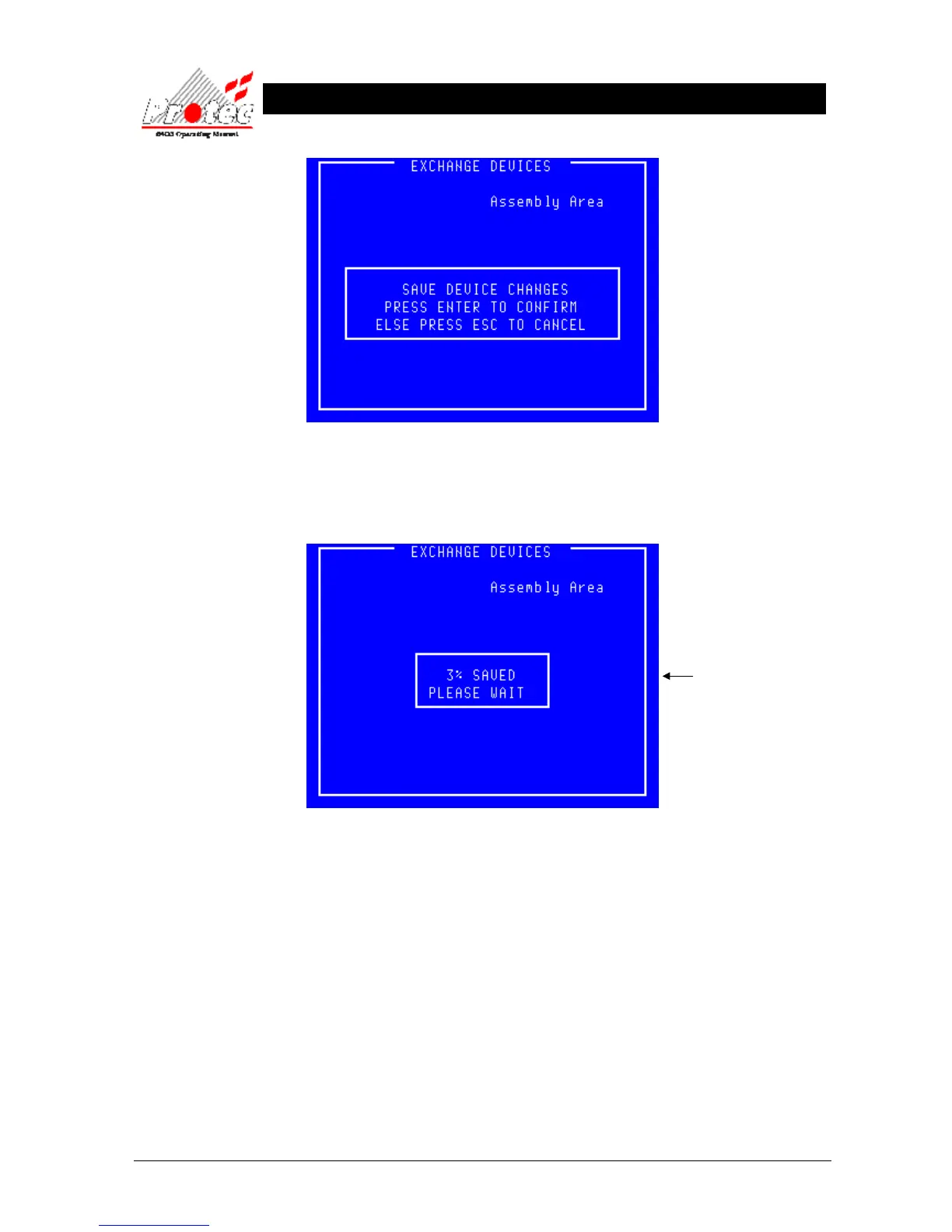
• Confirm exchange : Press ‘Enter’ to go ahead and save the new data
• Exiting option : Once the new device data has been saved the menu will automatically exit back to the
‘Advanced options’ menu.
• Device Test : On completion of the exchange, each exchanged device must be tested to ensure that the
newly installed devices are operating correctly.
saved to memory. This figure
is approximate and typically
completes after 40 to 60%.



 To Next Page