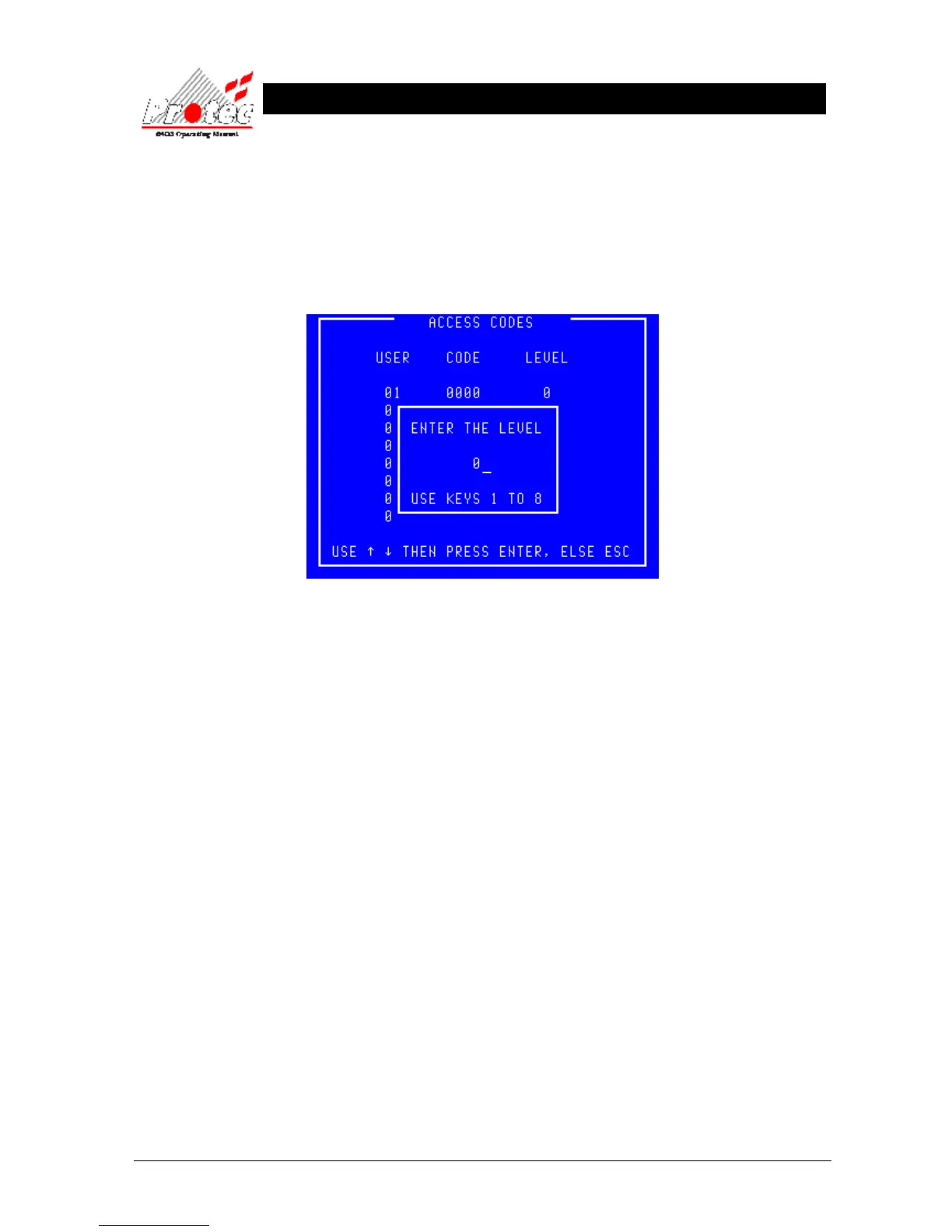
• Levels : Individual users can be restricted in their use of the system by allocating a level to their
code. A level of ‘1’ implies that only menu option ‘1’ of the ‘Main menu’ will be offered to
that user when the code is input. Level ‘2’ implies menu options ‘1’ and ‘2’ of the ‘Main
menu’ etc. A level of ‘0’ is used when the code is ‘0000’.
• Allocating a level : Use the ‘←’ to delete the previous level then enter the new level using the keys ‘1’ to ‘7’.
Press the Enter key when complete and the display will return to the ‘User codes’ menu.
• Exiting option : To abandon the allocation of a level and to return to the ‘User codes’ menu press the ‘Esc’
key.



 To Next Page