Technical Bulletin PAGE: 3/8
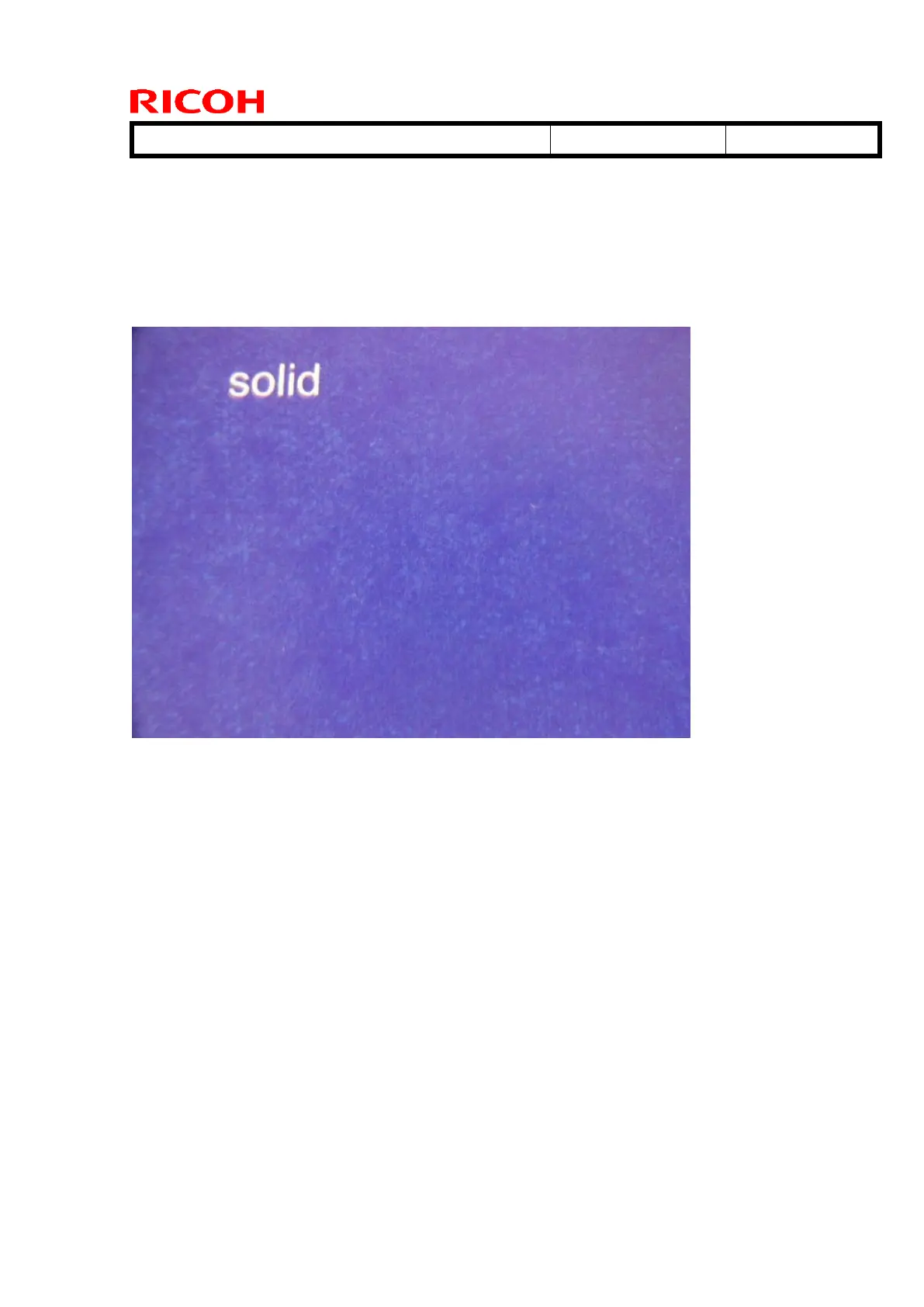
No.2 Grainy image
SYMPTOM
The image density is not uniform across image areas when printing onto paper
that is not smooth under high-temperature, high-humidity conditions.
CAUSE
When using paper that has a rough surface, the strength of the electrical field
between the ITB and the indented areas in the paper weakens, causing low
image density only in these areas.
Action
Increase toner density with the following SPs.
1. Change the process control target using SP mode (Ideal setting: +0.03 ~ 1.0 from the
default)
SP: 3-620-111 ~ 114 (Pain : Maximum M/ A : K, C, M, Y)
2. Execute manual process control from SP mode.
SP: 3-011-002 (Manual ProCon: Density Adjustment)



 To Next Page