Technical Bulletin PAGE: 4/6
Note:
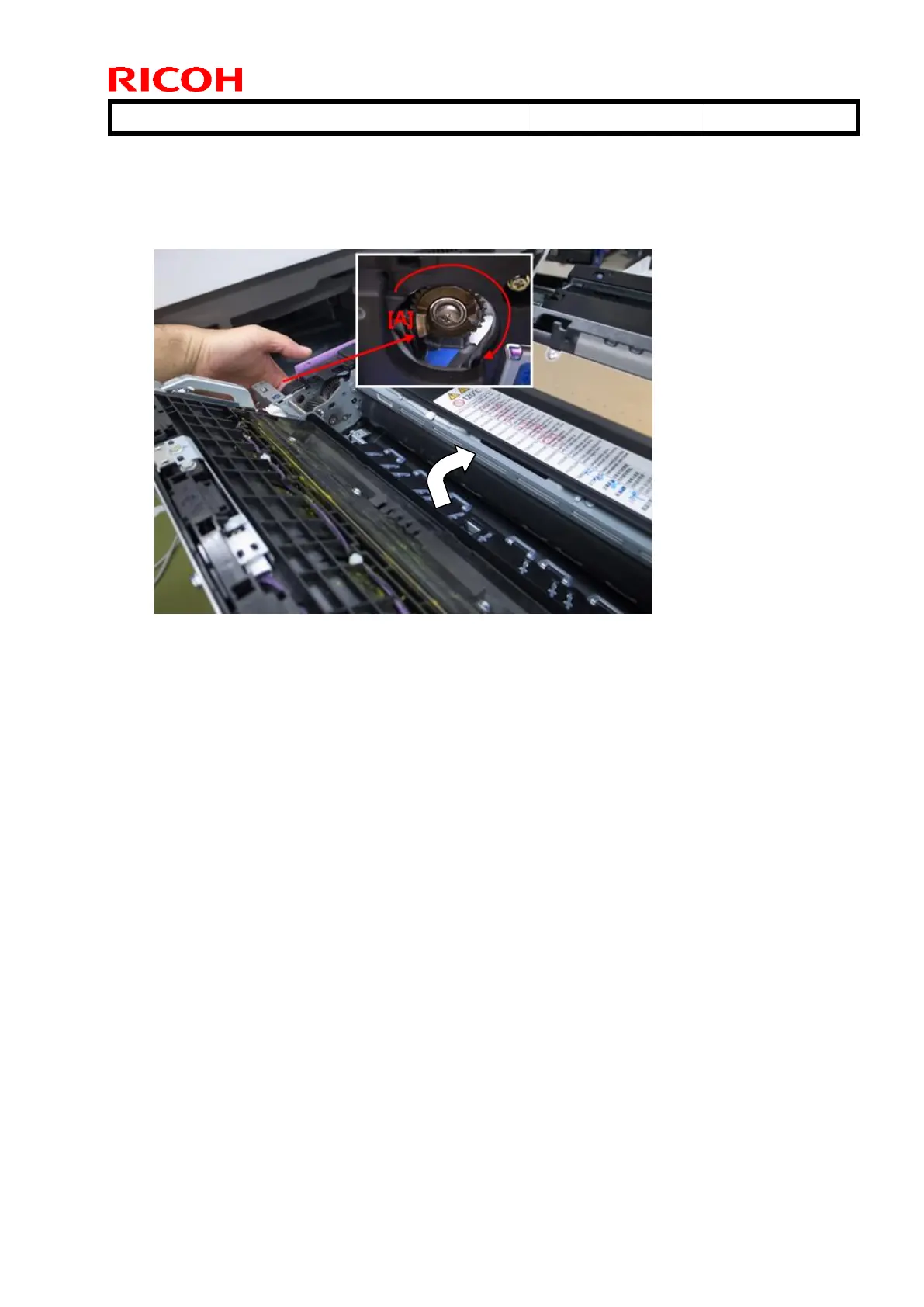
This action will smoothen out any scratches on the fusing belt surface.
When you rotate the fusing gear [A] counterclockwise, the fusing belt rotates clockwise.
5. After you finish polishing the entire belt, close the fusing unit cover.
6. Reattach the drawer unit.
7. Print out some sample copies and check whether the vertical lines appear.



 To Next Page