Technical Bulletin PAGE: 17/19
Reissued: 19-Mar-16
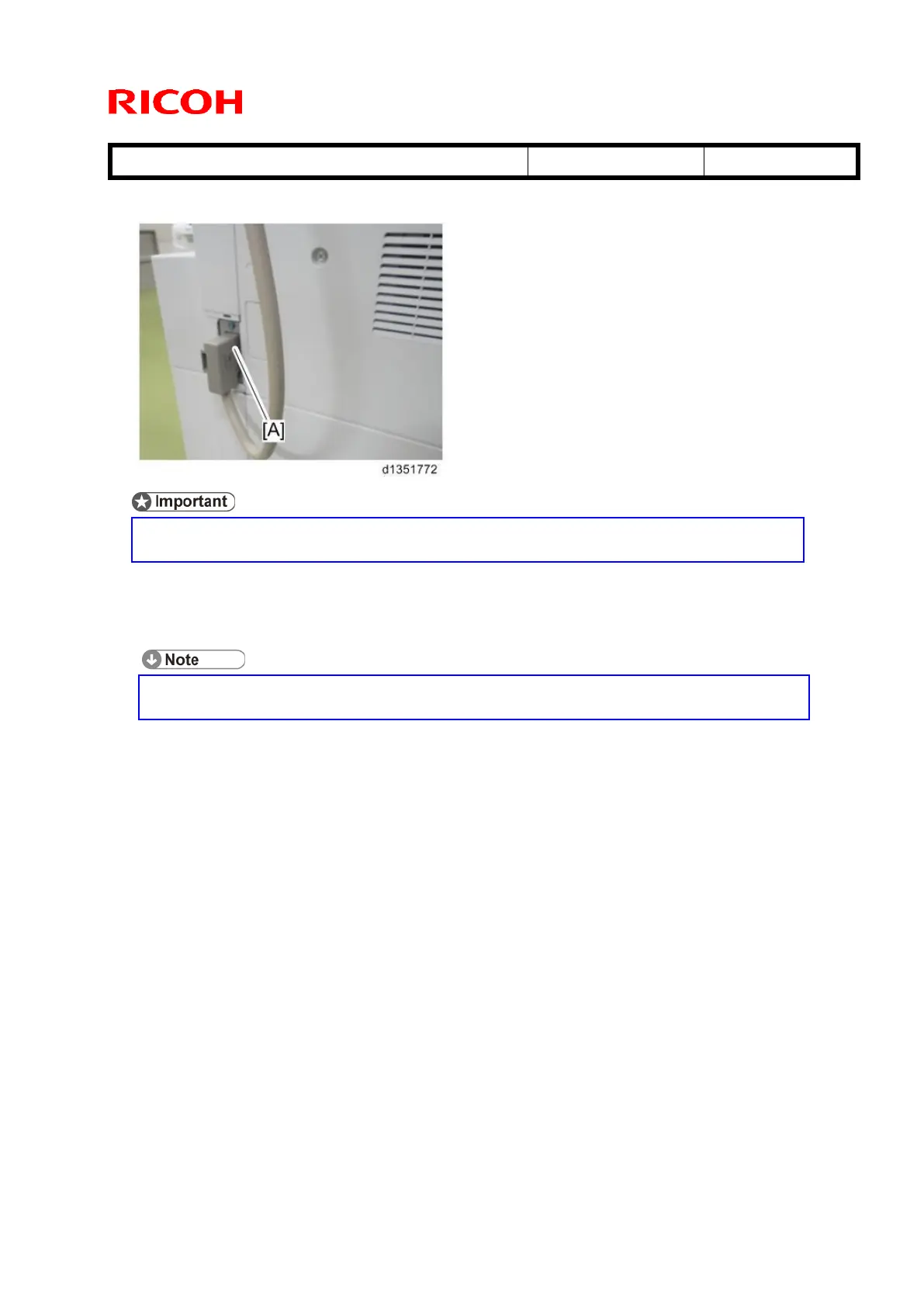
30. D135/D136 only: Connect the interface cable of the cooling unit to the interface [A].
If you leave this connector unconnected, SC534-02 (Duplex Exhaust
Fan/Rear Lock) occurs.
31. Turn the machine main power switch ON.
32. Set SP1-907-001 (Exit Tray Full Detection) to “1:ON”
The default setting of this SP is “0: OFF”. It must be set to “1: ON” in order
for tray full detection to work.



 To Next Page