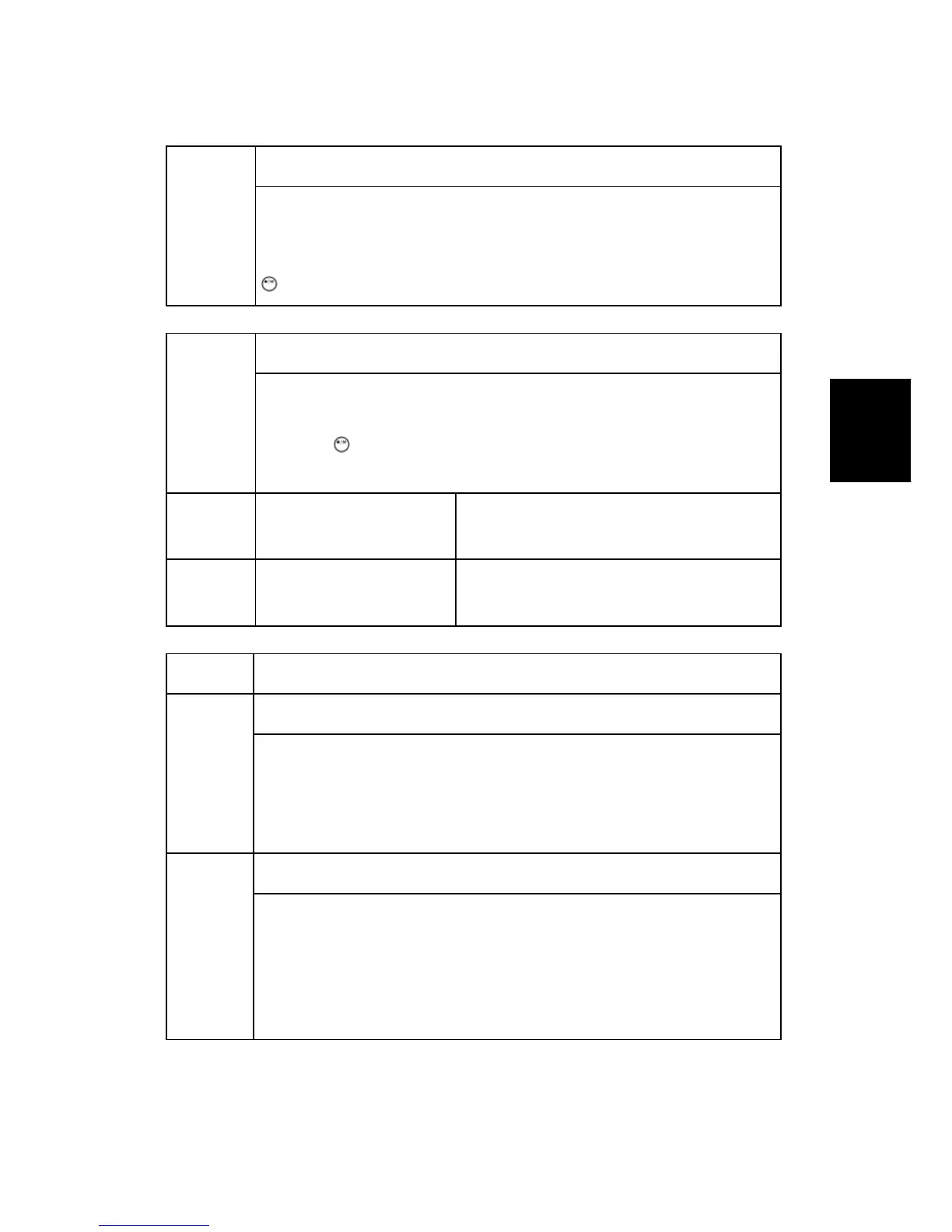
SP Tables
SM Appendix 3-37 M047
Appendix: SP
Mode Tables
5811
Machine No. Setting DFU
Used to input the machine serial number. This is normally done at the
factory.
If you want to know the serial number, print the system parameter list. Press
and then input "A".
5812
Service TEL
Use these SP modes to input service and support telephone numbers.
Enter the number and press k Key.
Press the
key to input a pause. Press the "Clear modes" key to delete
the telephone number.
5812 1 Telephone
Use this to input the telephone number of the
CE printed on the SP print mode printout.
5812 2 Facsimile
Use this to input the fax number of the CE
printed on the SP print mode printout.
5816
NRS Function
5816 001
I/F Setting
Selects the remote service setting.
[0 or 2 / 2 / 1 /step]
0: OFF (Remote service off)
2: Network (@Remote remote service on)
5816 002
CE Call
Performs the CE Call at the start or end of the service.
[0 or 1 / 0 / 1 /step]
0: Start of the service
1: End of the service
NOTE: This SP is activated only when SP 5816-001 is set to "2".


 To Next Page