repetition.
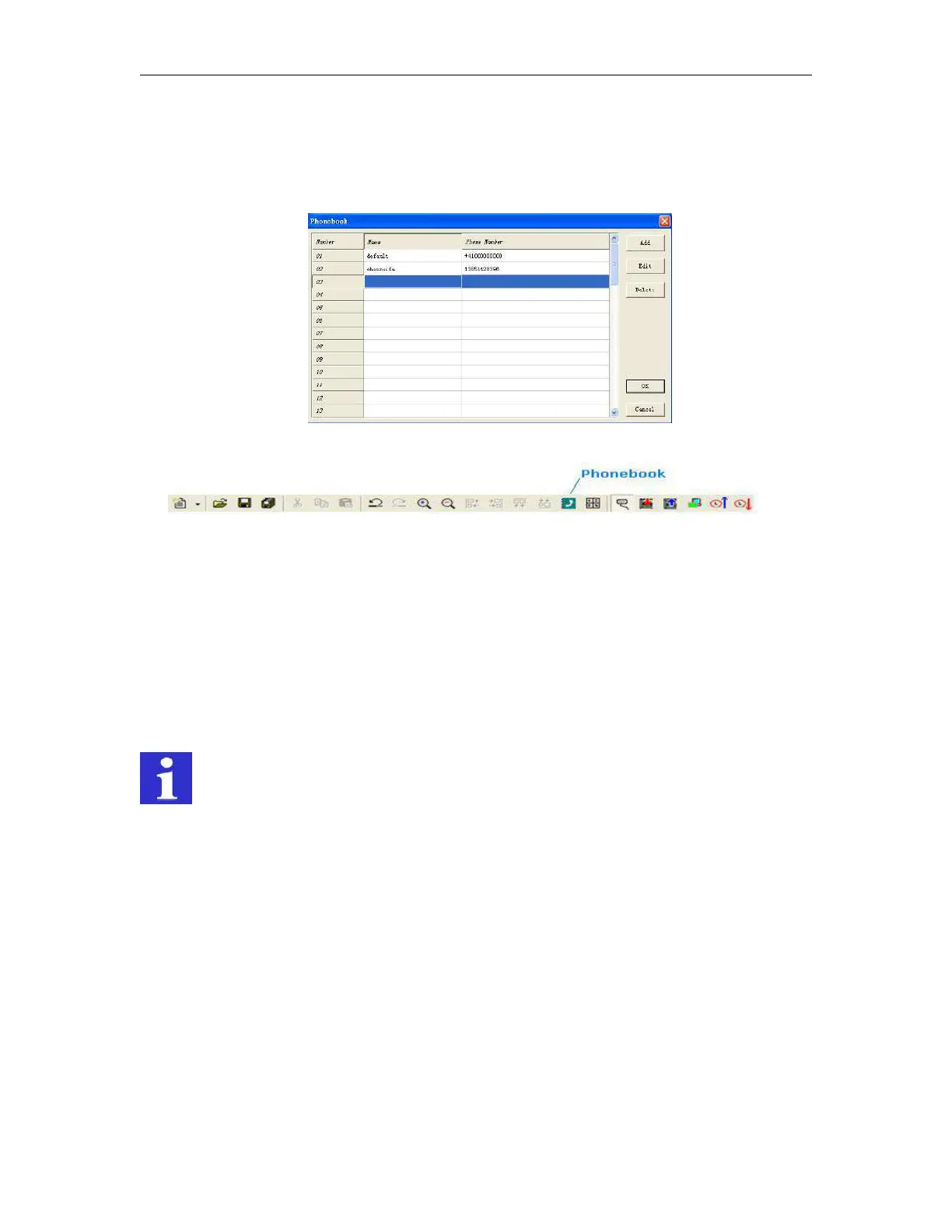
4. Phonebook: click this button, you can edit the phonebook
You are allowed to edit Phone book by clicking the button in the toolbar as shown below:
5. Receiver selection
6. On message delay --Time delayed message for input ON
If there is an input signal, the respective message transmission can be time delayed, i.e. the x-Messenger
only sends the pre-defined message after the preset time has elapsed and if the signal has remained ON
constantly during that time. In other words, the input signal is ignored during the set delay time. Time delays
of 0.1 seconds to 99.9 hours are possible. This time function default must be activated and is to prevent
sending of numerous identical SMS messages.
REMARK
It is recommended to use the delay function to avoid that several messages are sent for the same
event.
7. Keyword for confirmation
If the confirmation code word is not activated, the phone number identification is carried out as a security
check and it is sufficient to send an empty SMS message to the SMS Relay.
Usage instruction for “Parameters Message” sector:
First of all, select “Parameter Message”, and then click “Set Message” button,the below configuration
appears:



 To Next Page