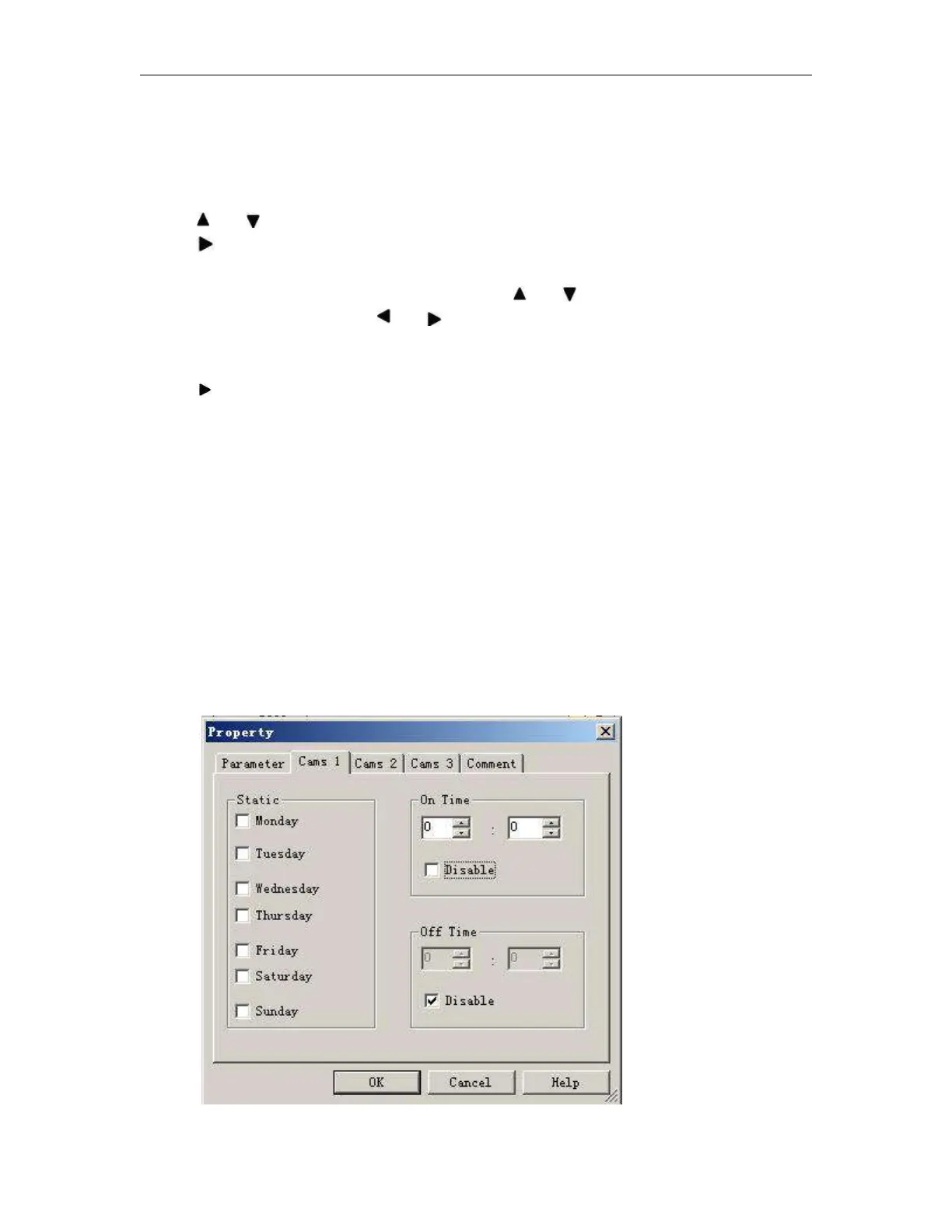
To set the on-/off-times:
1. Move the cursor to one of the Cam parameters of the timer (e.g. No1).
2. Press OK. x-Messenger opens the Cam parameter assignment screen form. The cursor is
positioned on the day of the week.
3. Press and to select one or several days of the week.
4. Press to move the cursor to the first position of the on-time.
5. Set the on-time.
Modify the value at the respective position, using the keys and . Move to the cursor to
the various positions, using the keys and . At the first position, you can only select the
value - -:- -
(- -:- - means: No on-/off-times set).
6. Press to move the cursor to the first position of the off-time.
7. Set the off-time (in same way as in step 5).
8. Confirm your entries with OK.
The cursor is now positioned on the No2 parameter (Cam2) and you can configure a further cam.
Special characteristics to note when configuring
The block properties window offers a tab for each one of the three cams. Here you can set the weekly on times
for the cams. Each tab offers you in addition an option of defining the on and off times for each cam in hour
and minute units. Hence, the shortest switching cycle is one minute.
You can disable the on and off times individually, i.e. you can achieve switching cycles extending across more
than one day, for example, by setting the on time for cam 1 to Monday 7:00 h and the off time of cam 2 to
Wednesday 13:07 h, while disabling the on time for cam 2.



 To Next Page