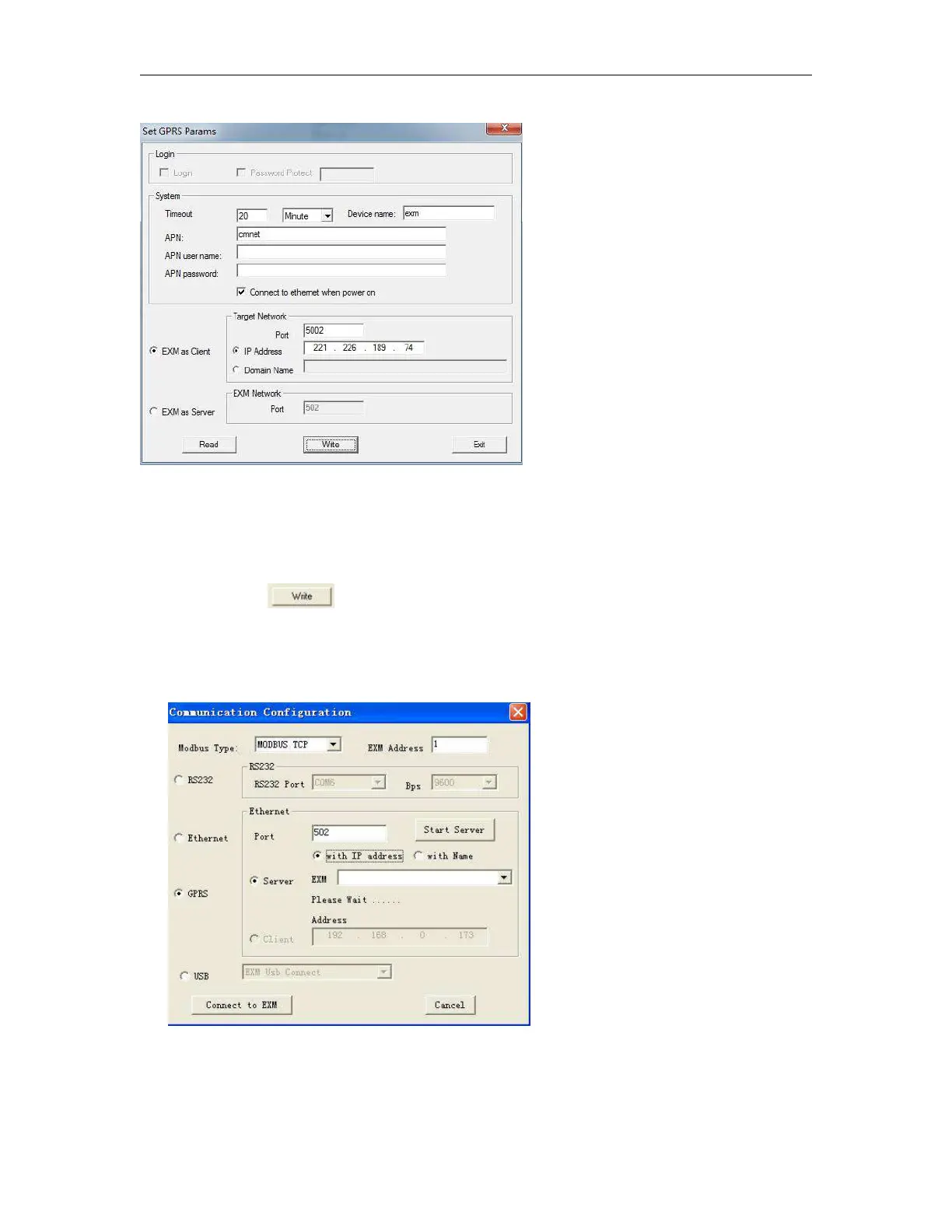
Fig 3
You can set the IP address and the port number in the above dialog box. (It is based on your server(fixed
IP address).
Step6: Click the “ ” button. After set successfully, you can establish the connection via GPRS
between x-Messenger and eSmsConfig (your server).
Step7: Open the COM port again and select the GPRS option
Set the port number “5002” ( it is the same as the you set in the Fig 3), and click “Start server” and then
the IP address of x-Messenger will be displayed in the “EXM”. If you choose the “with Name” option, then



 To Next Page