take a look at below demonstration configure as example for your better understanding.
C. Hereunder is a demonstration example illustrating GPRS connection establishment between remote
x-Messenger and eSmsConfig installed in the server PC(or other server software).
Step1: A static IP address shall be required, for example, it is 221.226.189.74, and you can refer to the
forementioned A&B for the detailed explanation on static IP address. Meanwhile, the eSmsConfig installed in
the server PC works as the server.
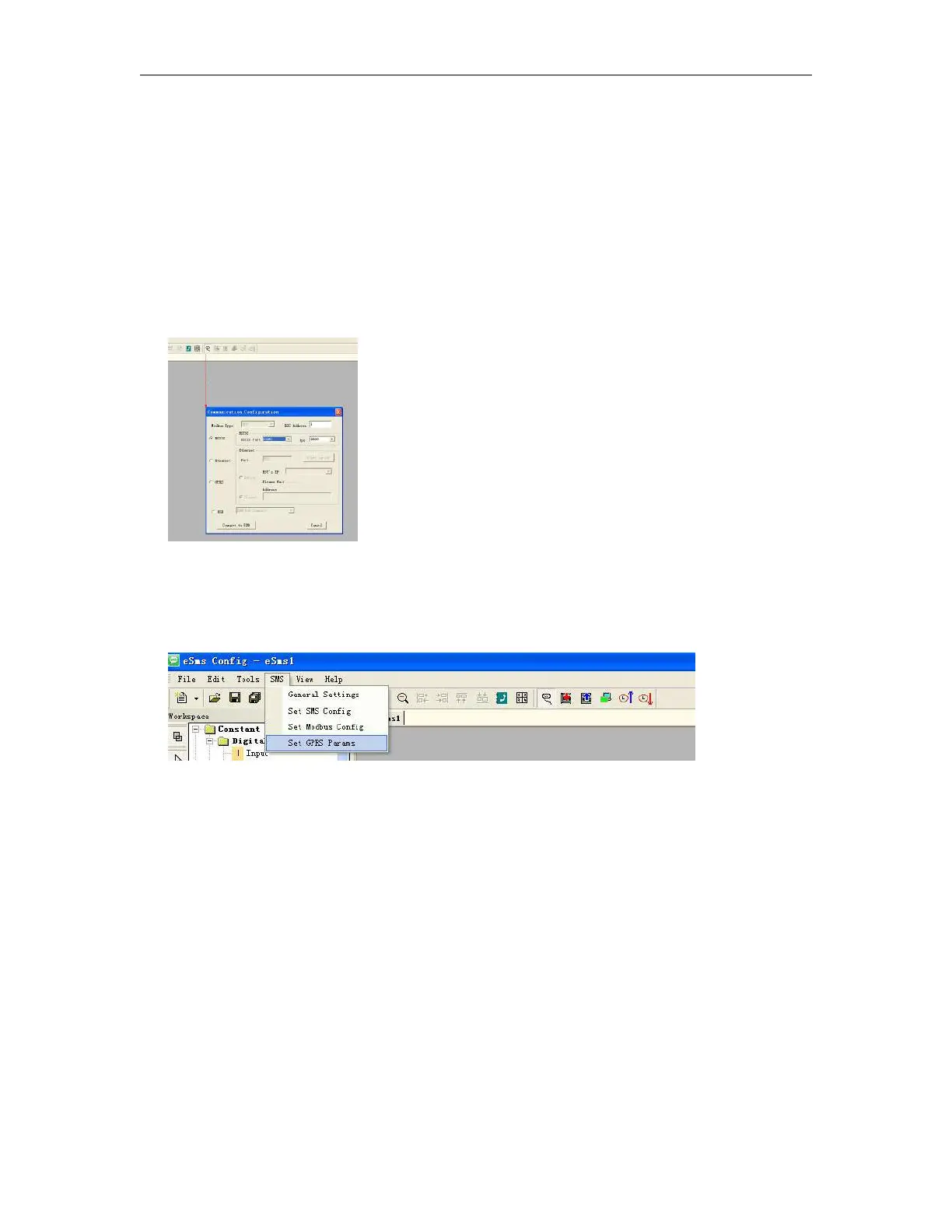
Step2: Open the software eSmsConfig and set up a connection between x-Messenger and eSmsConfig via
USB/RS232 mode.
Step3:To confirm the connection is established successfully, you can read the RTC from the x-Messenger.
Step4: Click the menu “SMS->Set GPRS params”.
Step5: Configure the APN based on your SIM card and then click "Write" to download the configuration into
x-Messenger.



 To Next Page