Time control
If you have programmed a time-sensitive circuit, you should use the time control to monitor the reaction of
your circuit program.
Start simulation for a specific time or number of cycles.
Set the period and the number of cycles using the following
icons.
Setting the period and the time base for a time limited
simulation or setting a specific number of cycles
Display of the current time in eSmsConfig
Modification of the current time in eSmsConfig
Status display
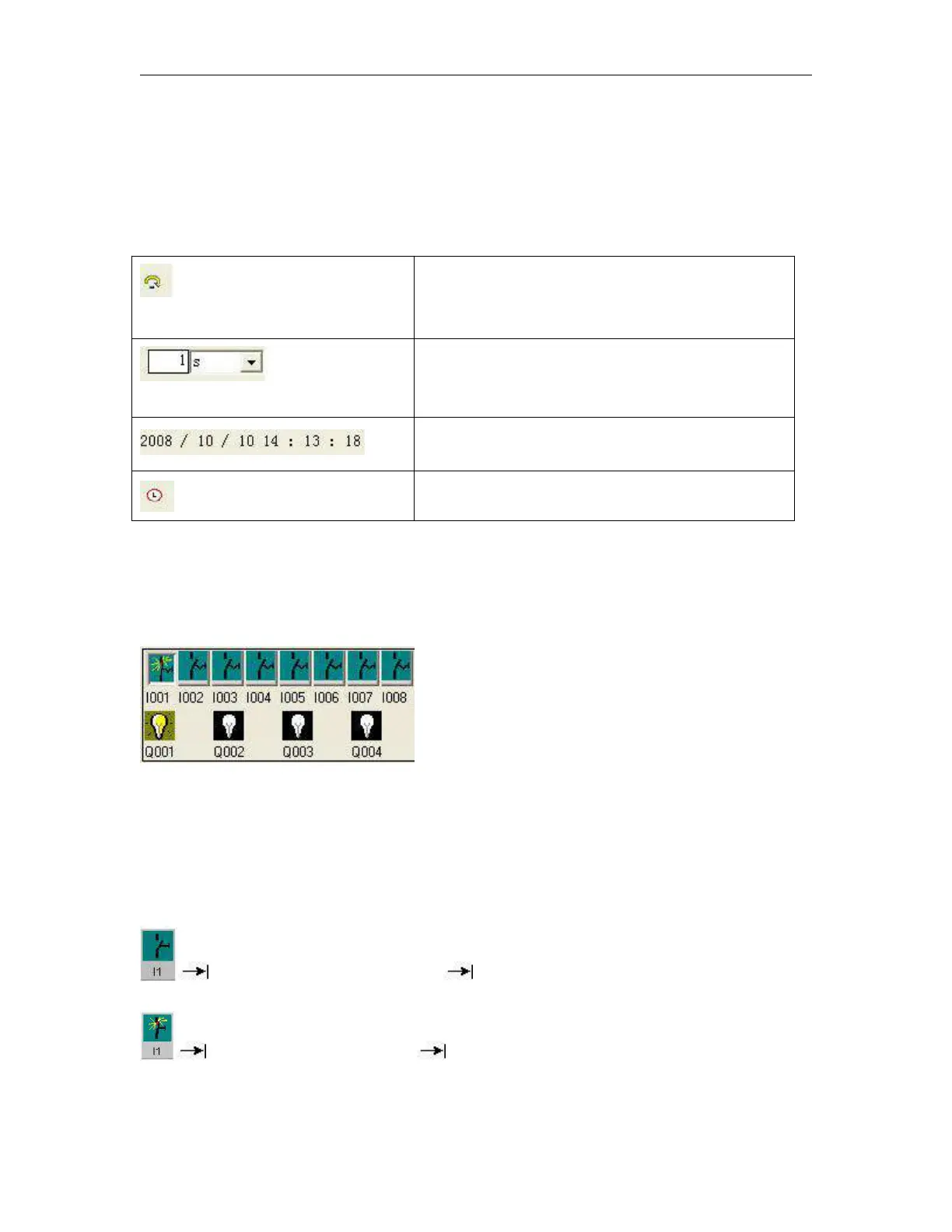
Layout of inputs
The inputs are displayed in the form of key or switch icons. The name of the input is displayed below the icon.
An open input represents an inactive switch. When you click on the icon, it is indicated active and the switch
is shown in closed state.
Icon for pushbutton I1, not actuated open input
Icon for pushbutton I1, actuated closed input



 To Next Page