Icon for pushbutton I2, not actuated open input
Icon for pushbutton I2, actuated closed input
Layout of the outputs
The status of an output is indicated by a light or dark bulb icon. The name of the output in your circuit
program is displayed below this icon.
Status display of output Q1 Output switched off
Status display of output Q1 Output switched on
The output status only indicates the status as such. Here, you cannot switch an output by clicking on an icon.
When your circuit program switches an output, the indicator lamp is active; when the output is switched off,
the indicator lamp is also switched off.
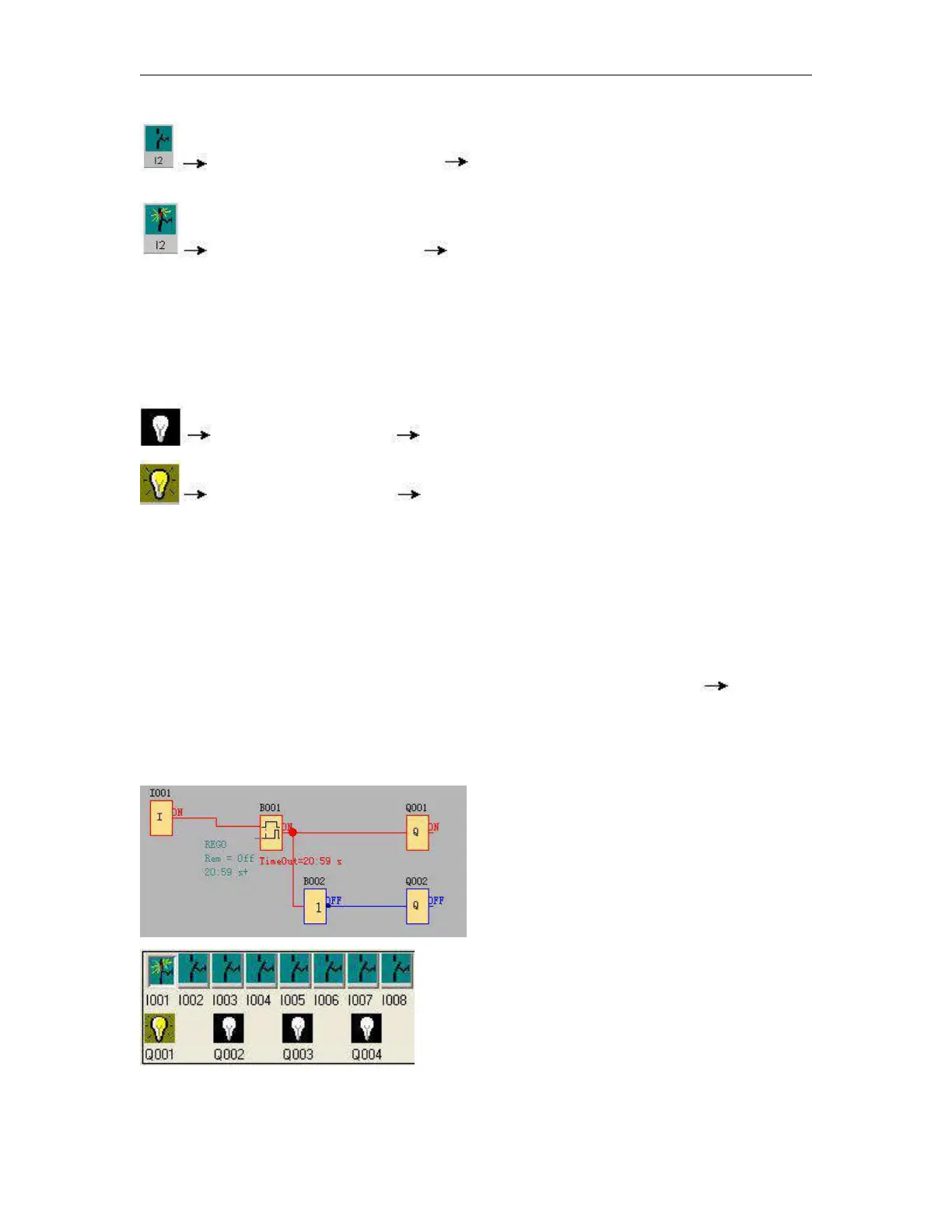
Prerequisite: The display of signal states and process variables is enabled under Tools Simulation.
The colored indication lets you identify the "1" or "0" status of a connecting line. Default color of connecting
lines carrying a "1" signal is red. Default color of connecting lines carrying a "0" signal is blue.



 To Next Page