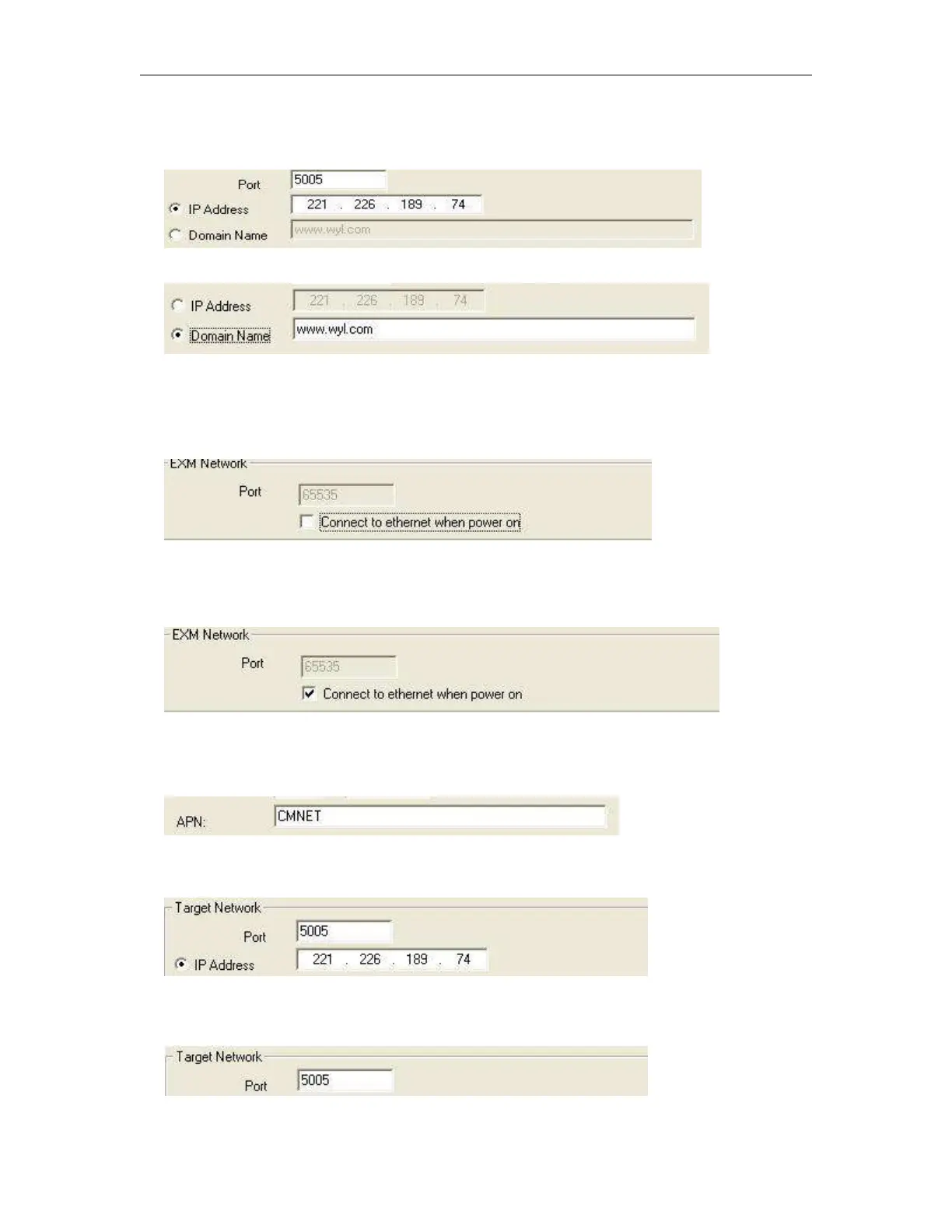
IPORDOMAIN"0", This is to change network mode. IPORDOMAIN"0", means IP address option shall
be ticked:
And if IPORDOMAIN"1", means Domain Name option shall be ticked.
POWCONNECT"0", This command is used to change the option “Connect to ethernet when power on”,
if the contents is POWCONNECT"0", this option shall be un-ticked:
And if the contents is POWCONNECT"1", this option shall be ticked:
APN"CMNET", This command is used to modify the APN(Access Point Name).
TADR"221.226.189.74", This command is used to modify the Target IP address
TPORT"5005", This command is used to modify the Port number for target network.



 To Next Page