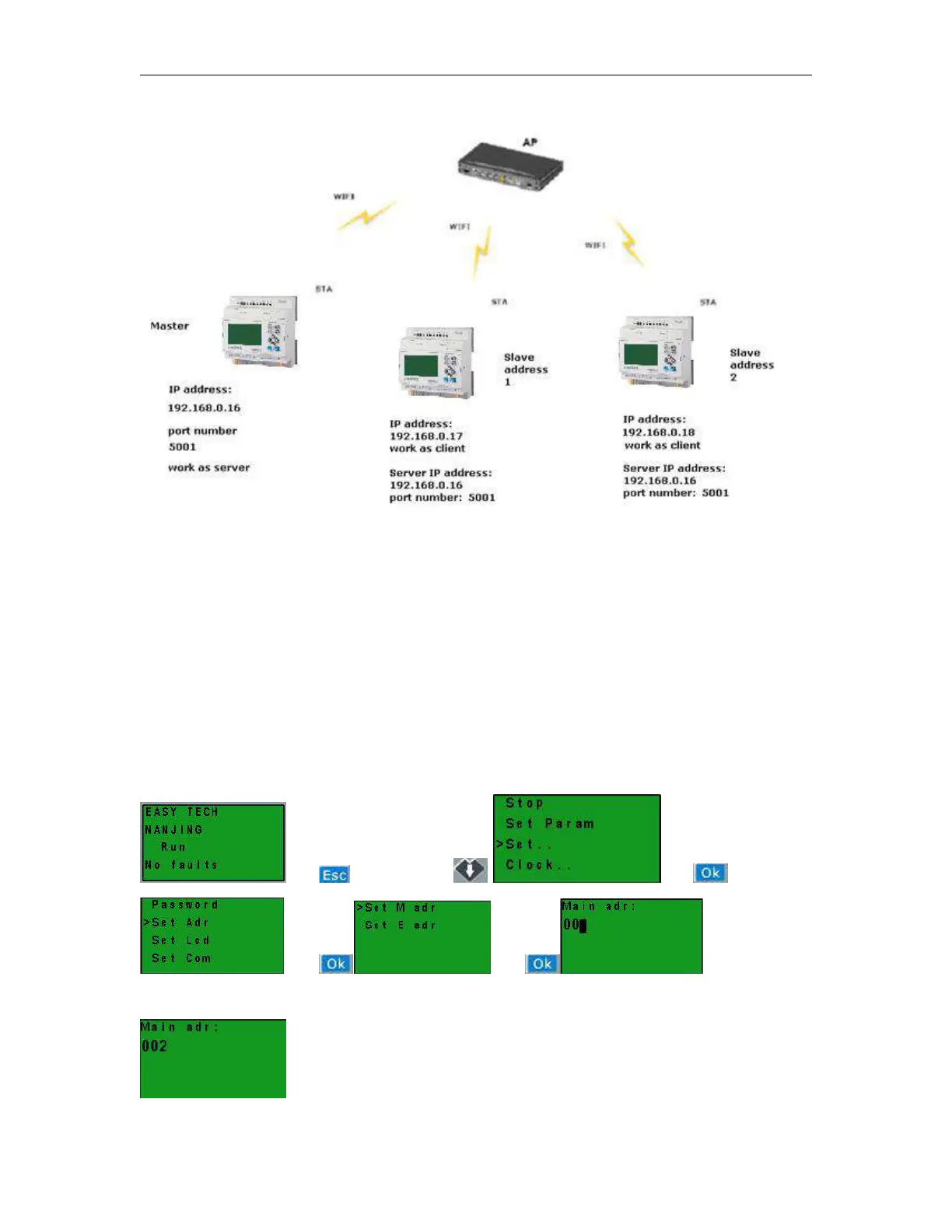
Step1: we must establish the TCP connection among the EXM WIFI CPUs, take an example as above figure
shows, The wifi module are all working on STA mode.
The master EXM cpu works as a server, and slave1 and slave2 are working as client.
Regarding the settings of the WIFI parameters, you can the pre-chapter for detail.
Because of the default address of EXM CPU is 1, you need also to change the Slave 2 address to 2 by panel
key or the menu via Tools-> transfer-> Set EXM address.
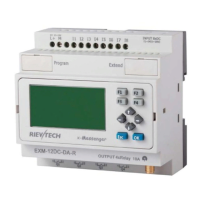
Change the address by panel key.
Press ,and then press Press
Press Press Change address
with UP or DOWN button and confirm with OK.


 To Next Page